PCSX2 2.8.0 is now out!






Nearly six months after the release of PCSX2 2.6.0 (and two years after the big milestone release of 2.0.0) - we are excited to unveil PCSX2 2.8.0 and showcase what we have been working on since then!
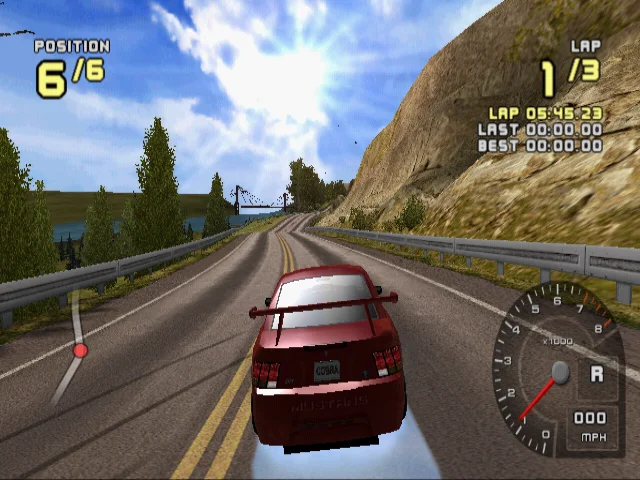
To start with a teaser - we have some serious performance gains to talk about with this release; as seen here with Need for Speed: Carbon!

Now let's jump into this release's major talking points!
For a full list of changes, you can check out our milestone page on GitHub here.
The System Requirements Update
We have updated our system requirements to reflect several improvements to the core and graphics pipelines that require more powerful hardware than our previous requirements recommended.
See below for our new requirements:
Suggested Minimum | Suggested Moderate | Suggested Heavy | |
|---|---|---|---|
| CPU |
|
|
|
| GPU |
|
|
|
Installer Visual Overhaul
The installer has received quite a facelift. It now looks more sleek and comes with dark mode support. It also has received some Quality of Life Improvements such as:
- In Portable mode, the install location will now default to the root of the drive that the installer is being run from.
- In Portable mode, it will no longer create an uninstaller entry in the start menu.


New Features

FFmpeg is now bundled together with the Windows build of PCSX2. It's no longer necessary for you to download FFmpeg separately before you use the built-in Video Capture!
We've also hand-picked the most popular codecs. Previously, we included everything that FFmpeg offered, but this was too much wasted space on codecs that were rarely, if ever, used. The reduced set of codecs should still provide you with all the modern, efficient options you need without taking up much extra space.
Video Encoders:
-
Hardware Encoders:
-
Software Encoders:
Audio Encoders:
SternXD worked on adding EyeToy camera support for macOS. With this, all 3 OSes now have full EyeToy camera support!
The EyeToy was a USB camera accessory for the PS2. Supported games used early forms of computer vision or solely used it for taking photos.

Florin9doi has worked on adding additional Train Mascon and Master Controller support to the existing Train controller feature.
Alongside that, they have also added support for Olympus Camera and Olympus Turbo MO miniEX IV (MO644U2S, MO133U2S) Storage Devices.
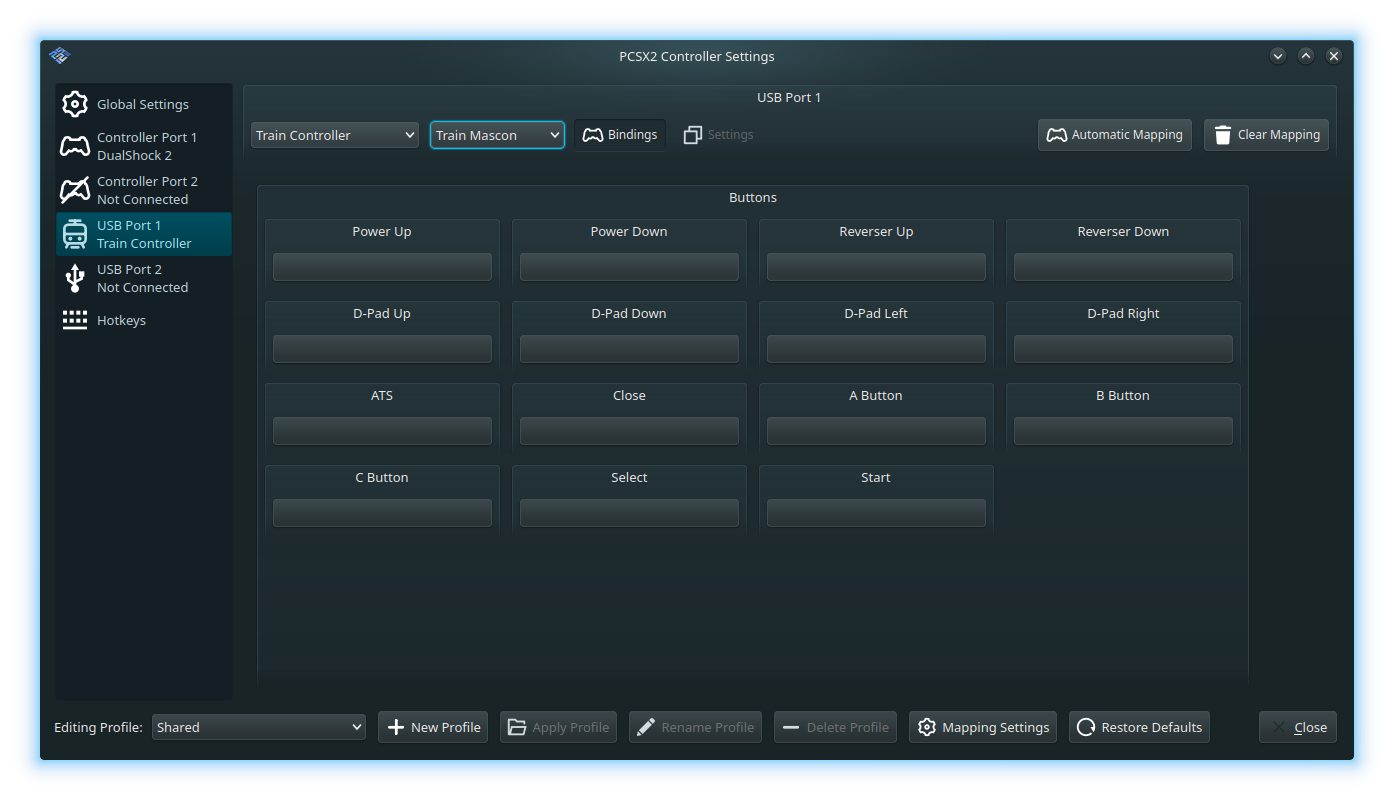
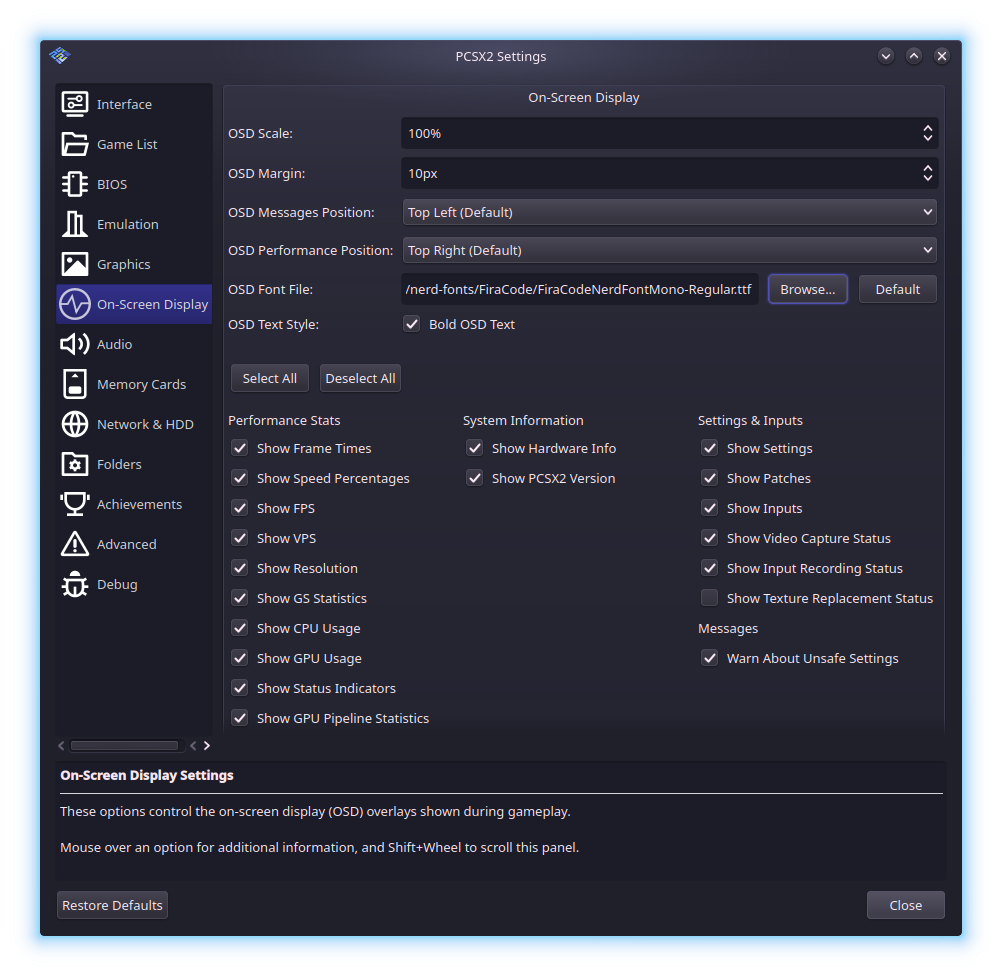
This grants the ability to customize the look of the On-Screen Display, such as changing its fonts, location, scale, margin and more. We also gave the On-Screen Display its own dedicated settings within PCSX2.
The frame time graph now has more detailed measurements as well!
Use the monospace variant of your desired font family for the best readability.
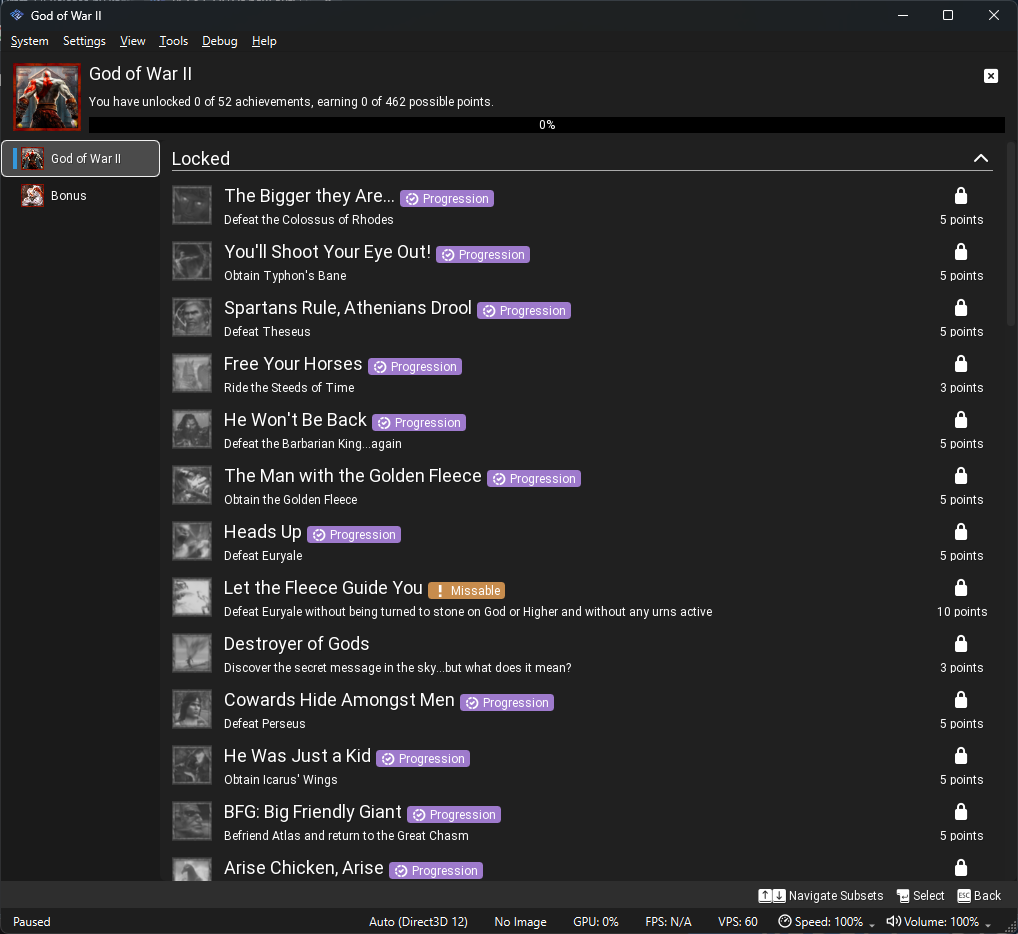
The Achievements section has received some enhancements!
- The collapsing headers have been replaced with a sidebar in the achievements menu for games with multiple subsets.
- Added subset mastery notifications.
- When a subset is open, the header shows that subset’s title, stats, and progress bar.
- Missable, Win Condition, and Progression indicators are now shown as small badges next to the achievement title.
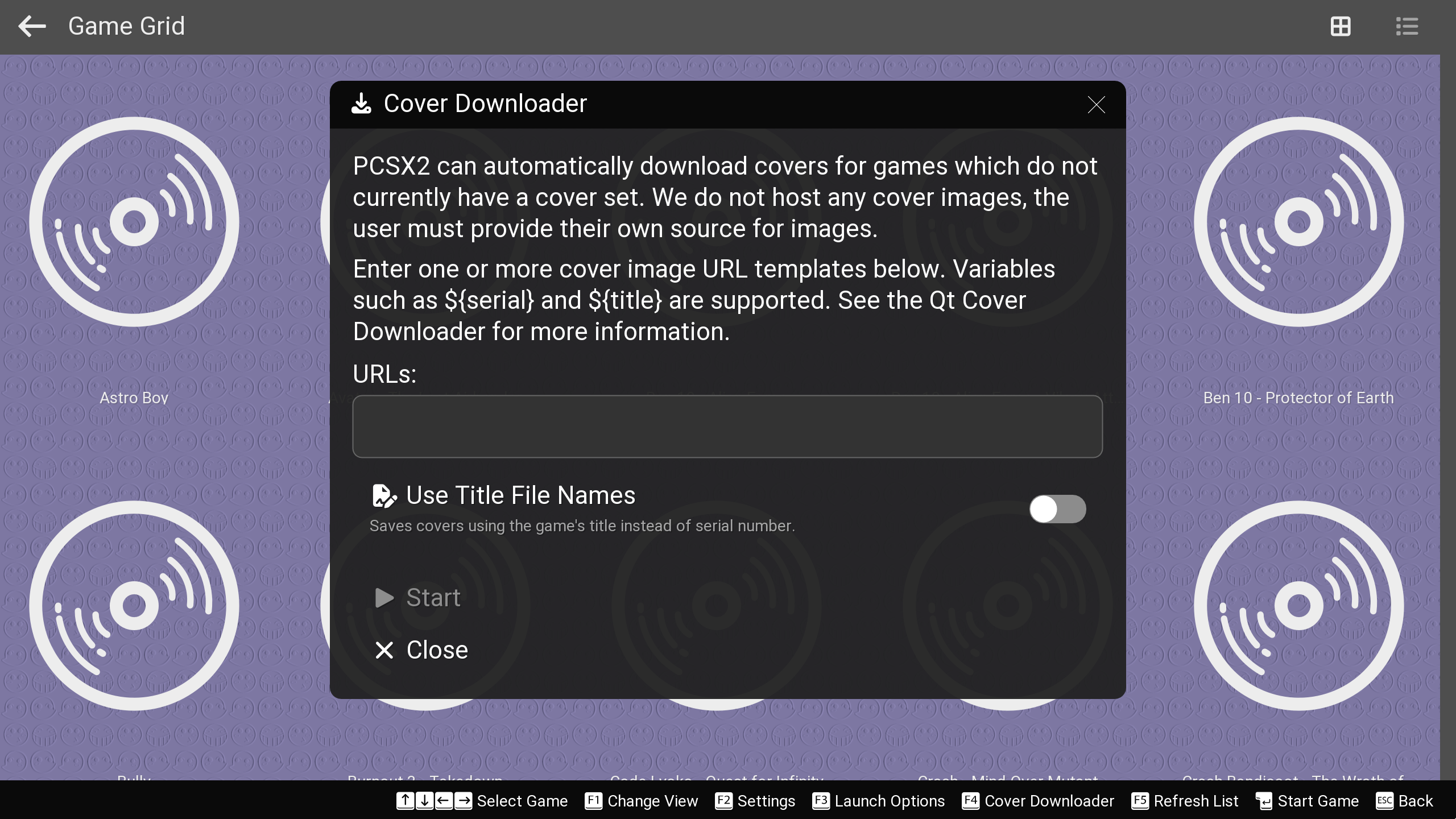
Just like its Qt counterpart, the Big Picture Mode interface now also gets its own cover downloader functionality! Now you no longer need to go to the Qt interface just to use the cover downloader. Convenience 💯
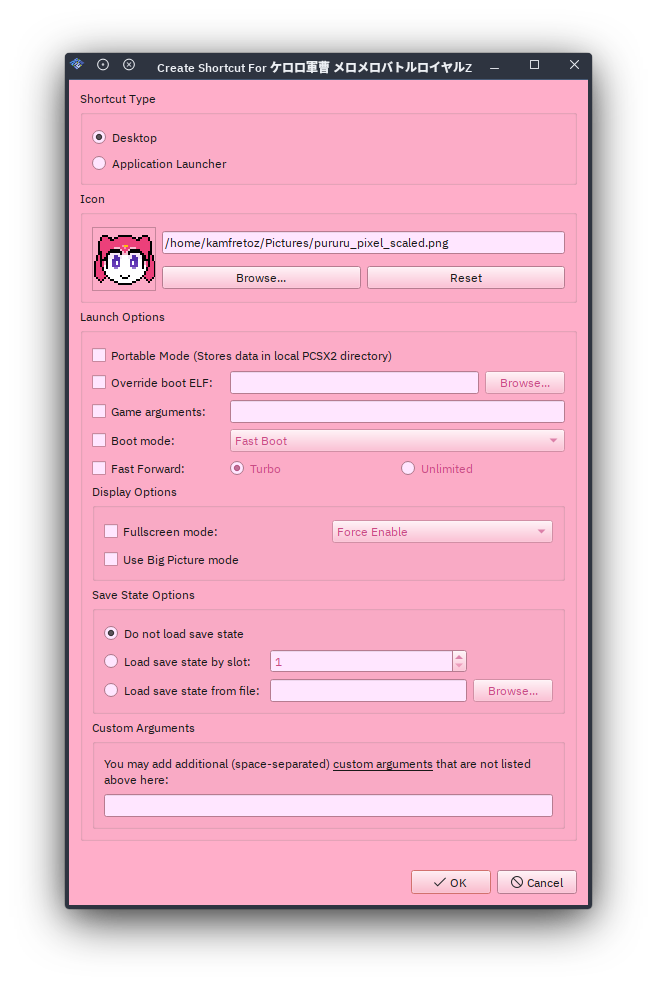
The game shortcut creator now allows you to attach a custom icon to a shortcut as well when you're creating one. No more having to manually add them afterwards!
Windows only allows icon files (*.ico) for shortcut icons.
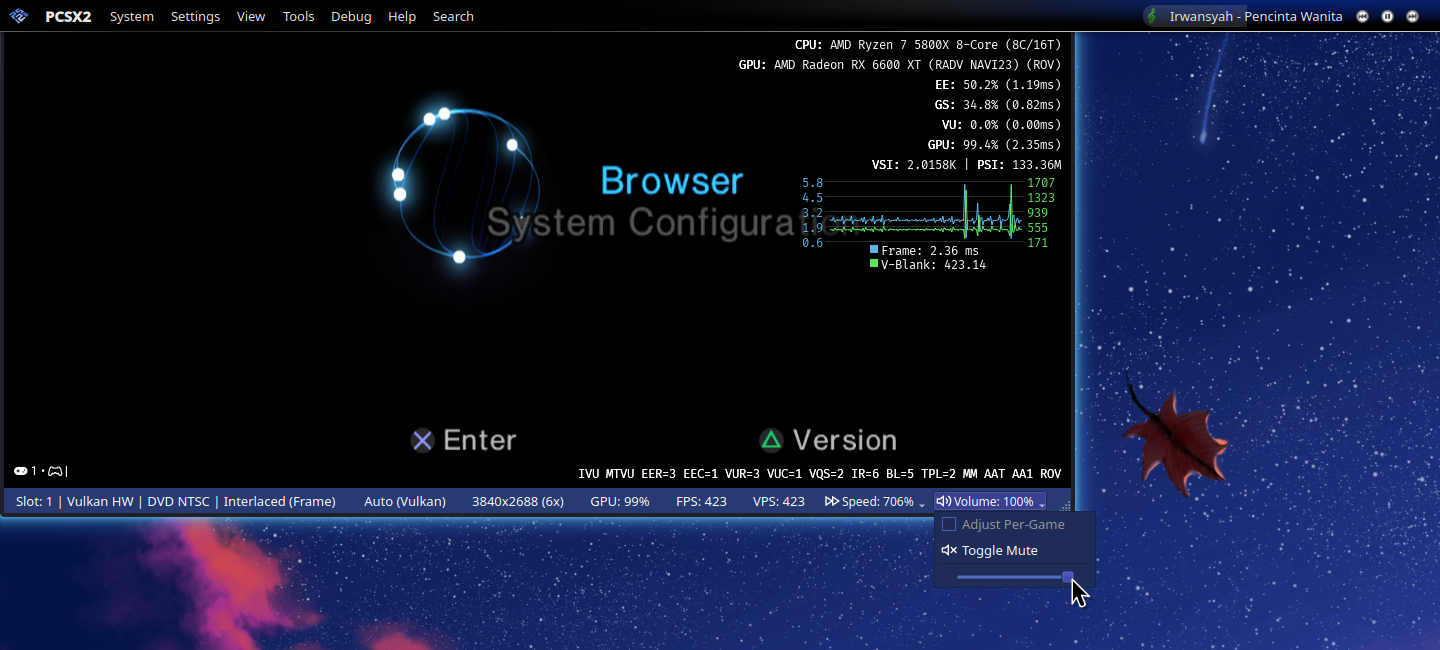
The status bar has received quite a number of quality of life improvements. You can now control the volume of the virtual console directly from the main interface without going to the audio settings manually. You can now toggle the speed limit directly without using the hotkeys. Additionally, it shows you the host GPU usage, the current renderer, and the currently active internal resolution multiplier.
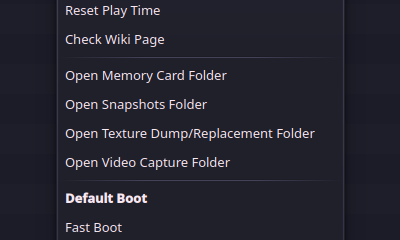
A few new options have been added to the Game List's context menu. These allow you to open the folders of various PCSX2-related game data or resources. You can access this by right-clicking a game entry in the Game List.
You can now override the default data folder location that PCSX2 uses with your own custom path, instead of being stuck with the default locations.
Qt/FSUI: Miscellaneous UI Changes


 +2
+2- #14228 FullscreenUI: Add analog control to Big Picture Mode
- #13589 FullscreenUI: Load all language fonts at all times
- #13933 Qt: Prevent empty Gamelist header + reset option
- #13933 Qt: show full game titles in grid view
- #14007 Qt: Toggle mouse lock hotkey
- #14117 Hotkey: Add Reload Patch Hotkey
- #14112 GS: Add hotkey for cycling Blending Accuracy
- #14197 VMManager: Make Prefer English also applies to other things
- #14191 Qt: Add Option for storing video captures per-games
- #14448 GS: Add shader compile indicator
- #14618 Qt: Add sorting to memory card list
- #14579 Qt/GameListBackground: Auto adjust gamelist text color
- #14666 Qt: Add Create PCSX2 launcher option to setup wizard
- #14721 FSUI: Add gamelist hotkey to scan for new games
- #14284 Qt: Add RetroAchievements to Setup Wizard
Performance and Graphics Improvements

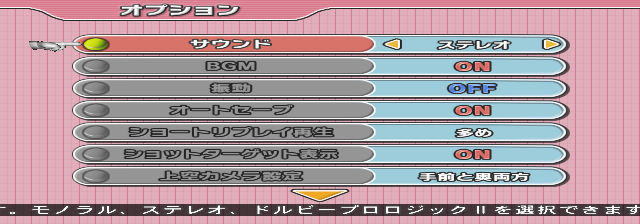
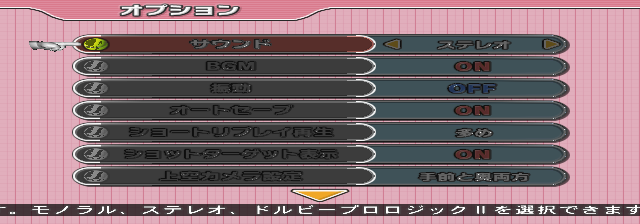
The PS2's GS is known for being difficult to emulate due to how different it is from the PC hardware we use today. PCSX2 has long had options to choose between accuracy and speed for things like blending. The fast options pick a close but not identical setting for the PC hardware to approximate each setting of the GS. The accurate options move the operation from dedicated hardware to shaders, requiring large numbers of slow barriers to ensure the correct result.
Until now, these options have all been only for the main color texture, but the GS also has mismatches with PC hardware in its handling of the depth texture. In particular, the alpha test, which allows discarding pixels when the texture alpha value is below a set cutoff, gives games the choice of whether to discard color, depth, or both. On the other hand, the only option for PC GPUs is to discard both1.
For games that choose the option to discard only color, PCSX2 can use the shader blend system to load the existing color from the render target and re-output that, but for depth, PCSX2 didn't support a fully accurate system. Instead, PCSX2 rendered every draw call twice. First, it would draw color only, without discarding based on the alpha test, then a second pass would draw depth only, discarding where needed. This means that if two overlapping triangles occurred in the same draw, it was possible for the wrong result to happen, since the pass that was drawing color didn't update depth and therefore wouldn't reject a further triangle drawn after a closer triangle.
To fix this, TJ added a system similar to the color handling for depth, where we disable the dedicated hardware and instead do all processing in the shader. This means disabling the hardware depth test and emulating that as well, so that it doesn't interfere with our attempts to cancel depth update by re-emitting the existing depth value. Unfortunately, due to this being a niche usage of an already niche feature, many of the APIs that did support this kind of shader feedback loop for color failed when we attempted to do the same with depth textures, handing our shaders outdated pixel values. In the end, only Vulkan, which has an extension made explicitly for this purpose, consistently worked, while the D3D12 and OpenGL renderers default to copying the depth texture to a temporary color texture for the handling, then copying the result back to the original depth texture when done.2 3 4
Minna No Tennis:
Ratchet & Clank: Up Your Arsenal:
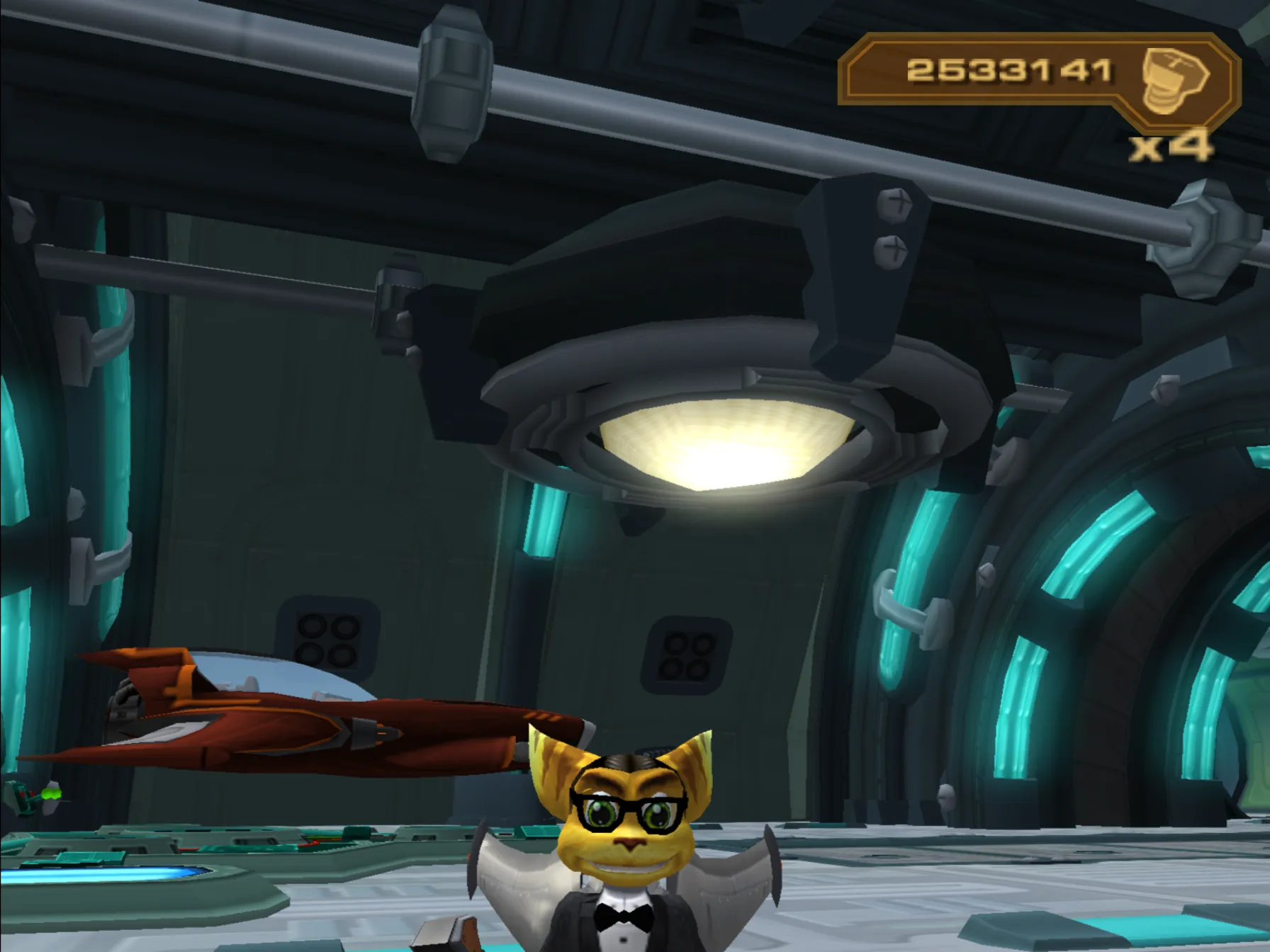
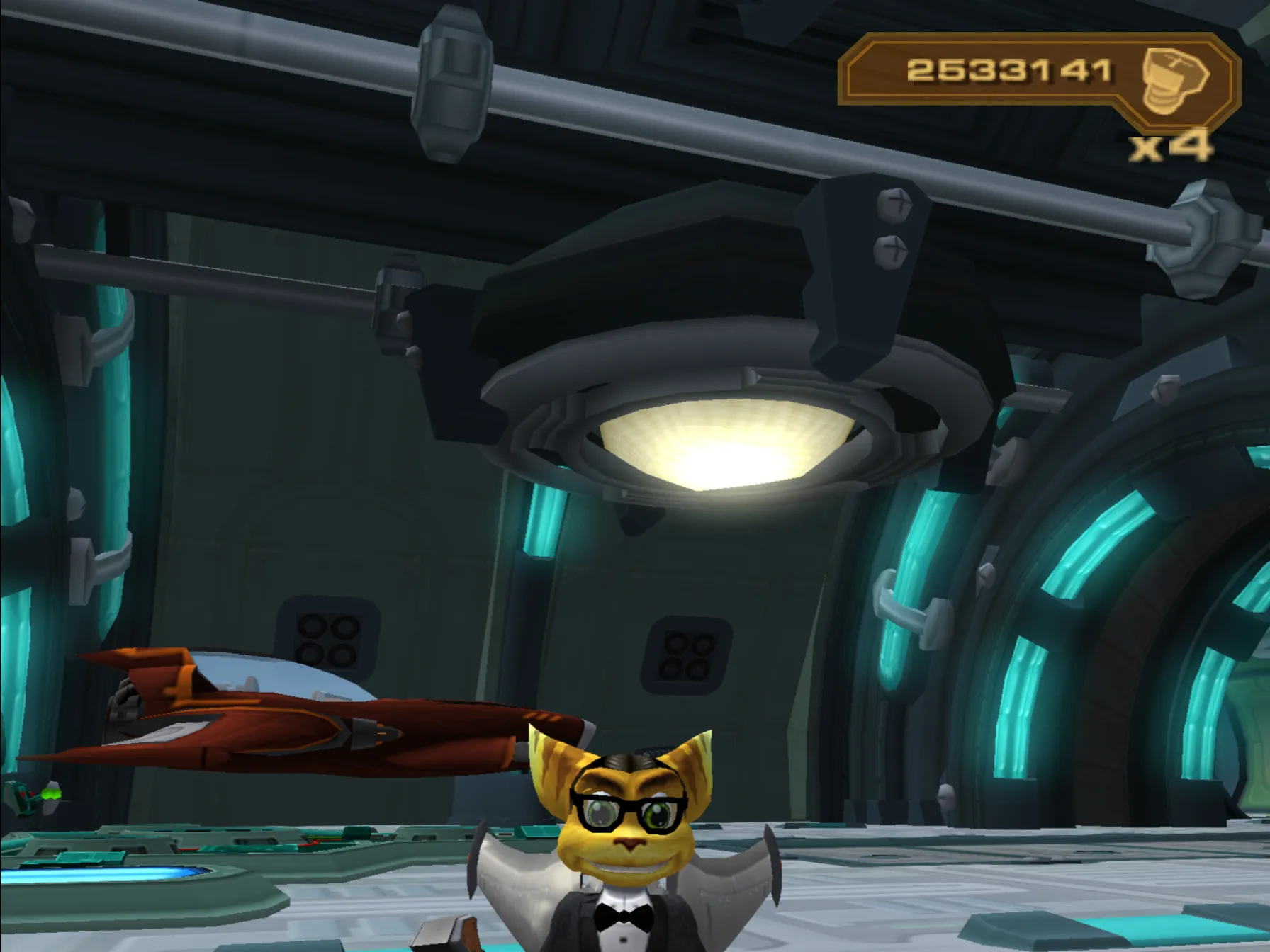
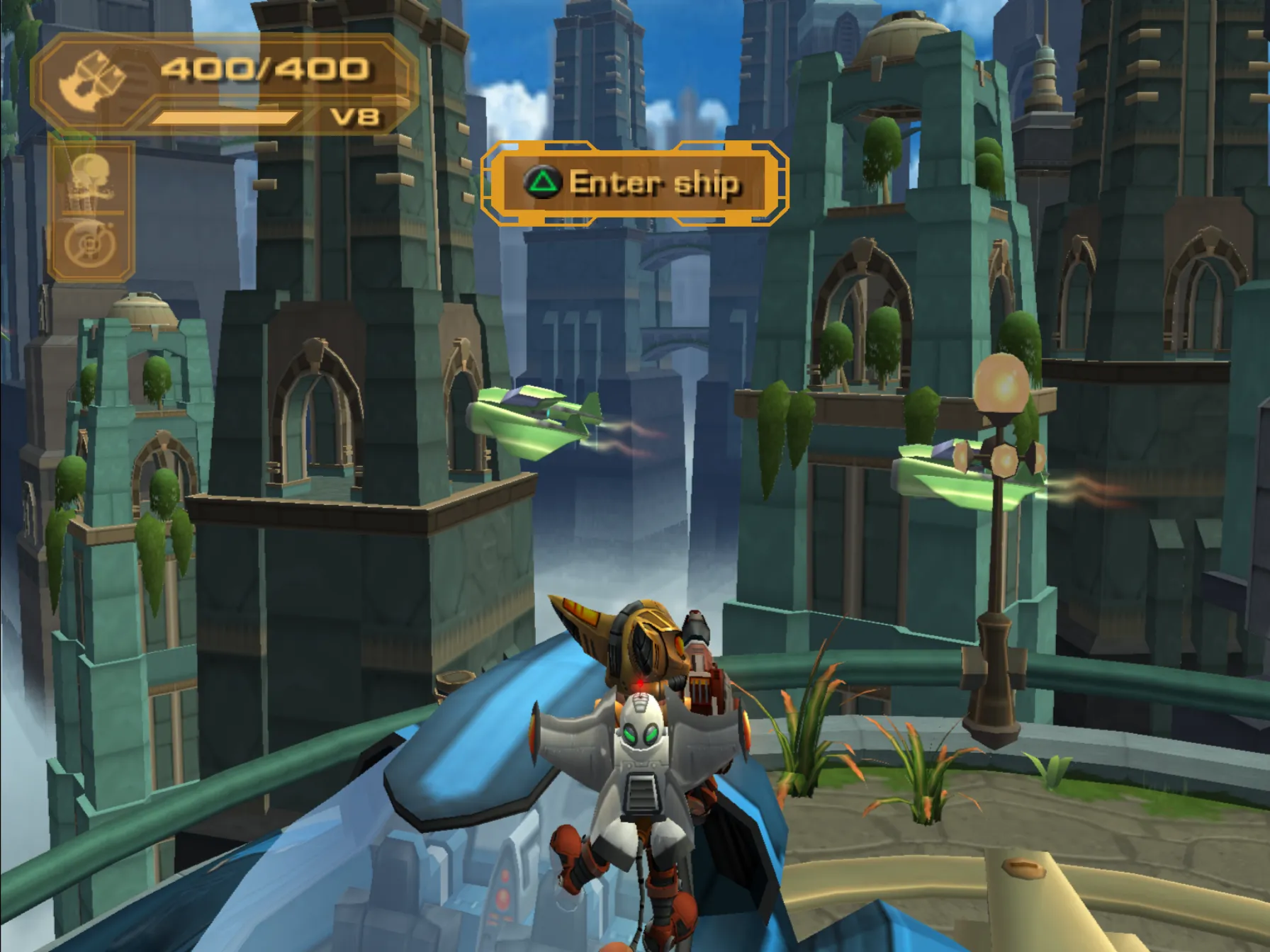
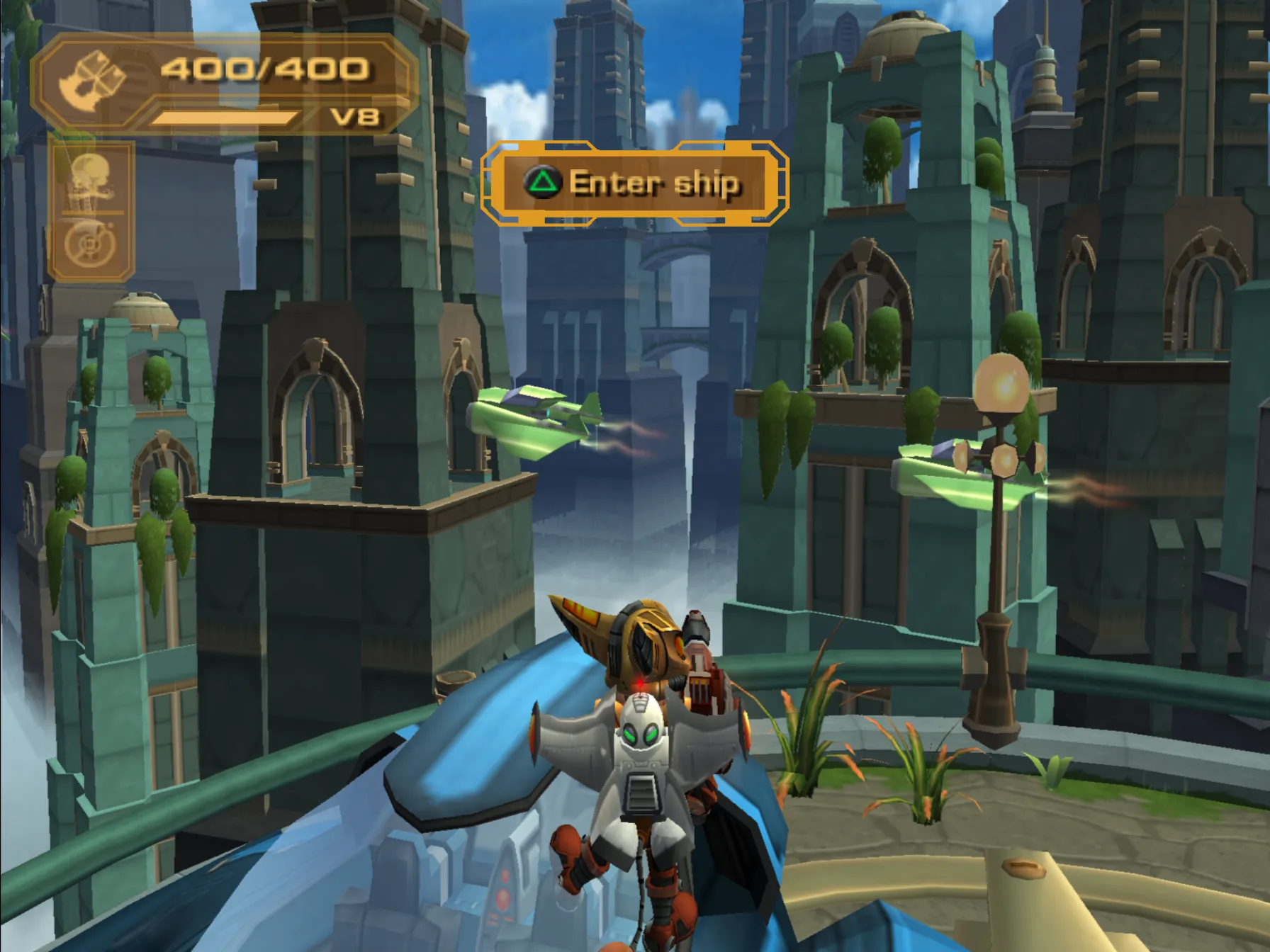
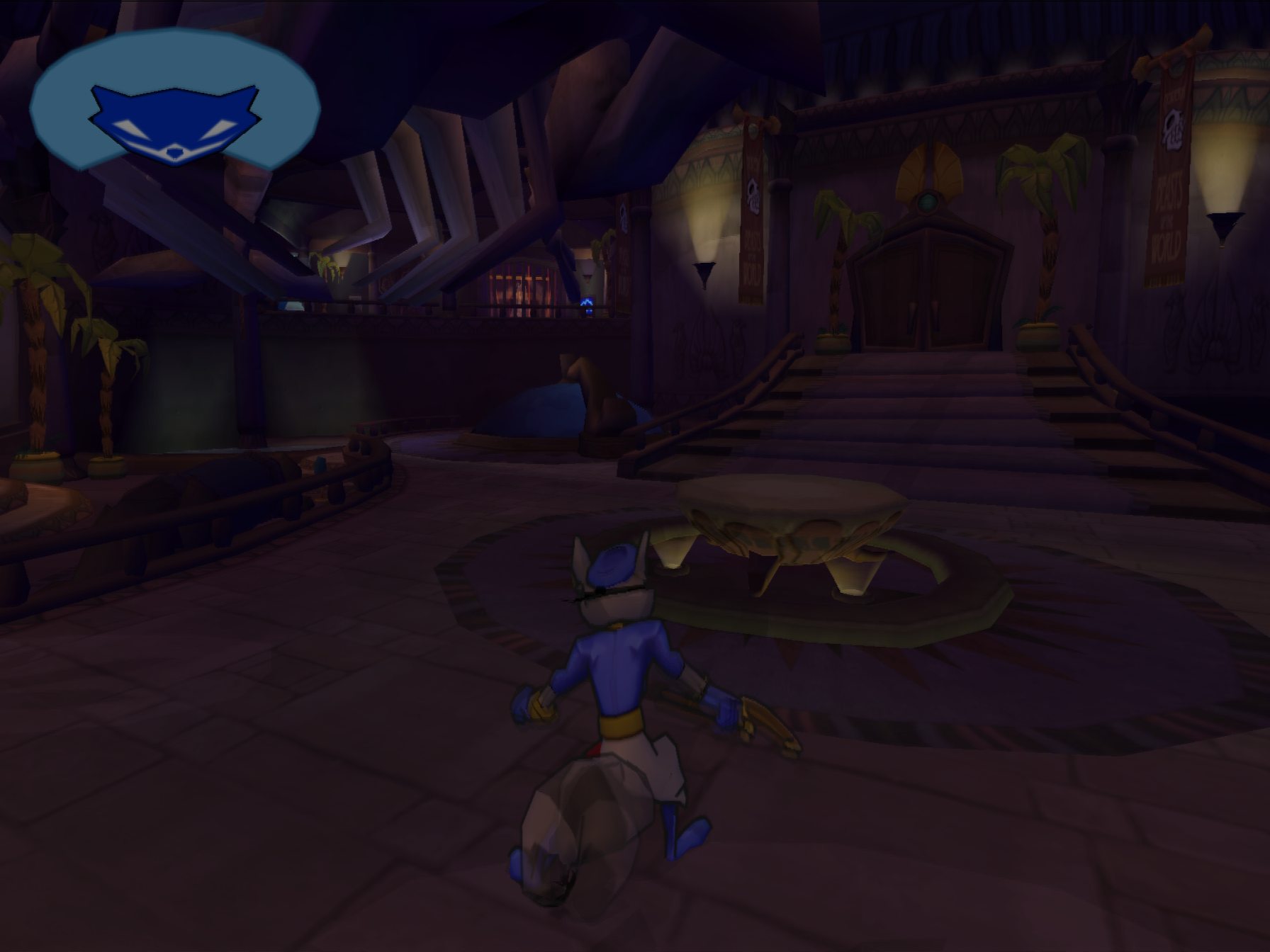
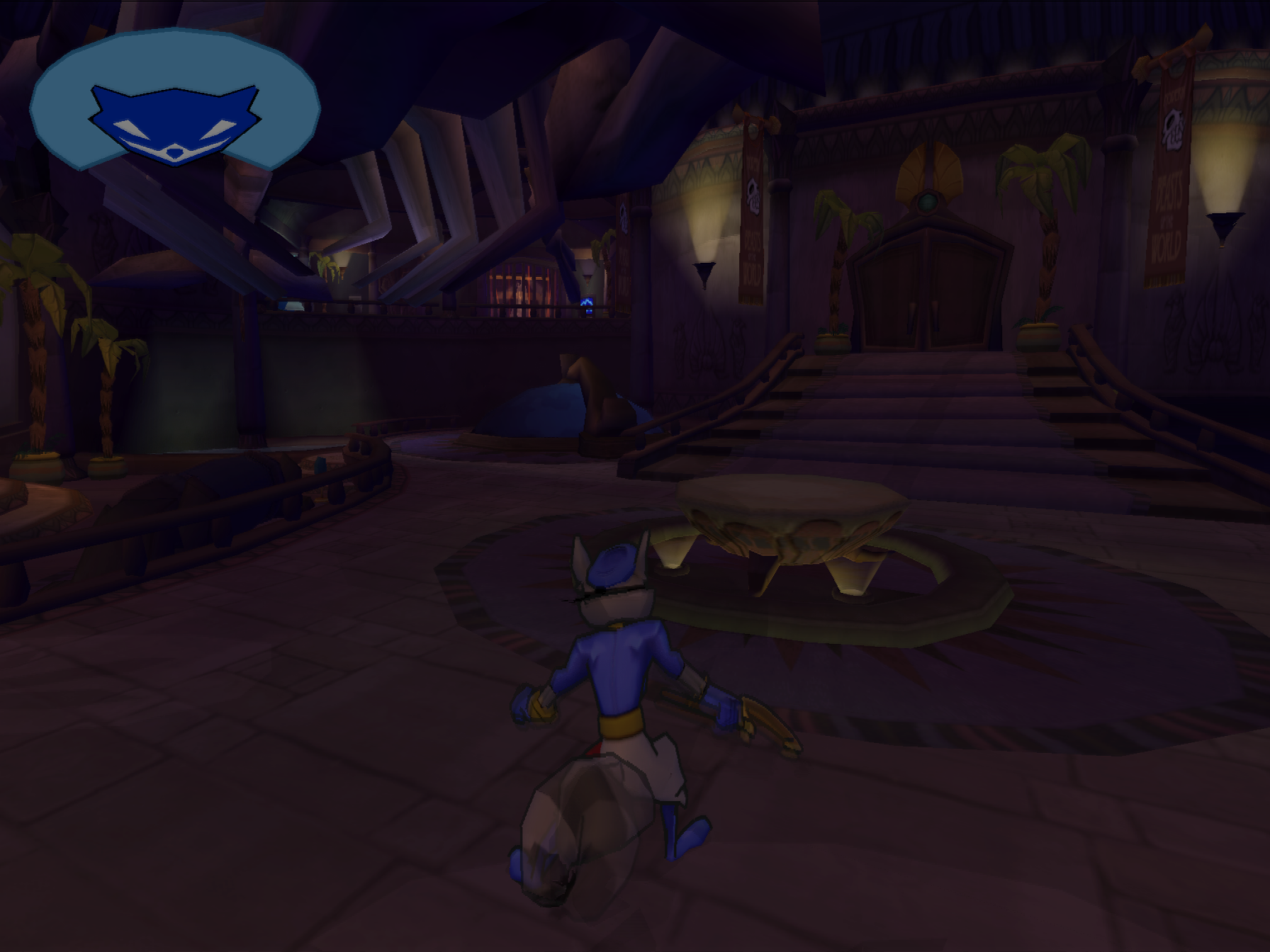
AA1 is the PS2's name for antialiasing. Unlike MSAA, which rasterizes triangles at a higher resolution and then downsamples, the PS2's AA1 works by adding a semi-transparent border around each triangle as it's drawn. In order for the semi-transparent border to not block the triangles below, it doesn't write depth, even though the fully-opaque parts of the triangle do. Even so, that only prevents things from looking broken under AA1. For fully working antialiasing, PS2 games have to sort their triangles and draw back to front, like in the old depth-buffer-less days of the PS1.
Because PC GPUs don't support writing depth for only some triangles in a draw, this was a software-renderer-only feature in PCSX2 for a long time, but TJ used PCSX2's newly-added software depth support to add support for these triangle borders. Due to the high cost of the software depth emulation, this is currently disabled by default, but can be enabled in the graphics settings which will allow it to activate on supported games.
Comparison:
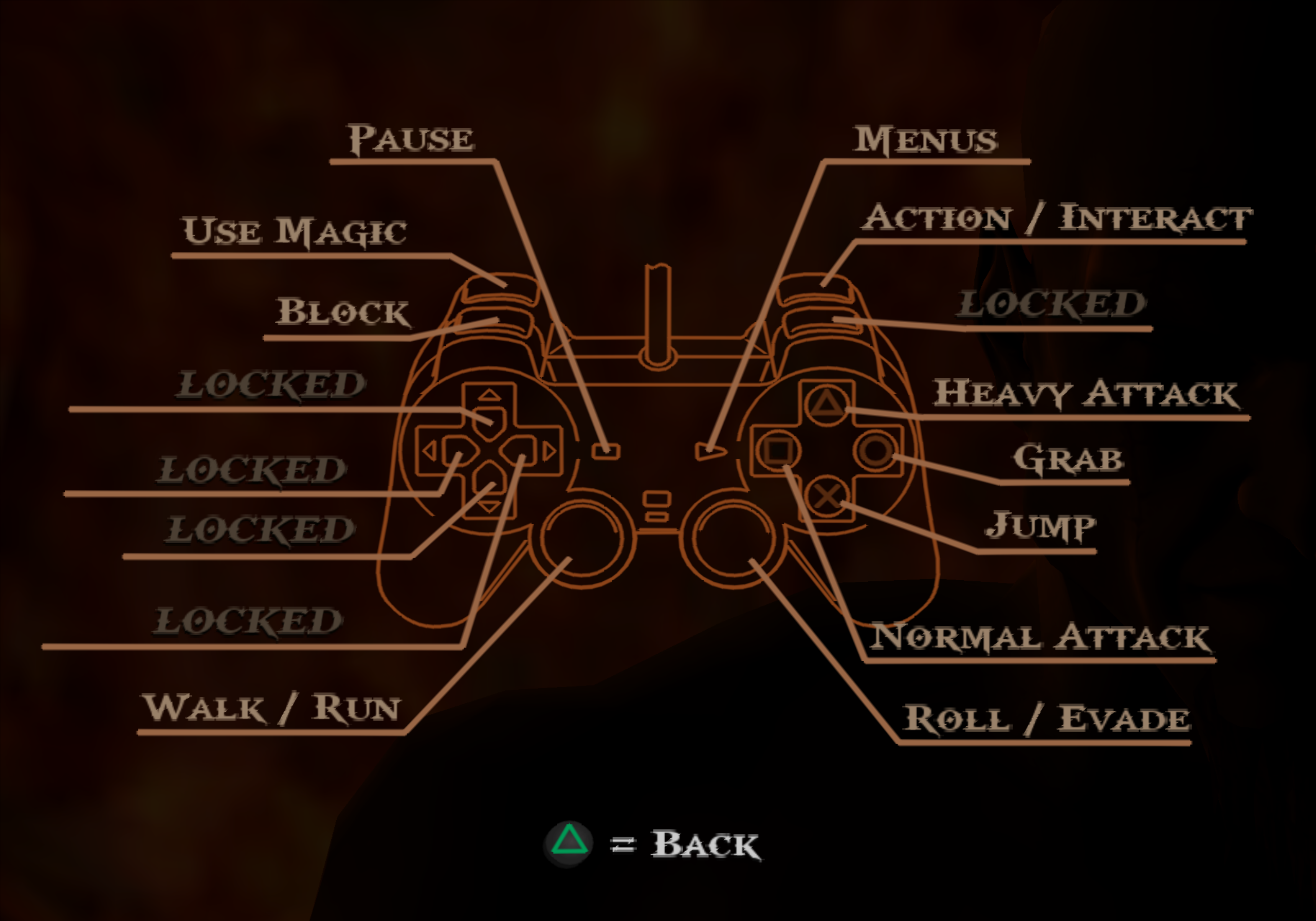
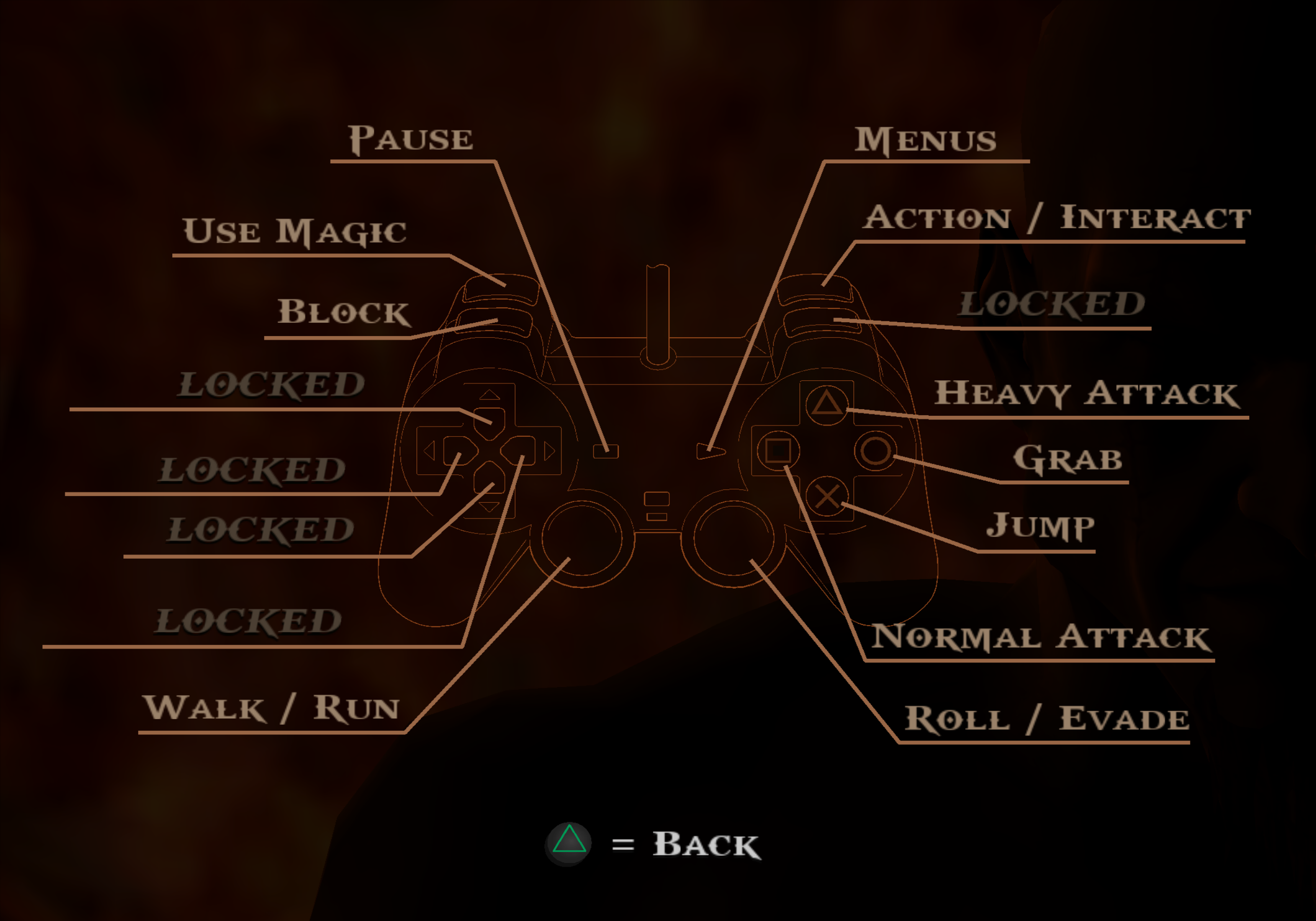
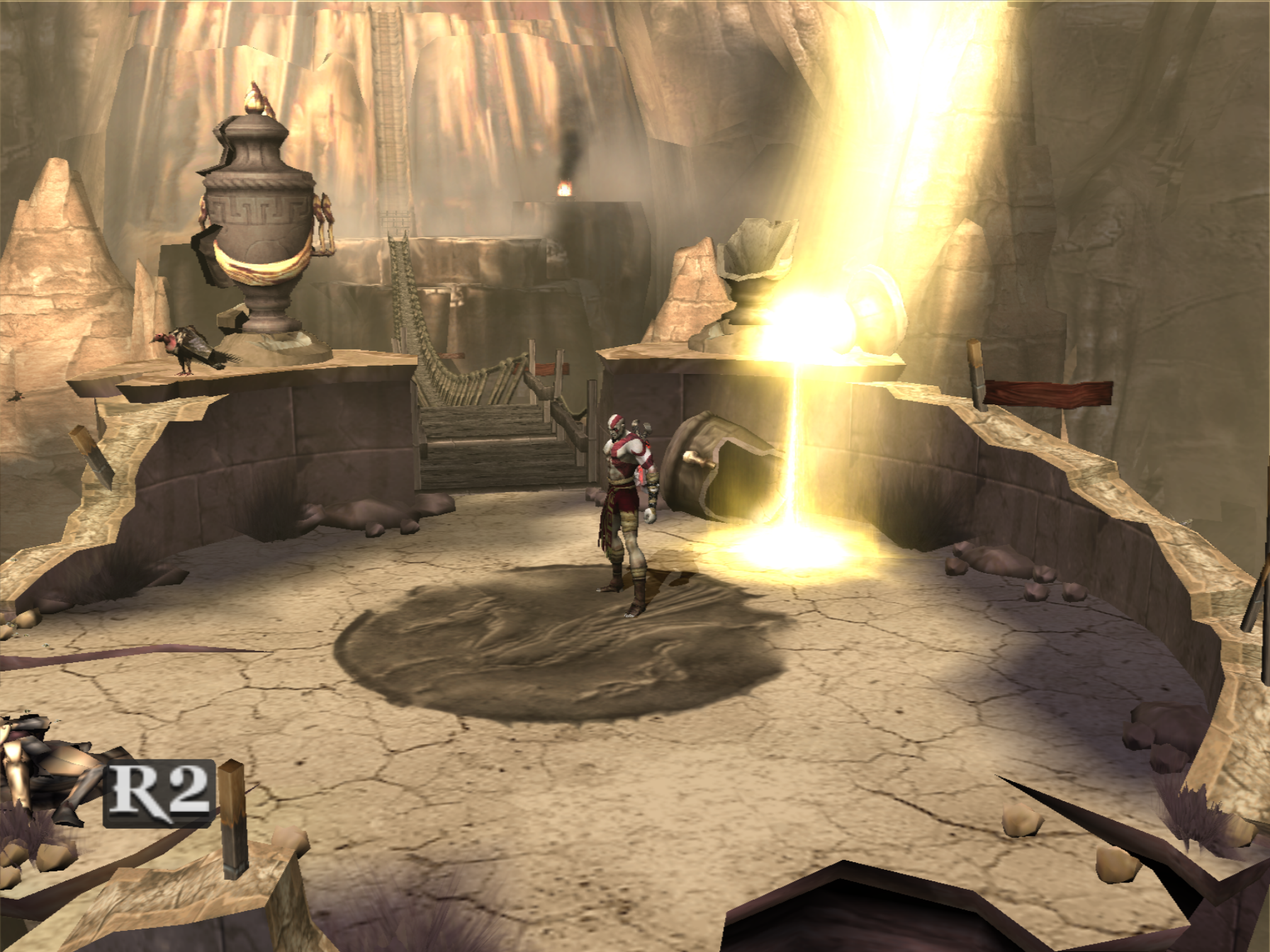
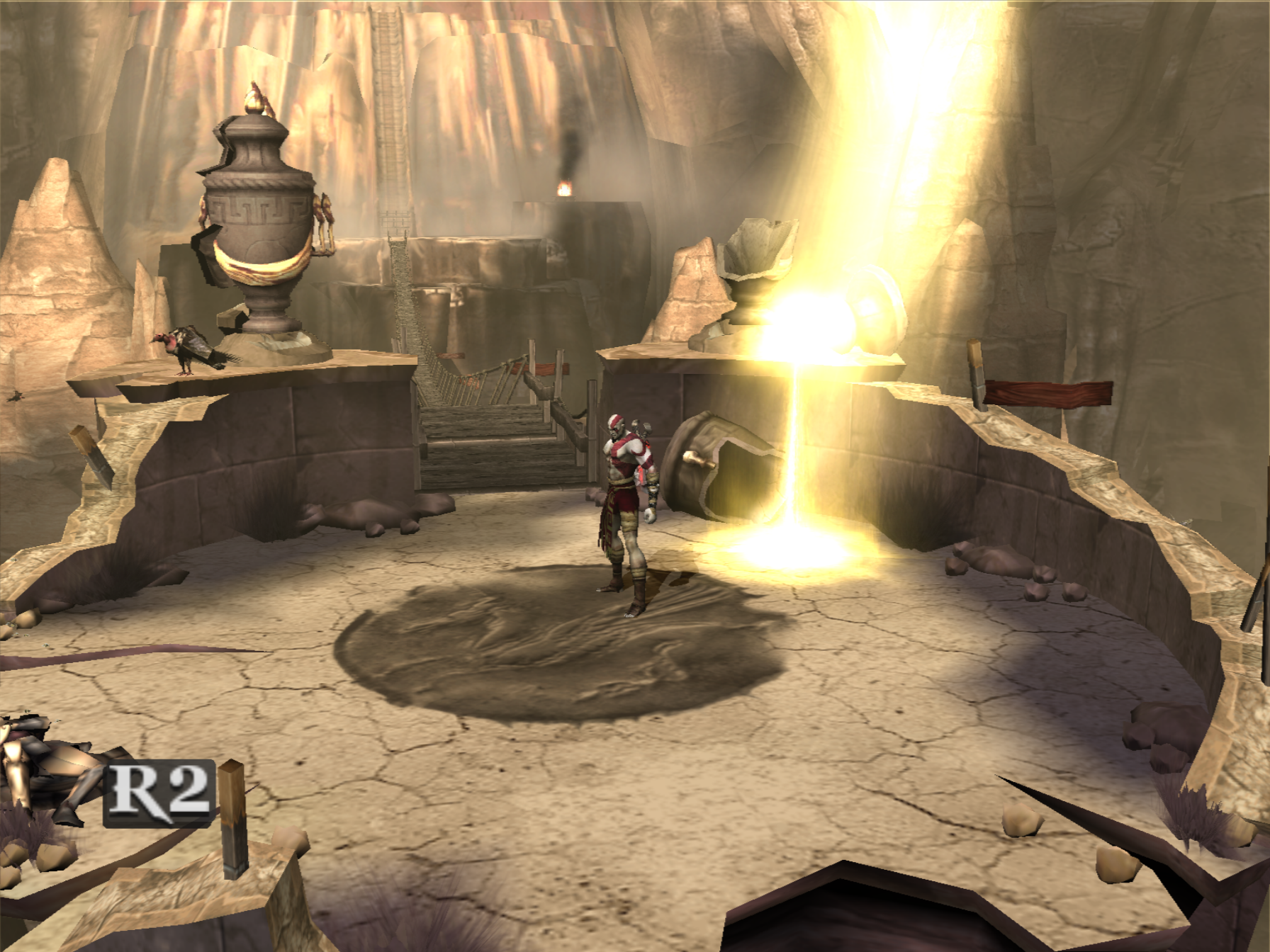
God Of War:
Final Fantasy X:
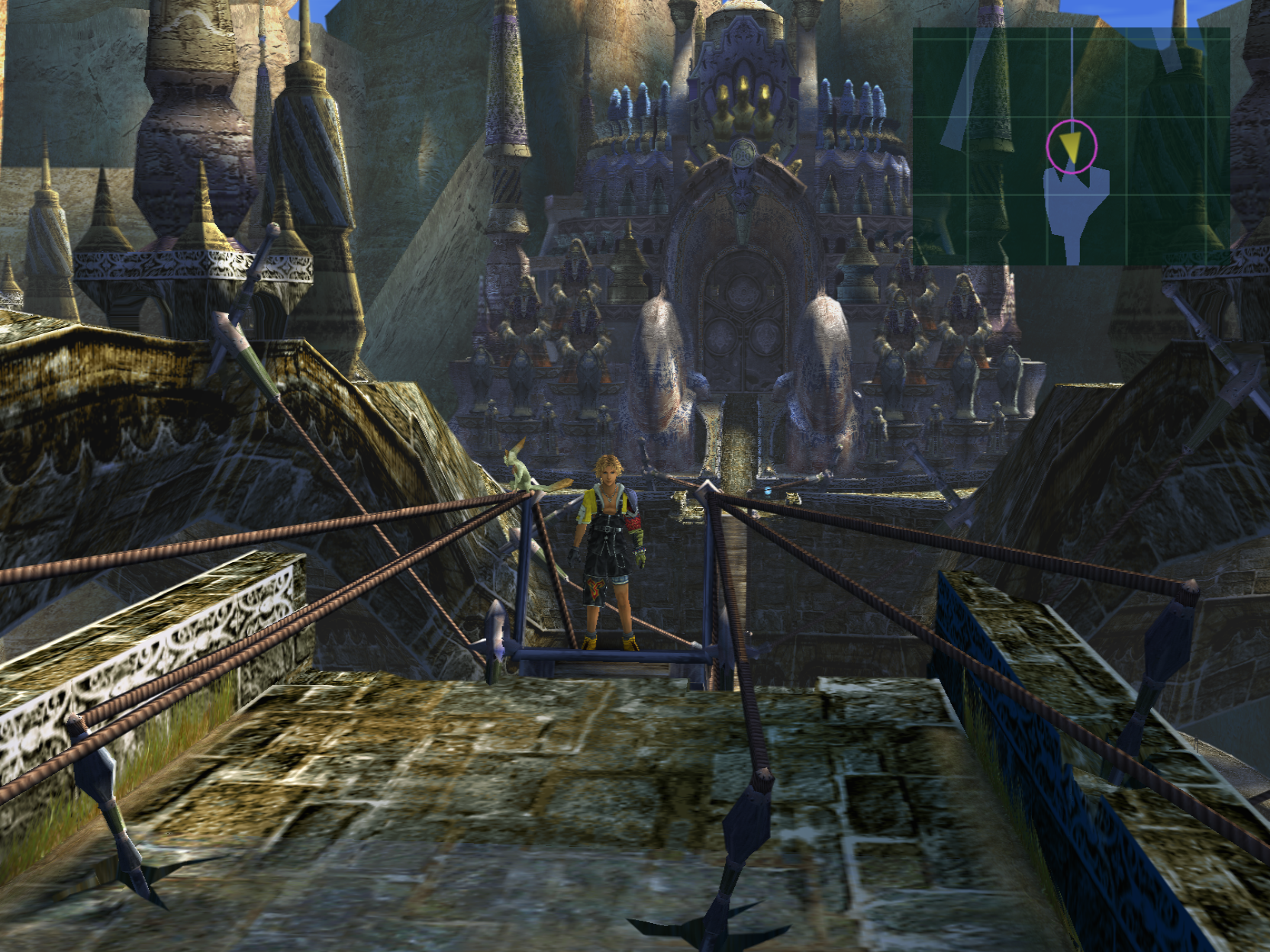
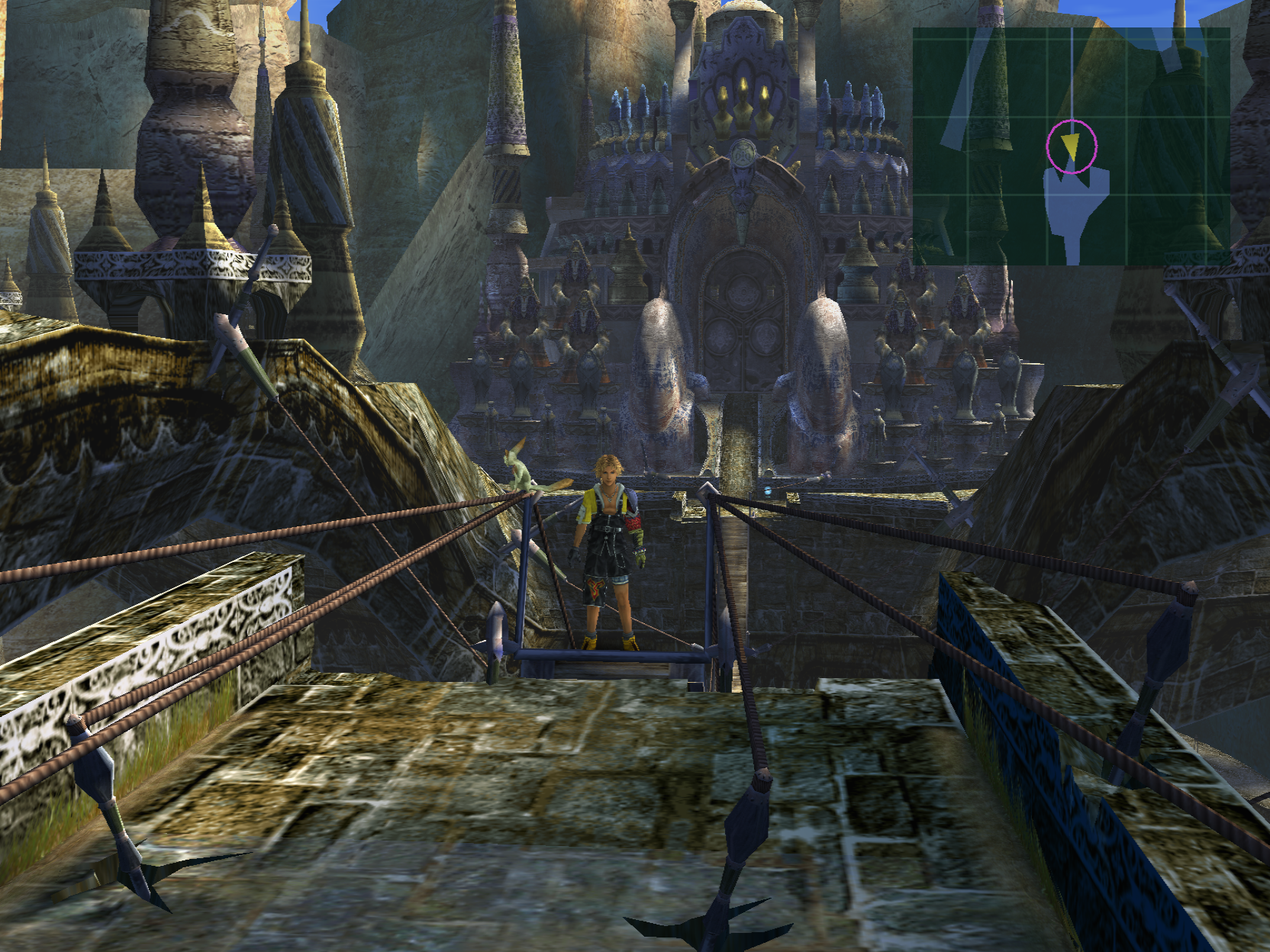
The Incredibles:
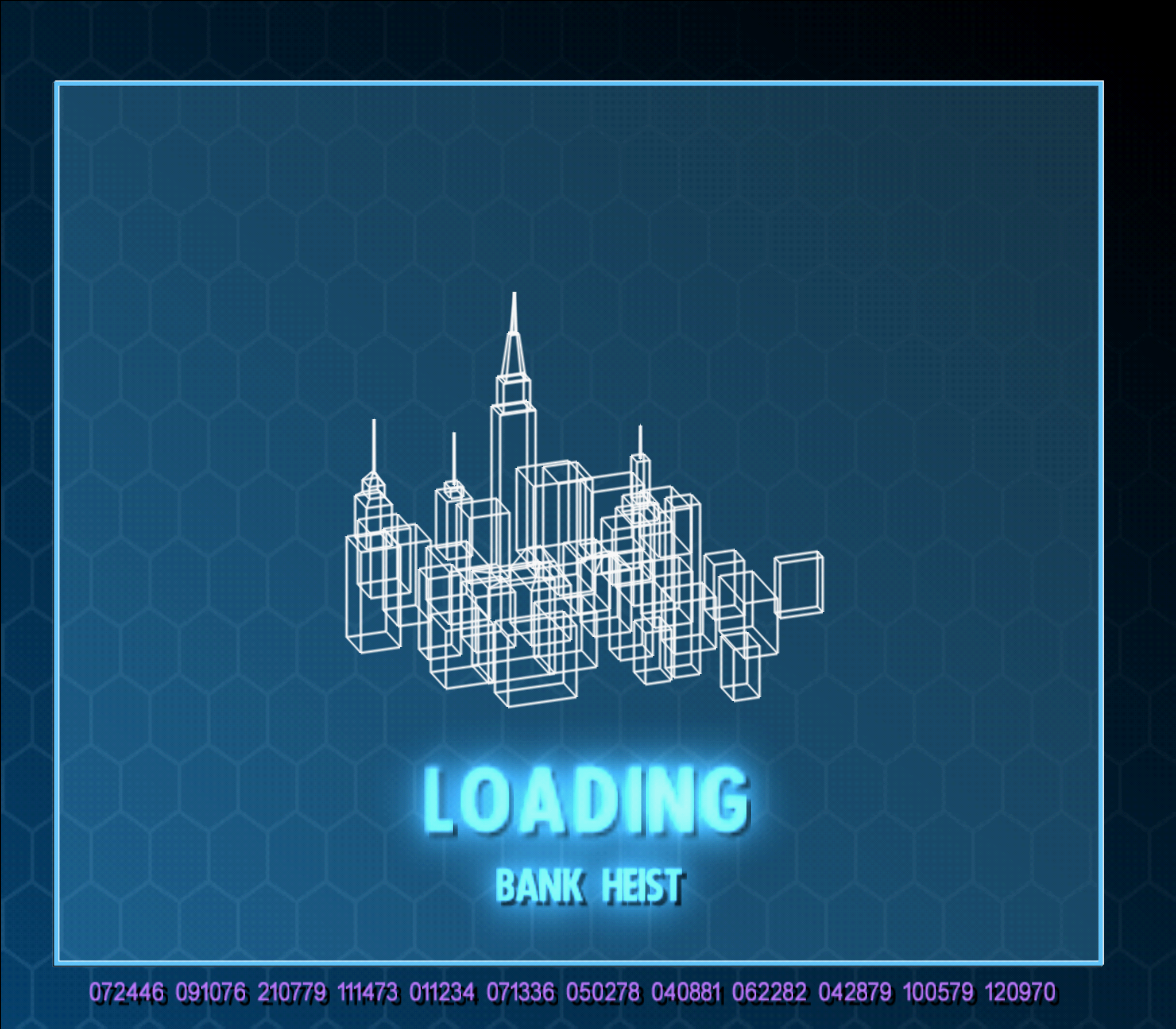
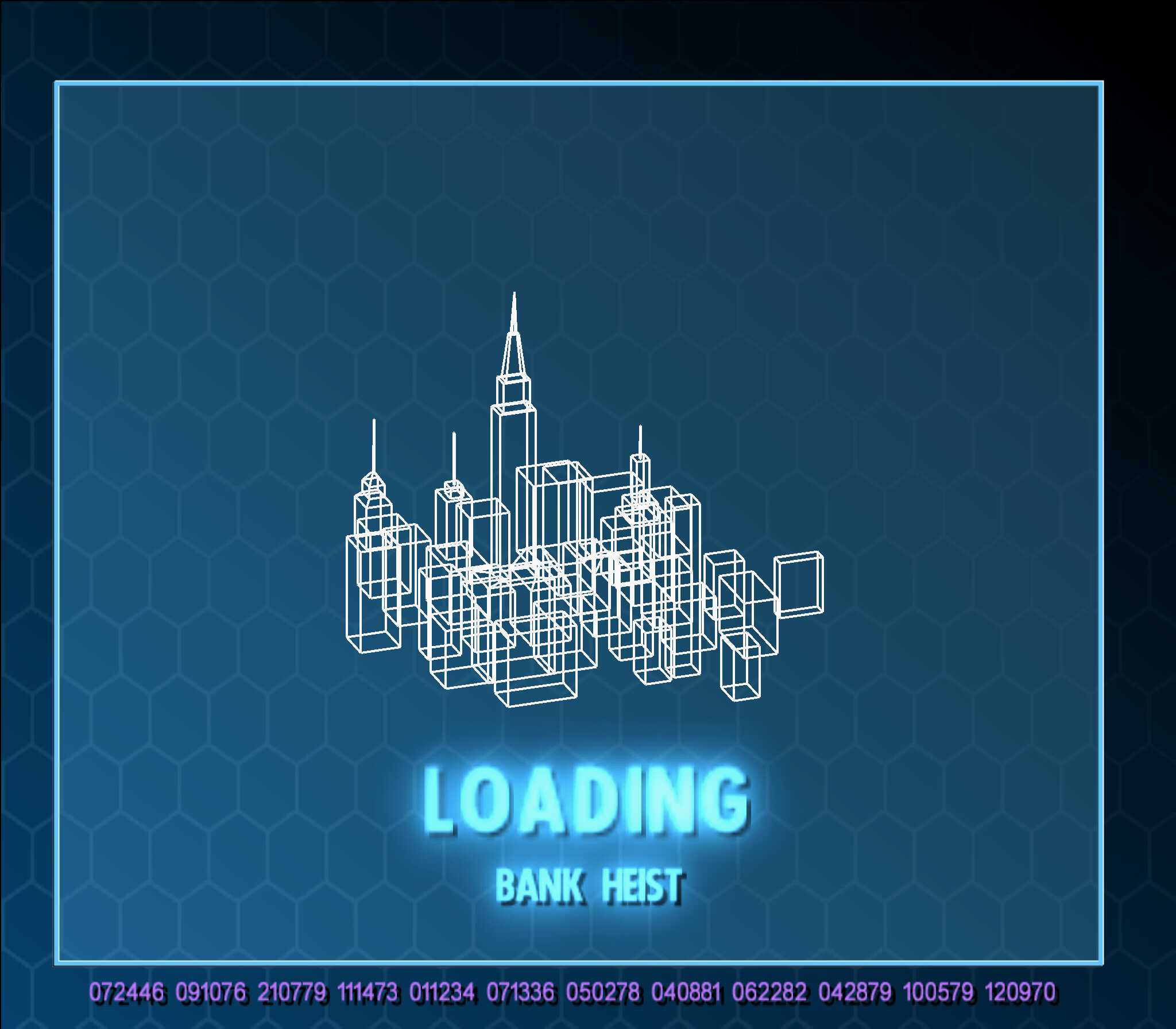
Sly 2:
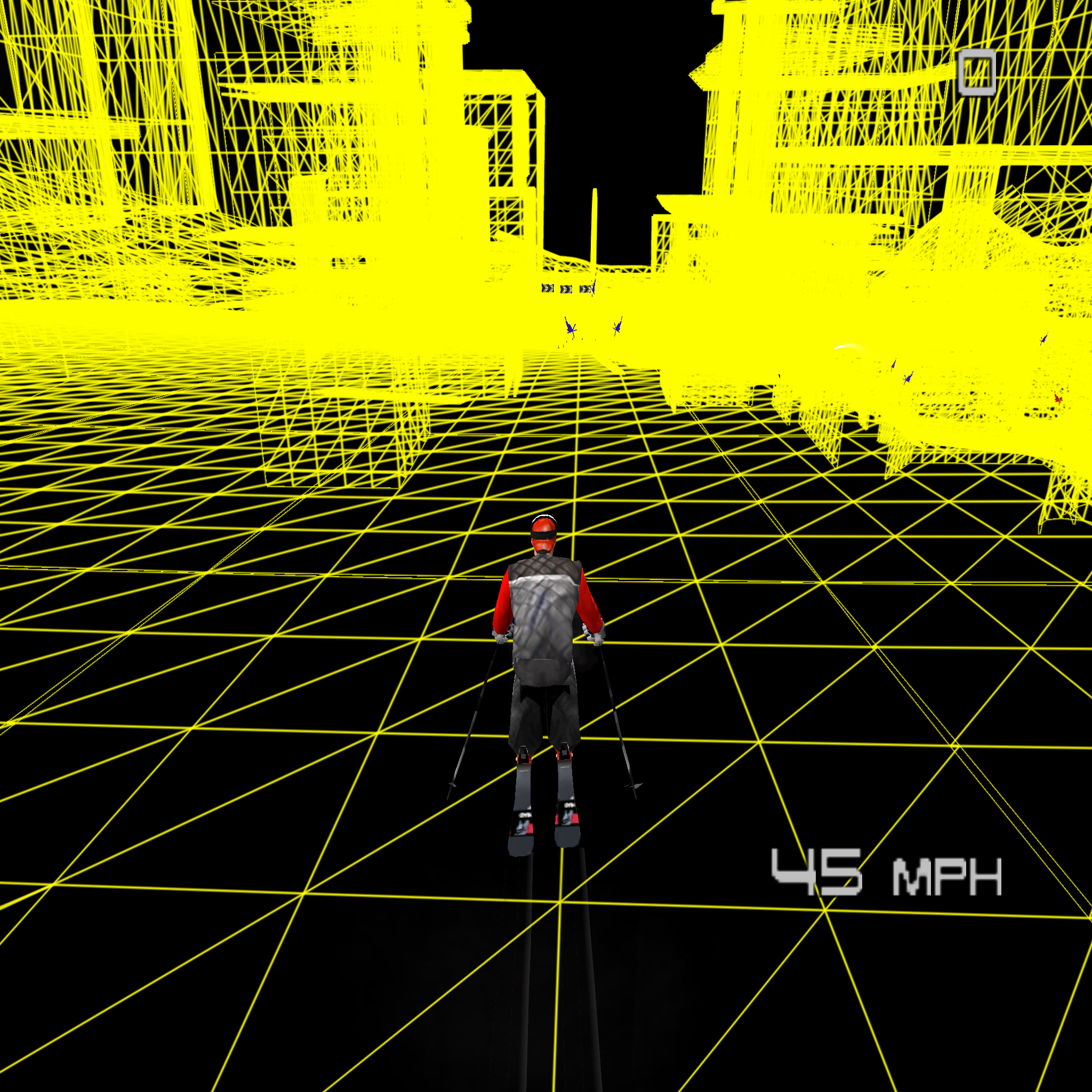
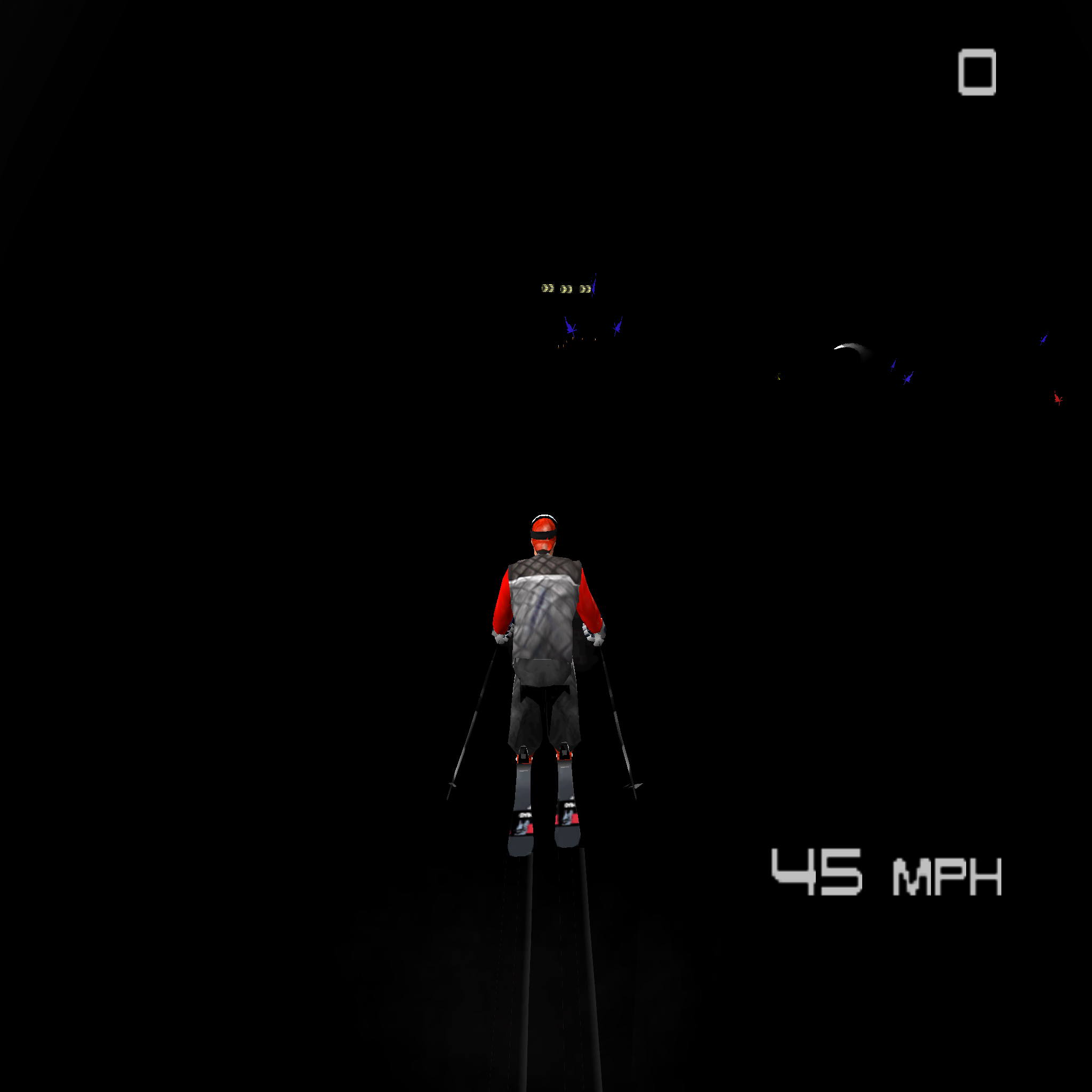
Jonny Moseley Mad Trix:
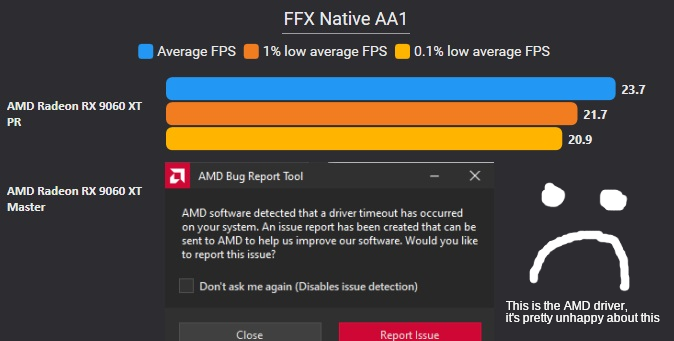
ROV (Rasterizer Ordered Views) provides a way to do programmable color blending when games draw overlapping geometry. They help guarantee that pixels are blended in the same order that the game intended, which is necessary for accurate graphics emulation. PS2 games often use effects where pixels must be blended in exactly the order the game draws them in (e.g. layering textures, transparency, etc.). GPUs already provide this ordering guarantee for fixed function blending. However, many blending effects in PS2 games cannot be accurately done with fixed function, so we emulate them in the pixel shader. To enforce correct ordering in pixel shaders there are several approaches that we use: barrier loops (Direct3D 12, VK, GL, Metal), framebuffer fetch (aka FB Fetch; GL, VK, Metal), copy loops (Direct3D 11, GL), and most recently rasterizer ordered views (aka ROV; Direct3D 12, Direct3D 11, VK). Out of these the fastest is FB fetch, though it has the most limited support out of the list.
In the middle are ROV and barrier loops, which both have widespread support. In some cases ROV can be faster, while in others barriers can be. The tradeoff is generally system and game dependent, though ROV tends to work well in cases where the number of barriers would be excessively high (e.g. with AA1 enabled). The slowest is copy loops, but it's basic and has universal support. It took a few months to implement and test because our current GS code was based around the other methods. It's also not an all-or-nothing approach since ROVs can be turned on/off within a single frame. We had to determine a heuristic for when to activate ROVs, since using them unnecessarily or switching too often can degrade performance. During the process we encountered some bugs with VK ROVs that took some time to sort out. The PR went through several revisions to find an approach that was both performant and maintainable from a coding perspective. Many people were involved in debugging, testing, and reviewing it to get it to its current state. Likely there will continue to be some adjustments as users encounter issues.
Simply put, this allows higher blending accuracy levels to incur less of a performance hit!
Here are some benchmarks:
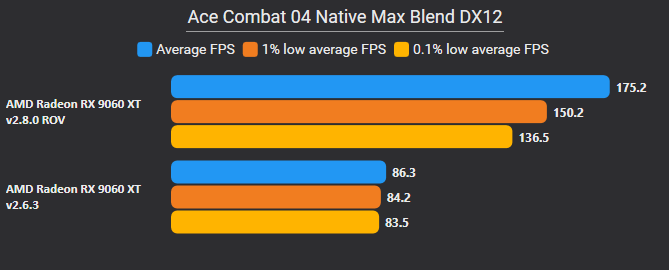
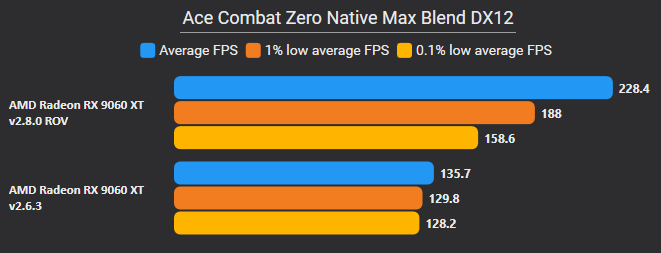


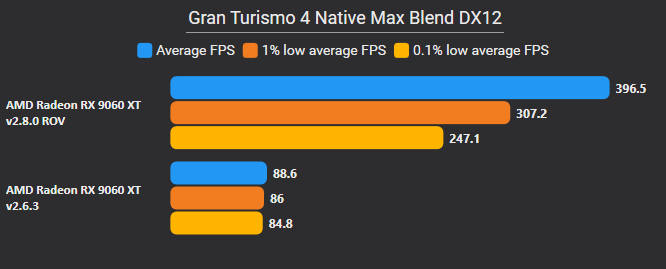
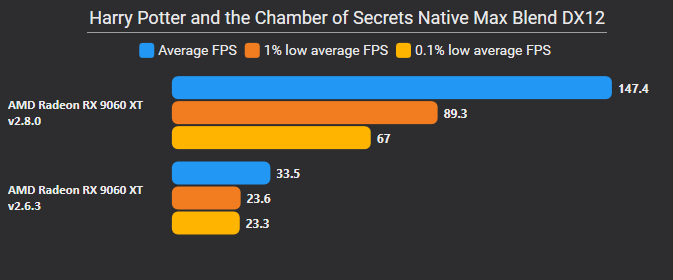


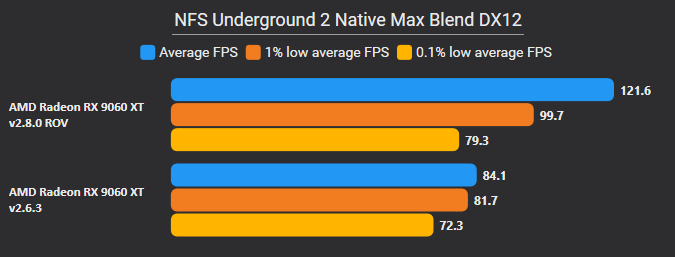

As of the writing of this blog post, ROV is currently unavailable when using OpenGL.

Over the past several release cycles, the Direct3D 12 renderer has received substantial performance and compatibility improvements and is now at parity with Vulkan, and as such, we now default to it on Windows for most graphics cards.
As some of you have noticed, Direct3D 11 is marked as legacy, so what does this mean? This means that Direct3D 11 is the least preferred renderer to use and should only be used if the other renderers can't be used or have issues. Direct3D 11 will continue receiving updates and is in feature parity with the other renderers, but it's usually not the best option. Compatibility wise, it can work with a variety of hardware, both legacy and new, hence why it also matches the Legacy naming.
When Direct3D 12 launched, texture layout transitions (switching from a render layout to a read layout), texture access (does the GPU need to flush caches?), and GPU synchronization (waiting until we've done rendering) were done by simply specifying the resource state with resource barriers. This simplification, however, complicated feedback reads, requiring us to use aliased resources (two resources sharing the same memory) and relatively expensive aliasing barriers.
Direct3D 12 has since released "Enhanced Barriers" which replace the old resource state/barriers and allow greater control over texture layouts, texture access, and GPU synchronization. This greater control allows us to do away with aliased resources, and instead directly specify the layout, access, and synchronization we need for feedback reads.
In addition to simplifying feedback reads, the extra information we provide allows GPUs to more efficiently handle barriers, allowing better utilisation of the hardware.
Not every GPU benefits from Enhanced Barriers; RDNA2 and older AMD GPUs see minimal benefit, but newer GPUs see substantial improvements.
Anisotropic Filtering is a technique that improves the visuals of textures drawn at an oblique angle5. The effect is most noticeable on cobblestone or tile floor textures at native resolution. While the PS2 never supported this feature, PC GPUs have had hardware support for this for eons and PCSX2 offered it to improve visual quality of games.
Unfortunately, we encountered a few issues with hardware level Anisotropic Filtering on certain GPU models:
-
AMD drivers would ignore our attempts to enable Anisotropic Filtering.
- LightningTerror determined that providing a dummy mipmap layer had success on older GPUs; however, the workaround had only limited success on newer generations of AMD GPUs.
-
Direct3D 12 did not allow Anisotropic Filtering and point filtering on the same texture.
-
Point filtering is often used by games wanting a more pixel art style, instead of the smoothed sampling of other filtering methods.
-
Due to limitations with the Direct3D 12 API, we had opted to ignore point filtering in favour of enabling Anisotropic Filtering.
-
Unfortunately, this caused artifacts in Dragon Quest V where, without point filtering, some textures would have black pixels appear in them that were bleeding over from outside the texture's clamped area (see this issue).
Anisotropic Filtering in high level shaders is noticeably more demanding than using the GPU's native anisotropic filtering. Older GPUs may notice a mild to moderate performance degradation, and users are encouraged to re-check their anisotropic filtering setting to ensure it is not too high for their system to tolerate.
This fixes a bug in tristrip detection that prevented triangle strips with 2 triangles from being detected. This brings a massive performance gain on some games.

One of the features of the PS2 is the "CRTC" merge circuits, which allow for some limited post-processing and compositing of images before they are output to the screen. Some of the functionalities of these circuits, such as alpha blending two images together, are usually done with the standard rendering capabilities of the PS2. However, certain games make use of the CRTC merge circuits for things such as overlaying a loading screen on top of the render space.
Since this feature is not used frequently, there have been a couple of unresolved bugs. One such bug was fixed in #13300, where the game apparently left the CRTC merging functionality enabled with invalid settings. On the PS2 the settings would not have caused problems, as the alpha blending ended up erasing any possible side effects, so this had to be properly handled on the PCSX2 side. Another bug was fixed in #14140, where the game used CRTC merging to overlay a loading bar. PCSX2 wasn't updating the GS registers in the correct order, which caused the wrong image to be used for the loading bar.
This is Football 2003:
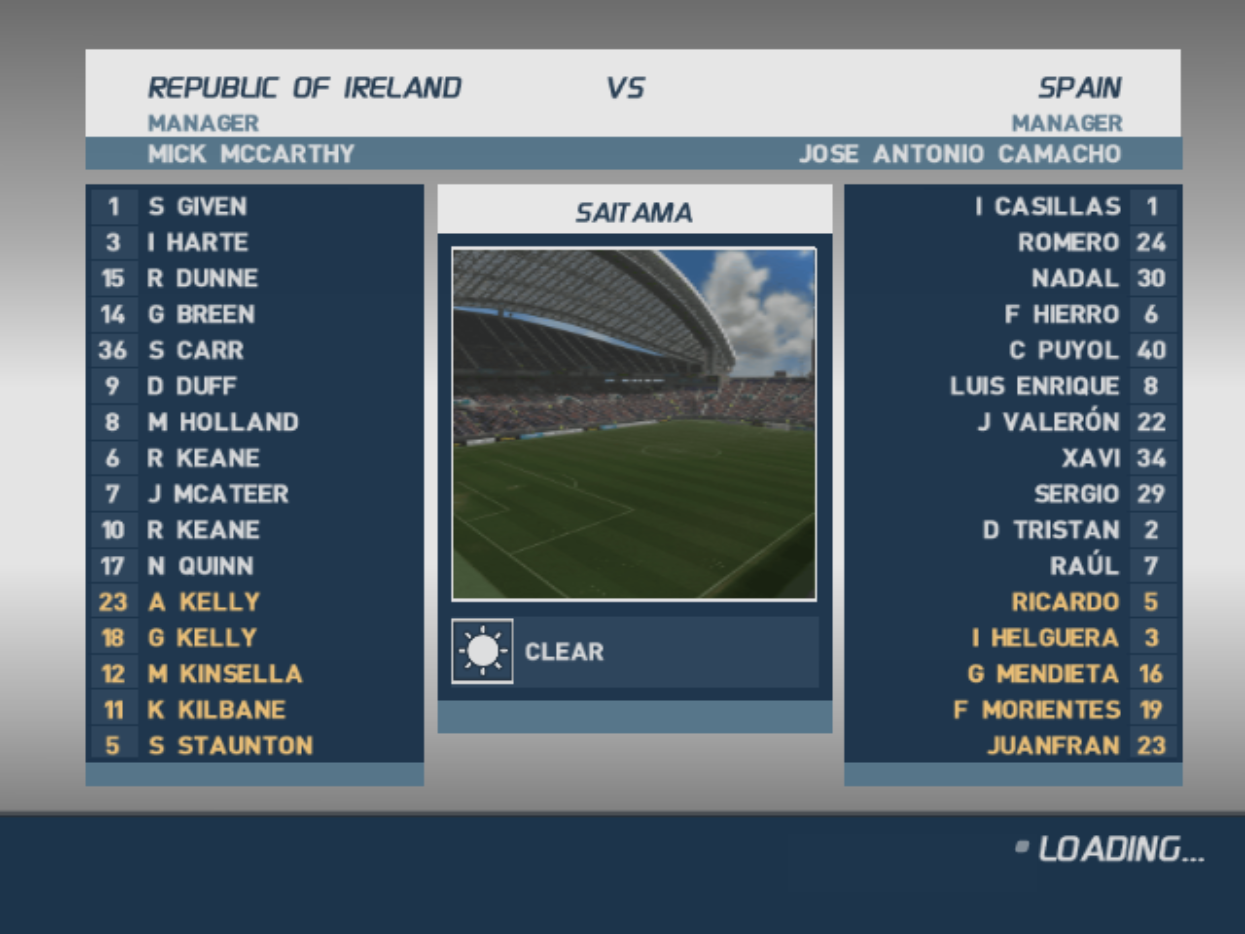
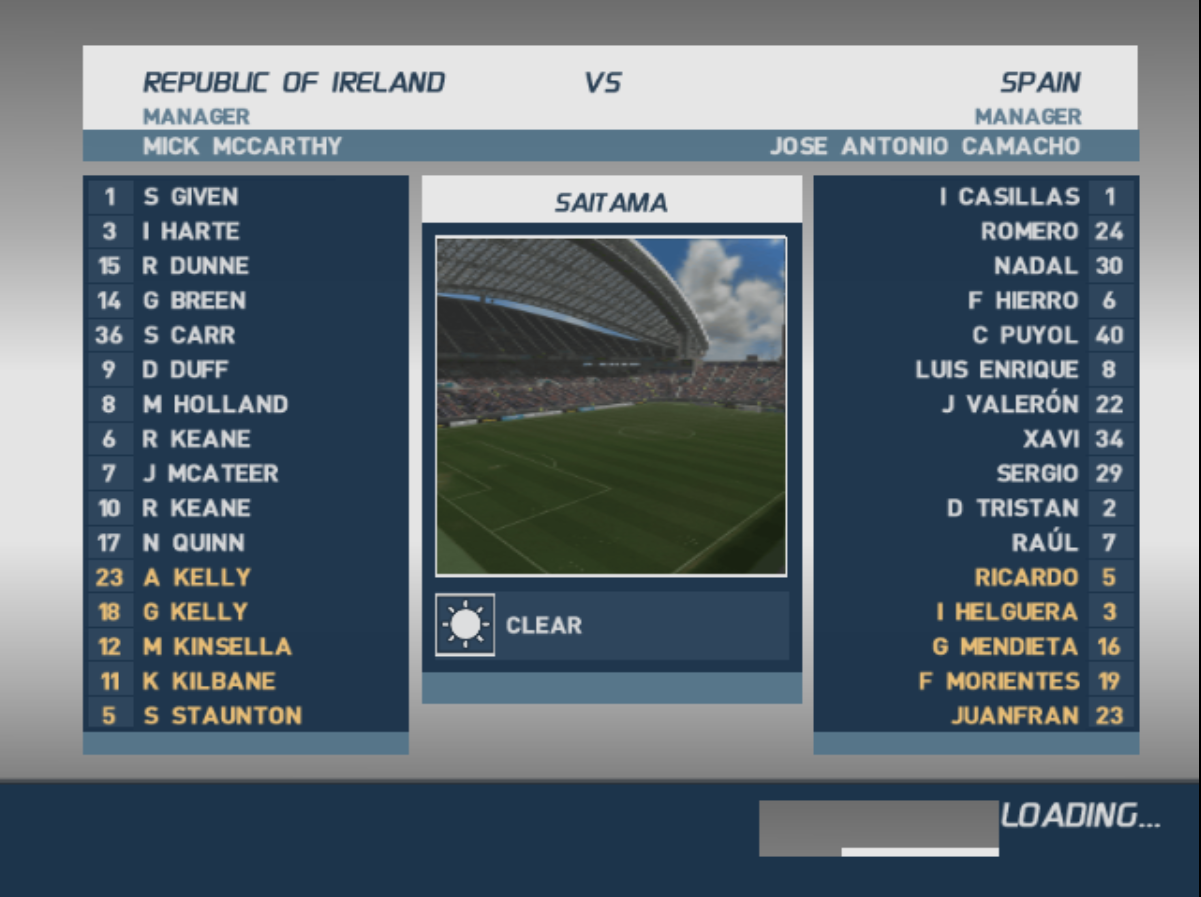
In games such as Pachi Para, we were picking the wrong target from the available list, which resulted in a whole bunch of issues. This aims to correct the behaviour when the target expects to pick up a depth target.
PachiPara 13:
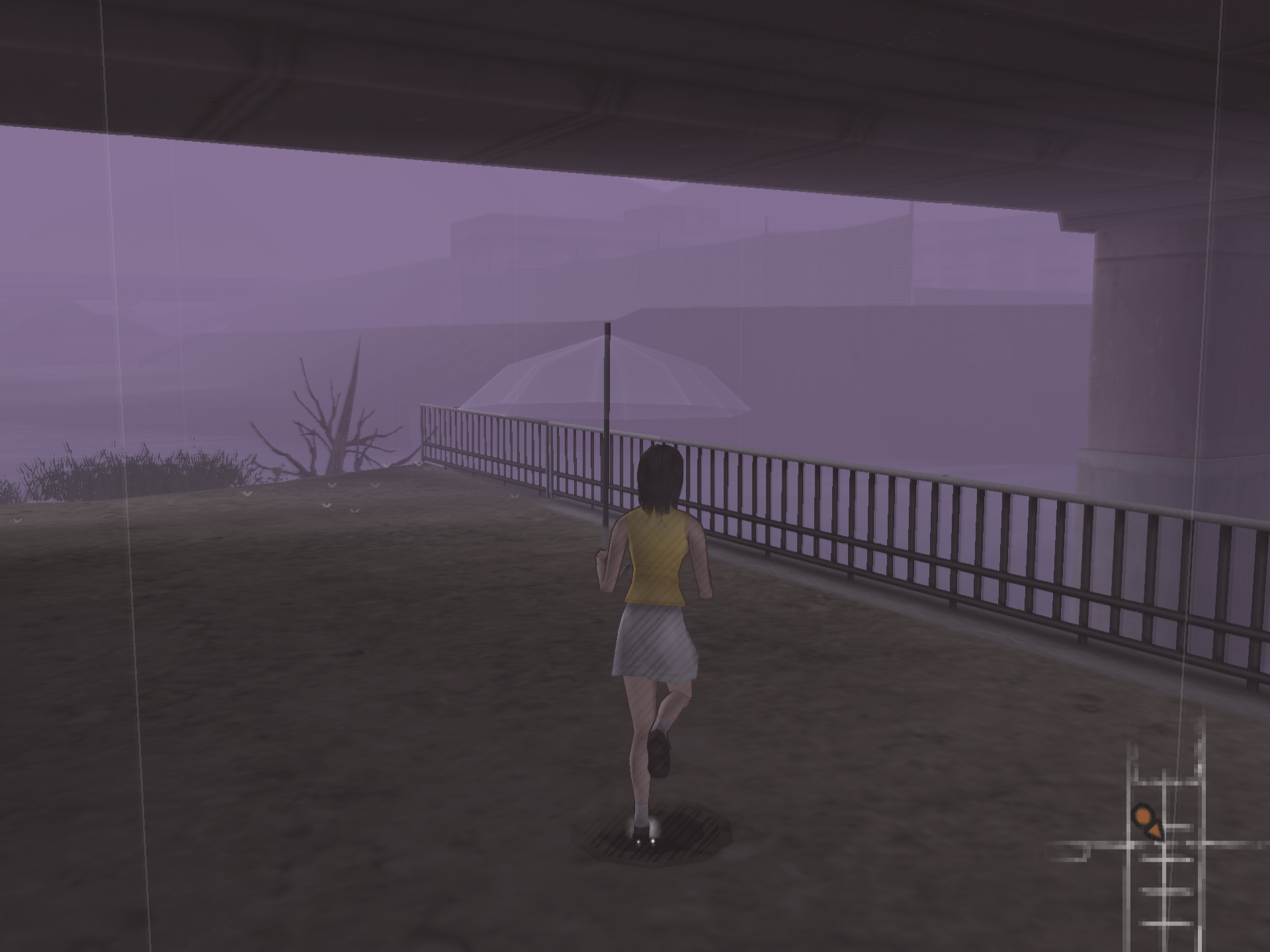

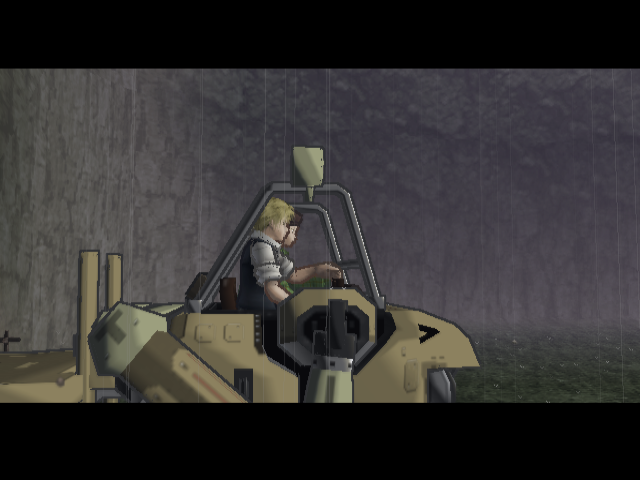
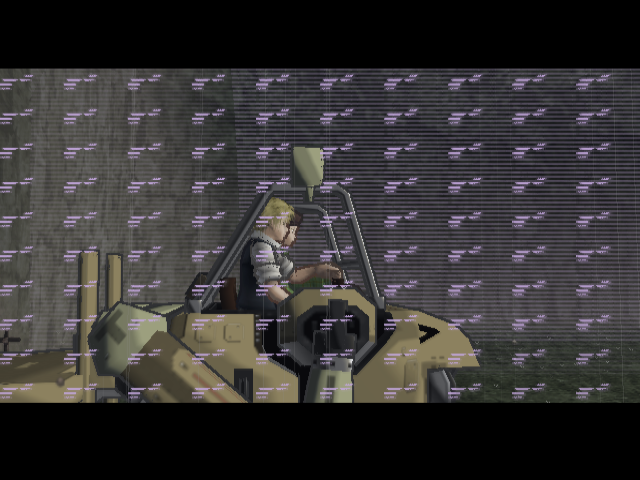
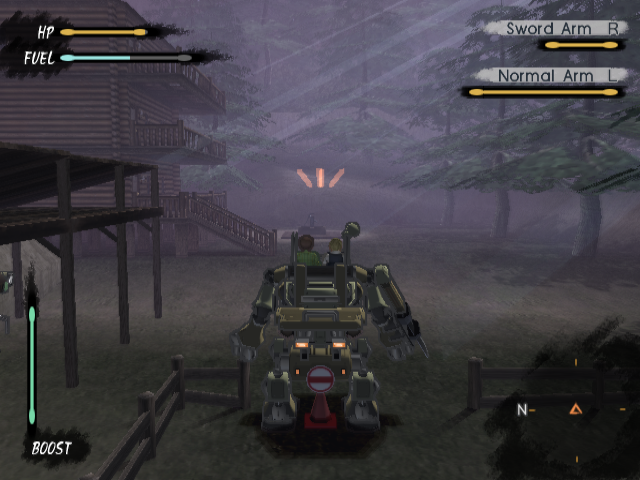
Fixes problems with target overlap of a single pixel and looking into the future to get the correct frame format on shuffles.
Single pixel overlap was happening on Steambot as it was drawing right on the edge of the target, then blending in the Z buffer, which is of course not good.
Also fixed an issue where when there is a texture shuffle it checks if the target is used in the next draw as a texture, but didn't consider if it was also a shuffle of a different type, so that is now corrected.
SteamBot Chronicles:
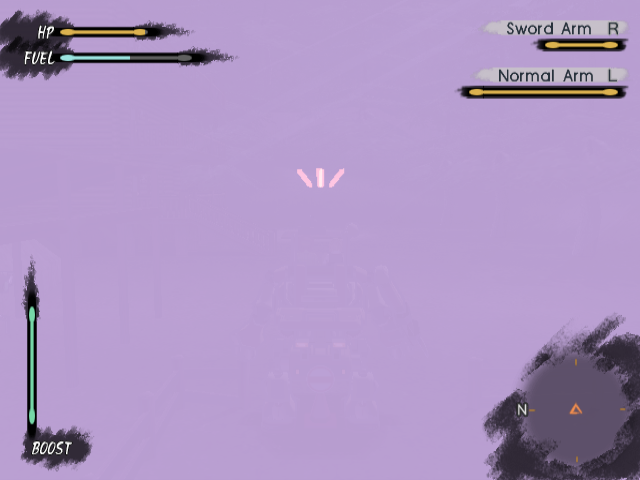
Previously, depth textures being moved in the texture cache would be done via GPU copy operations. Now they are done with shader copy/blit operations. Extra care was given to Direct3D 11, which does not support partial copies, and Direct3D 12 with its inconsistent driver-level support.
Kenran Butousai:
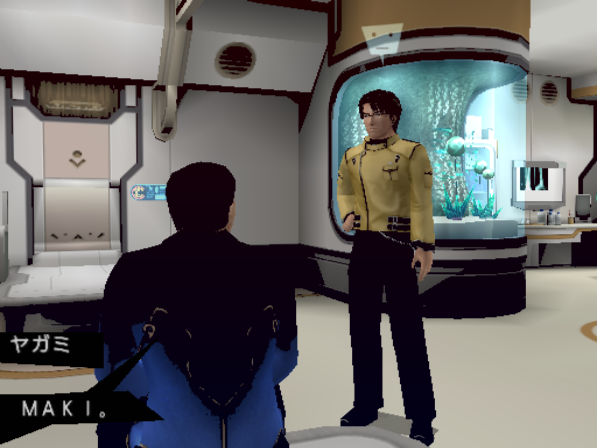

Kunoichi:
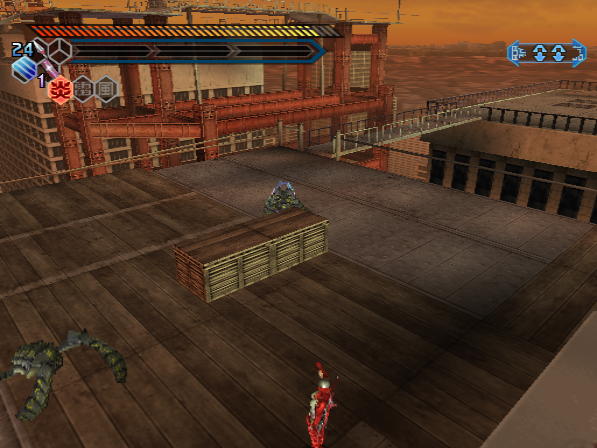
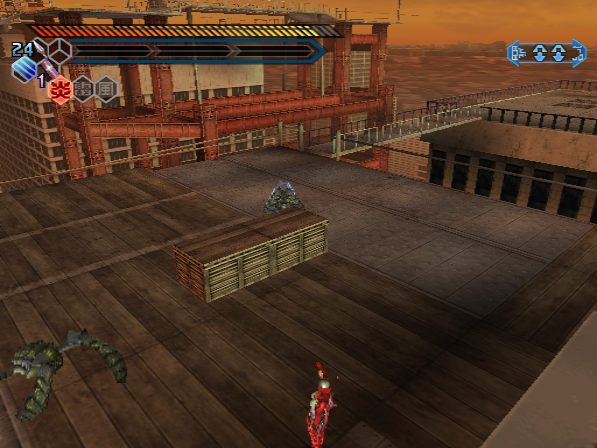
Following the addition of Enhanced Barriers, it was discovered that we can cut down the number of render passes (attachment state changes). In some scenarios this provided a nice further boost when using enhanced barriers on D3D12.


Previously it was believed that resolving these issues would require ROV; however, LightningTerror discovered that handling can be improved without needing ROV.
This further improves the destination alpha testing behavior to be more accurate in combination with incoming source alpha testing.
Energy Airforce:
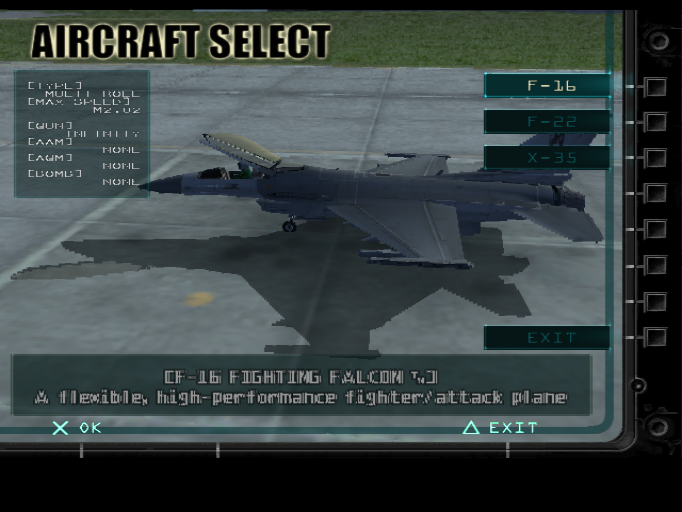
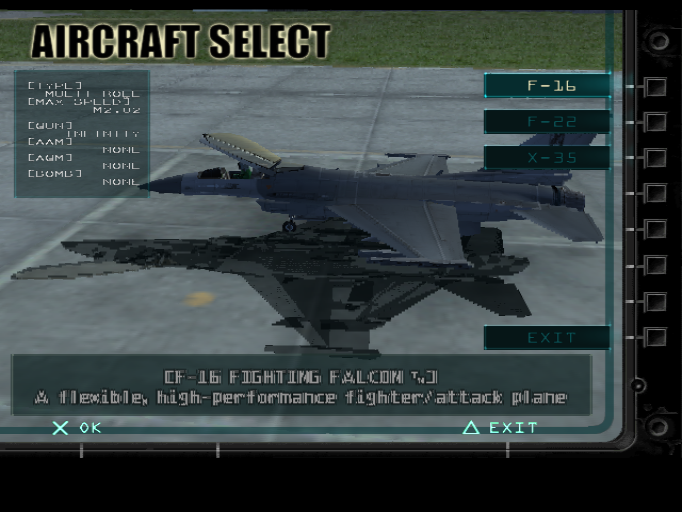
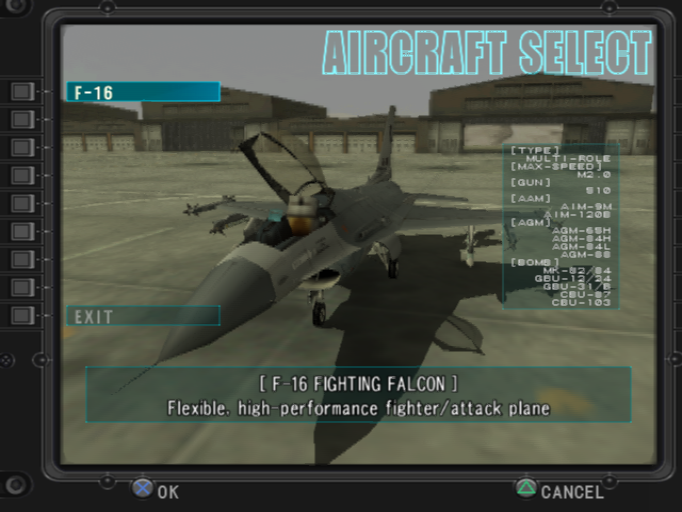
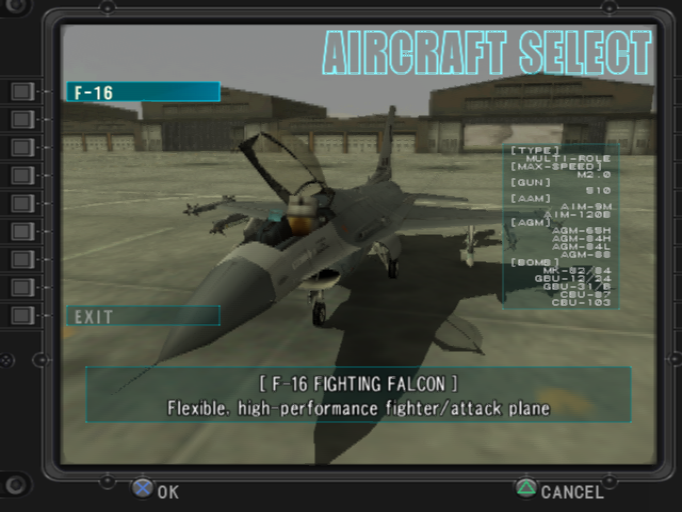
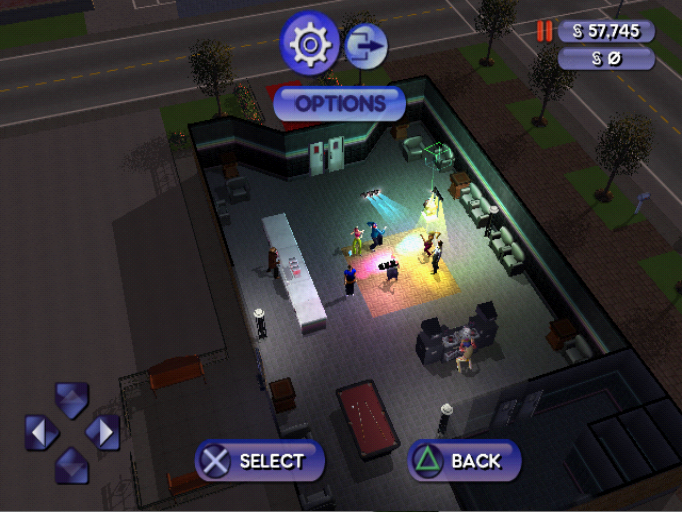
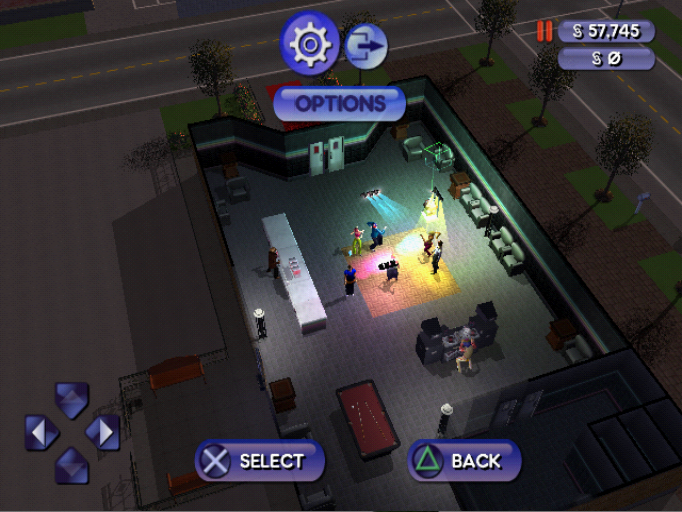
The Sims - Bustin Out:
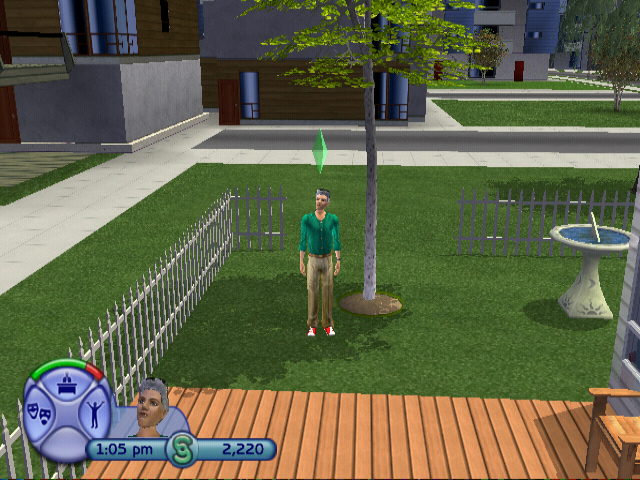
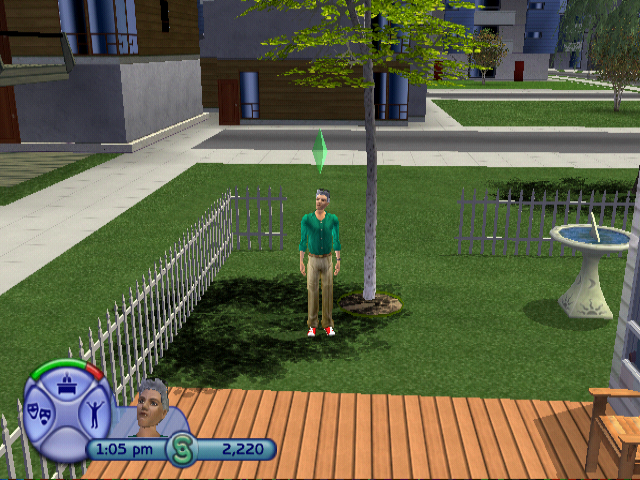
The Sims 2:
FIFA 2009:
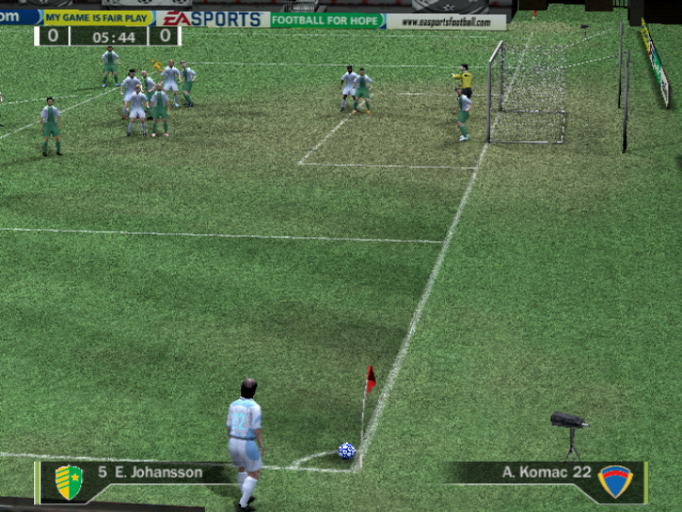
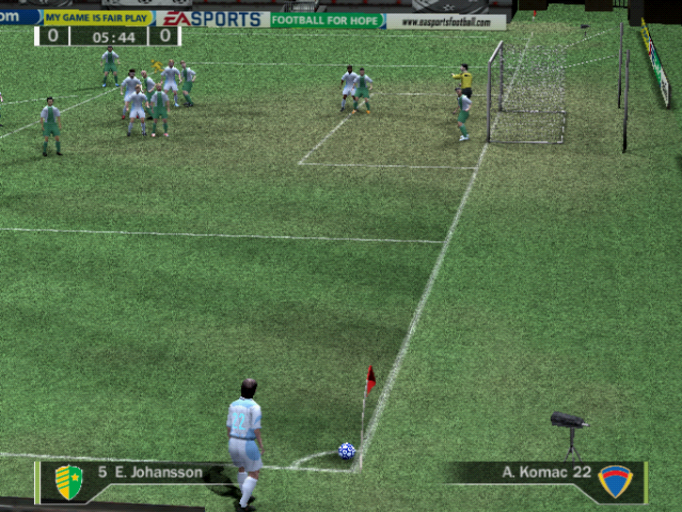
Persona 4:
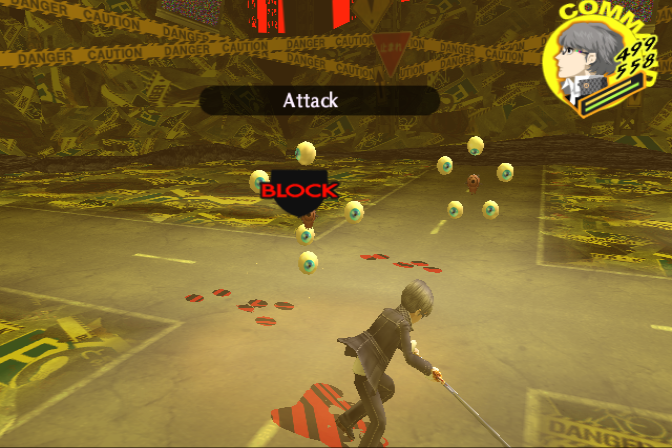
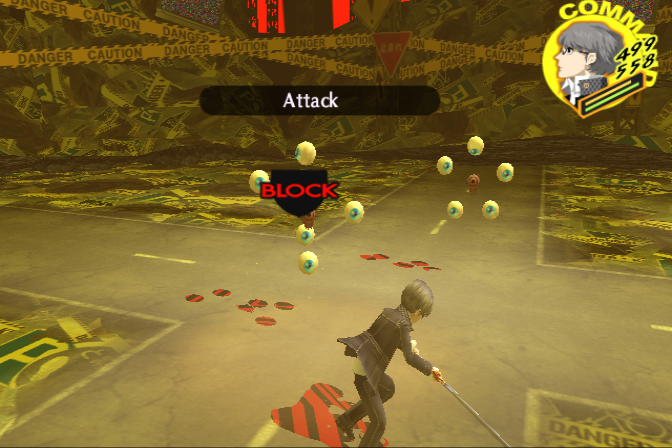
Avoiding framebuffer switching has been further optimized. This allows us to reuse the old framebuffer attachments, which provides an FPS boost.
To make it a bit simpler, the less re-binding/re-attaching is done, the better. However, great care is needed because if done improperly it can cause issues.
This change did not change performance noticeably beyond single digit changes.
What did decrease more was the reduction of bindings when using ROV on Direct3D 11; however, since there's a bottleneck elsewhere (ROV barriers themselves) we didn't see much of an FPS gain there either.
Further optimizations have been done to improve framebuffer copies which will be useful for all renderers when texture barriers are disabled or not supported. This is especially helpful for Direct3D 11 since we have no texture barrier support, other than ROV which can be faster for a lot of draw splits using full barriers but not single barriers/copies.
-
Align drawlist bounding box to 4-pixel boundaries.
- Will be faster using Direct Memory Access, otherwise it may stall as more commands need to be issued.
- This will make the bounding box slightly larger but more friendly with GPU cache/VRAM.
-
Expand 4-pixel boundaries correction to non-overlapping draws.
-
If the copy area covers 95% or more of the render target size switch to full copies using CopyResource instead of CopySubresourceRegion.
-
At this size using full copies should be faster.
Currently it is only used when texture barriers are disabled but can be used when Depth testing/Afail copies are implemented.
Next, multidraw framebuffer copies have been backported from Direct3D 11 to OpenGL in cases where texture barriers aren't supported, which may help some older drivers which lack support.
Since non-recursive blending is basically free and doesn't require a barrier/copy, we can just enable it on minimum level without any cost for better accuracy.
Sniper Elite:
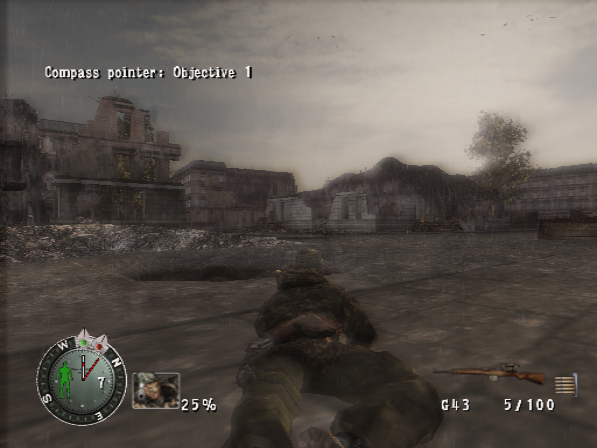
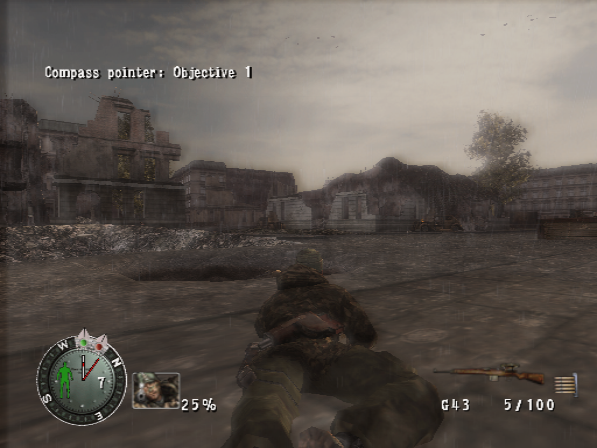
Star Wars Battlefront 2:
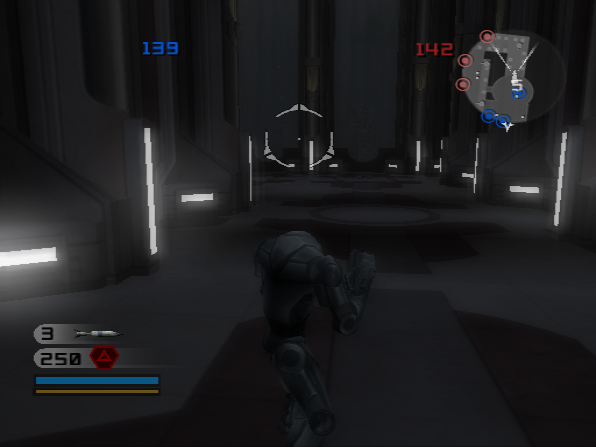
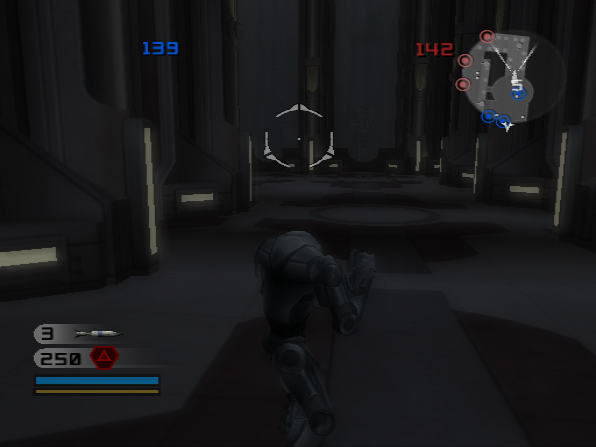
With the addition of depth feedback for Accurate Alpha Test/AA1, Direct3D 11 became painfully slow when using said features. This is because GPU depth copies are much, much slower on Direct3D 11 compared to color copies. A solution was to treat the depth as color, which would require additional shader copies, and later on, where we'd need a copy as a barrier, we'd do a color copy where we'd usually do a depth copy. This results in doubling the speed or more, even though technically we do even more copies with the addition of shader copies. This brings the speed closer to OpenGL without using ROV when using AAT/AA1.

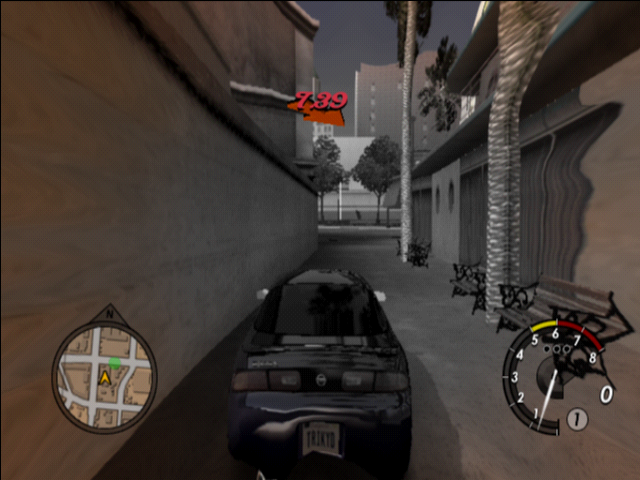
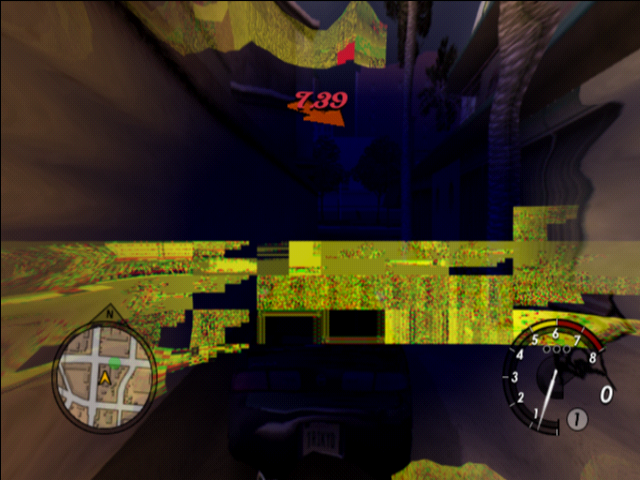
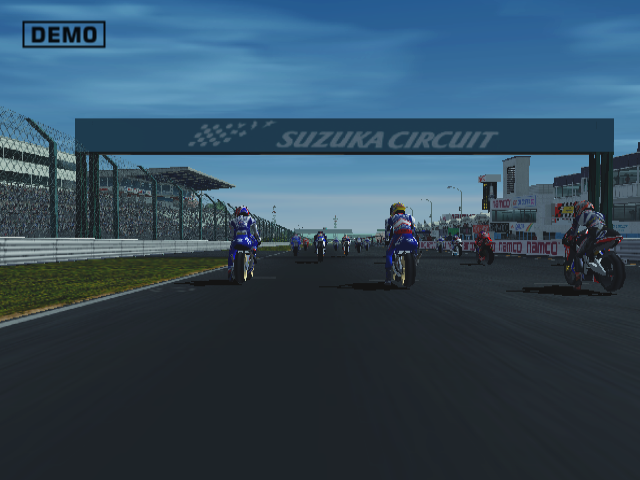
Improves lookup of sources when 24-bit targets are involved. Also merges single page targets into larger targets if they overlap.
Our channel shuffle emulation used to only look in our texture cache for textures with the full 32 bits valid. Since games like MotoGP shuffle use a 24 bit texture, we would never find a match (the top 8 bits were not valid). We now pre-check what bits the shuffle needs, and made our texture cache lookup a little smarter.
L.A. Rush:
MotoGP:
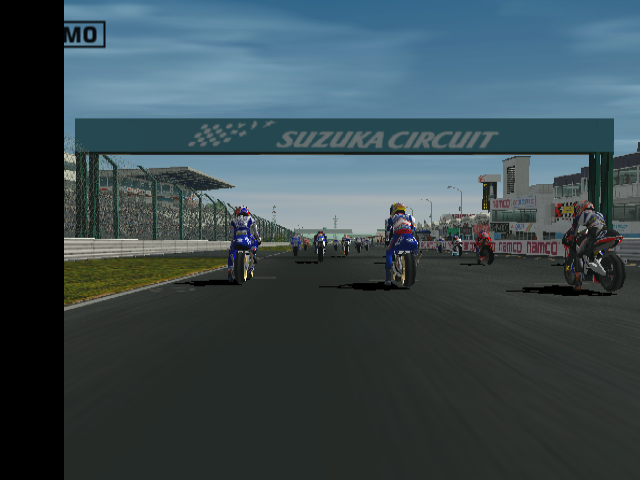
Reduce hazard copies where they are not required and fix a typo in the SW renderer drop back.
A "hazard" occurs when a game is both writing to and reading from the same texture in the same draw. Our checks were only checking if the texture and target were pointing to the same place. It didn't actually check if it was reading and writing the same texels. If not, then there's no need to create a separate (hazard) copy as the data won't change. This will cut down a bunch of copies (as seen below). Also fixed a typo in the rect calculation for readbacks in the Software renderer fallback (CSBW), whoops.
Highlight number of copies reduced on the following GS dumps:
- 777  Bakusou Dekotora Densetsu - Otoko Hanamichi Yume Roman_SLPM-65234
- 448  Zettai Zetsumei Toshi 2 - Itetsuita Kioku-tachi_SLPS-25606_20251105164821
- 176  Haunting Ground_SLUS-21075_20220807194320
- 160  Syphon Filter - Dark Mirror_SCUS-97362_20240610050046
- 139  Blokus Club with Bumpy Trot_SLPS-20443_20251105235531
- 139  PachiPara 12 - Ooumi to Natsu no Omoide_SLPS-25574_20251105155128
- 139  PachiPara 13 - Super Umi to PachiPro Fu-unroku_SLPS-25682_20251105154553
- 139  PachiPara 14 - Kaze to Kumo to Super Umi in Okinawa_SLPS-25787_20251105160122
- 139  Steambot_Chronicles_SLUS-21344_20230511114115
- 138  hitmancontracts_l3_bjarkov
- 138  LEGO Racers 2_SLUS-20042
- 137  hitman (this is Blood Money)
- 130  Jak X - Combat Racing_SCUS-97429_20250526073932
- 127  LEGO Dome Racers_SLES-51303_20230717193026
- 114  Juiced_SLUS-20872_20230505163642
- 69   007 russia half screen
- 67   Minority_Report_-_Everybody_Runs_SLUS-20331_20221022205359
- 66   007 - From Russia with Love_SLUS-21282_20231202212313
- 66   Syphon_Filter_-_Logans_Shadow_SCUS-97584_20240104192224
- 45   FordRacing2CarShadow
- 40   Charlie and the Chocolate Factory_SLES-53386_20250214214241
- 38   Power_Drome_SLUS-20978_20240617182239
- 32   Knight Rider - The Game_SLES-51011_20230301100135
- 28   The_Godfather_SLUS-21385_20240206091914
- 26   The Bigs 2_SLUS-21860_20250303214104
- 25   Need for Speed - Undercover_SLUS-21801_20240712020737
- 24   Indiana_Jones_and_the_Emperors_Tomb_SLUS-20508_20230206223913
- 24   Killzone_SCES-52004_20240617170050
- 24   Prince of Persia - Sands of Time_SLUS-20743_20250528185119
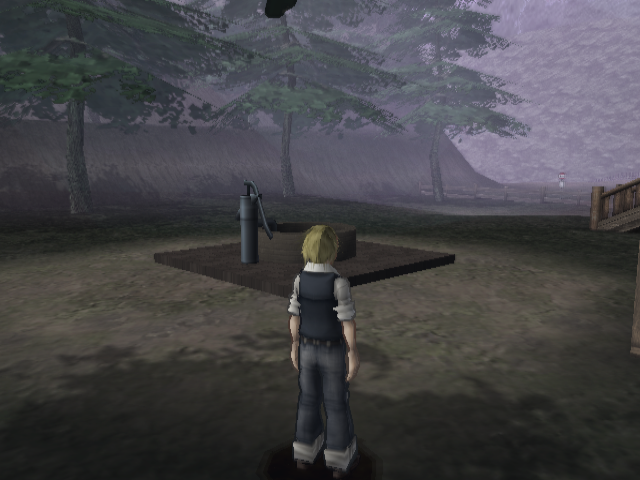
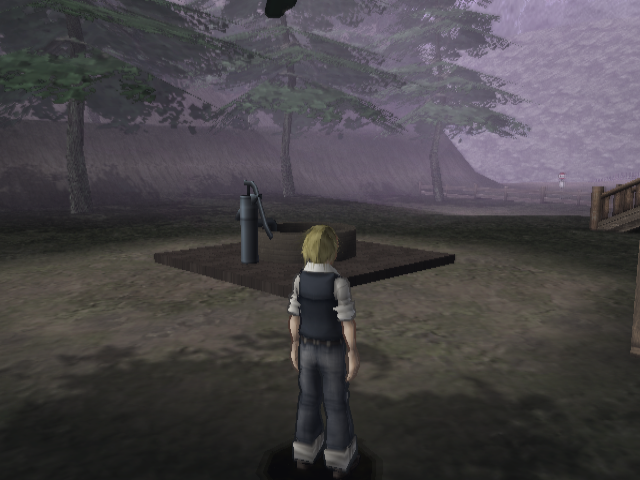
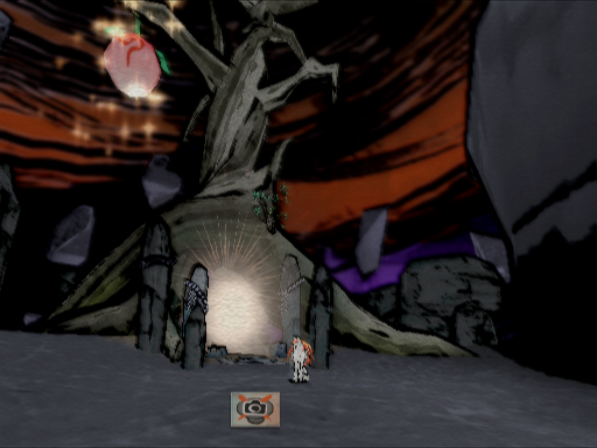
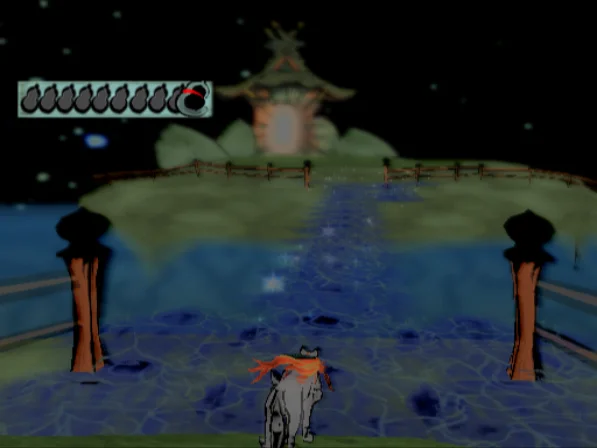
Improves the fog modulation in the hardware renderers to match the PlayStation 2. This doesn't account for interpolation where the colour changes across the primitive, that will still be slightly out.
The original formula was based on doing 255 - fog_coeff, which is incorrect, it's actually 256 - fog_coeff. Most of the time this doesn't matter, but in Steambot it makes a huge difference to the fog colour.
Steambot Chronicles:
Okami:
Hitman - Blood Money:
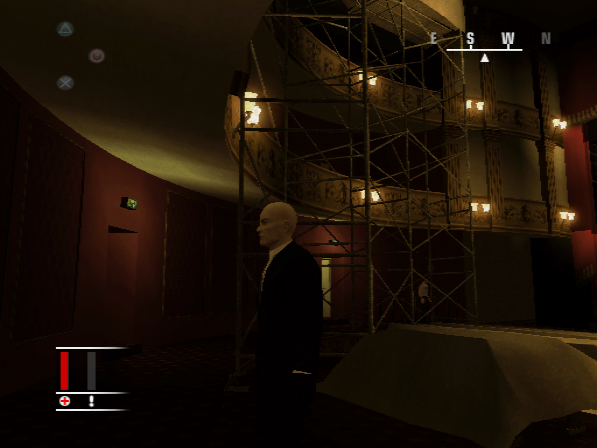
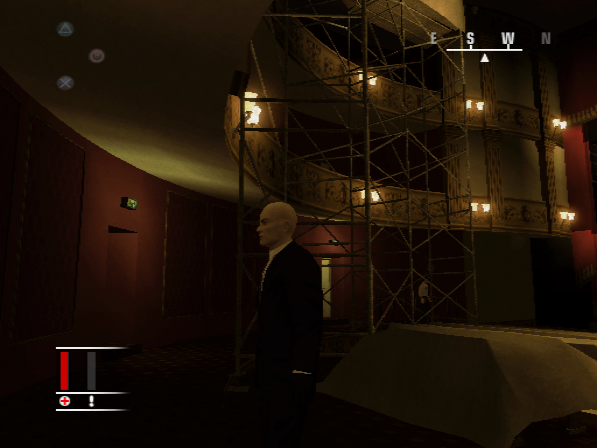
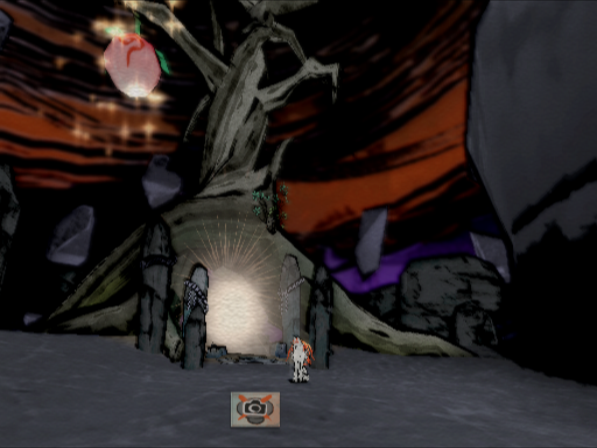
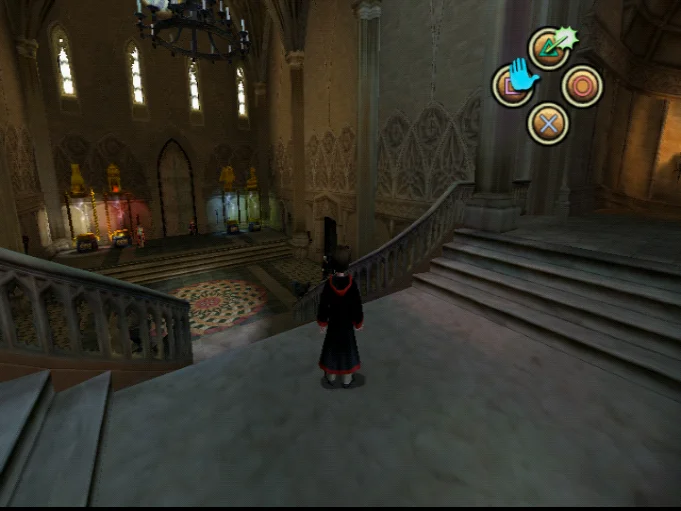
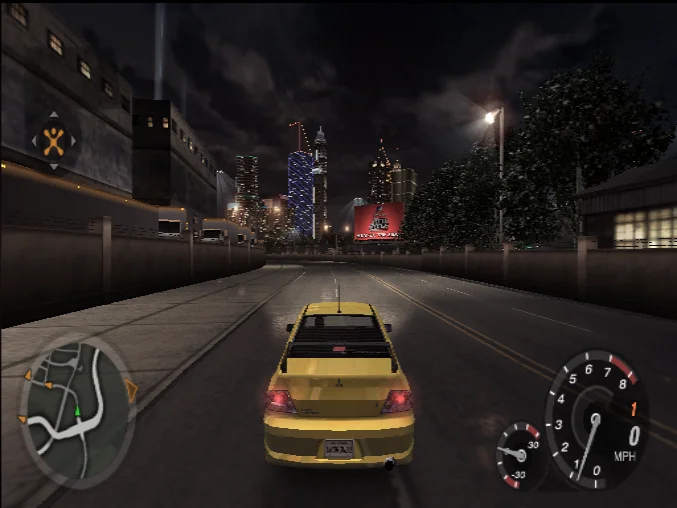
Floors the depth write values in the hardware renderers to improve Z-fighting and bring depth testing closer to software accuracy.
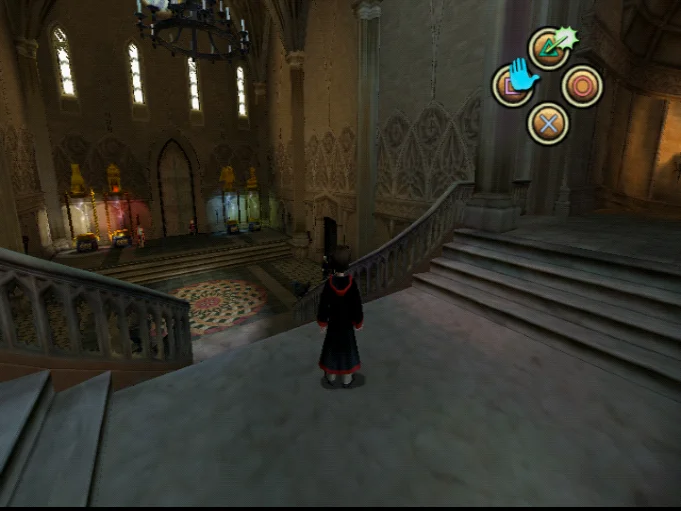
On the PlayStation 2, only integer depth is available. On PC GPUs, interpolating primitives produces a sliding scale of decimal values, which can cause depth tests to fail when they shouldn't. Flooring the depth write values gets rid of these false failures and fixes Z-fighting across a ton of games.
Harry Potter:
Need for Speed - Underground 2:
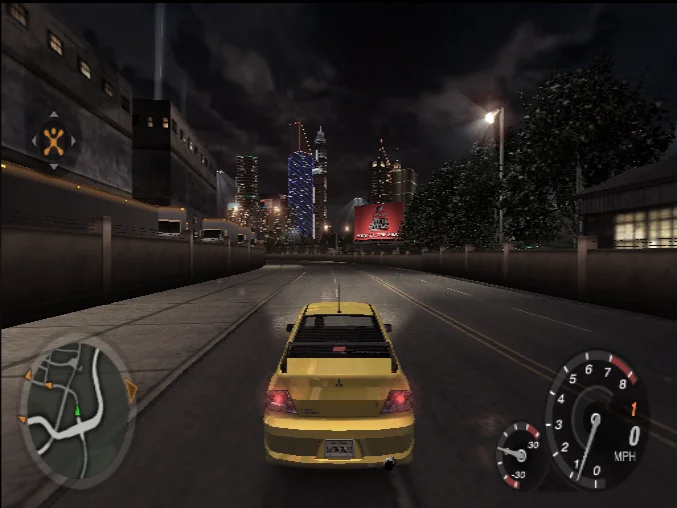
Okami:
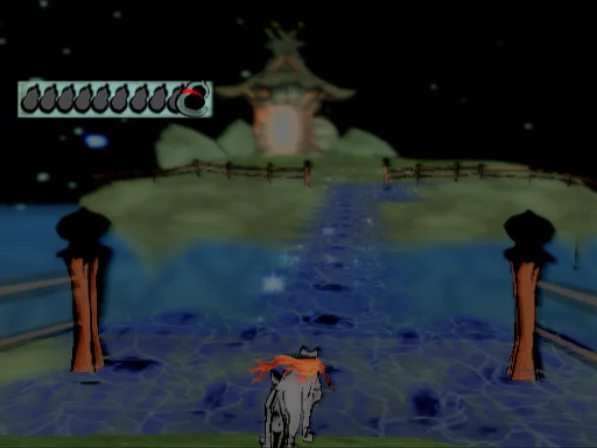
Tony Hawk's Pro Skater 3:
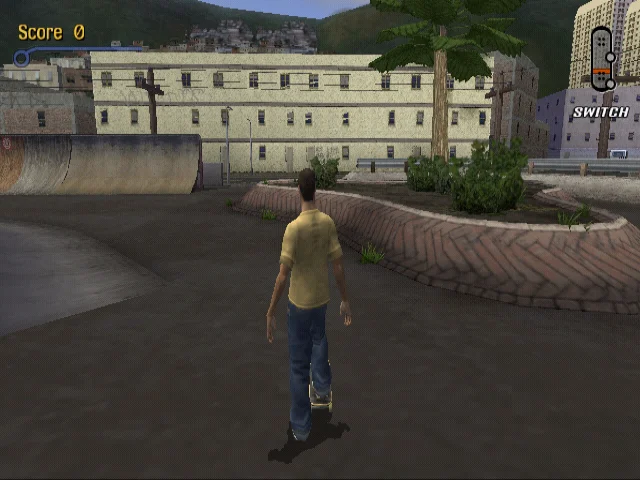
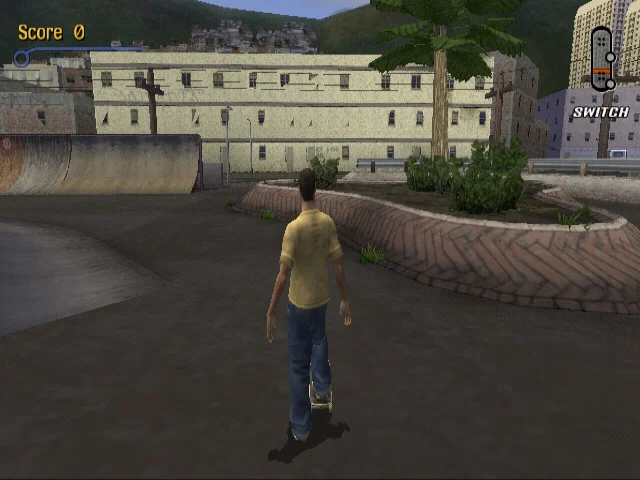
Adds a new optional draw buffering setting under Manual Hardware Fixes to reduce draw calls in games with excessively high draw counts.
Several games, notably Primal Image and Need for Speed titles, perform alternating draws every triangle (e.g., texturing a triangle, applying a reflection map, then blending), which creates heavy context switching. Buffering these draws provides huge performance improvements by significantly cutting draw calls and barriers.
Highlight number of draw calls reduced on the following GS dumps:
- Brothers in Arms - Road to Hill 30 (Menu): Draw Calls: -9,272 [10,105 => 833]
- Primal Image: Draw Calls: -6,972 [8,083 => 1,111], Barriers: -3,056 [3,484 => 428]
- Need for Speed: Underground 2: Draw Calls: -2,796 [5,624 => 2,828], Barriers: -1,394 [2,975 => 1,581]
- Stuntman: Draw Calls: -2,668 [4,572 => 1,904], Barriers: -1,182 [2,024 => 842], Uploads: -9 [111 => 102]
- Need for Speed: Most Wanted (Black Edition): Draw Calls: -2,425 [4,189 => 1,764], Barriers: -1,151 [2,100 => 949]
- Armored Core: Nine Breaker: Draw Calls: -2,400 [3,921 => 1,521]
- Need for Speed: Carbon: Draw Calls: -1,980 [4,956 => 2,976], Barriers: -971 [1,692 => 721]
- The Sims: Bustin' Out: Draw Calls: -1,782 [4,693 => 2,911], Barriers: -48 [56 => 8]
- Need for Speed: Undercover: Draw Calls: -1,627 [4,107 => 2,480], Barriers: -518 [1,020 => 502]
- X-Men 2: Wolverine's Revenge: Draw Calls: -1,455 [1,809 => 354], Uploads: -2 [26 => 24]
Following the addition of draw buffering, this follow-up cuts down on unnecessary environment copies when draw buffering is disabled or when subsequent draws can't be buffered. Previously, the context was being backed up and restored during flushes even when not needed, wasting CPU cycles.
Pointers added by draw buffering were also replaced with local references, helping reduce GS CPU load on weaker machines.
Adds support for offsetting reads during channel shuffles, removing the need to copy memory pages for every single draw. This eliminates huge numbers of redundant texture copies and render pass transitions, significantly boosting performance in titles that make heavy use of render-target-in-render-target operations.
Highlight number of render passes and copies reduced on the following GS dumps:
- Zettai Zetsumei Toshi 2: Itetsuita Kioku-tachi (Raw Danger): Render Passes: -1,120 [3,094 => 1,974], Draw Calls: -672 [3,726 => 3,054], Copies: -672 [1,355 => 683], Barriers: +448 [484 => 932]
- Hitman: Contracts: Render Passes: -847 [1,426 => 579], Draw Calls: -427 [1,907 => 1,480], Copies: -427 [564 => 137], Barriers: +305 [85 => 390]
- Manhunt 2: Render Passes: -696 [1,006 => 310], Draw Calls: -417 [1,409 => 992], Copies: -417 [425 => 8], Barriers: -140 [140 => 0]
- Stolen: Render Passes: -515 [2,653 => 2,138], Draw Calls: -258 [2,849 => 2,591], Copies: -258 [277 => 19], Barriers: +56 [133 => 189]
- Ghost in the Shell: Stand Alone Complex: Render Passes: -333 [1,543 => 1,210], Draw Calls: -334 [4,413 => 4,079], Copies: -333 [701 => 368]
- Project: Snowblind: Render Passes: -288 [457 => 169], Draw Calls: -157 [596 => 439], Copies: -157 [194 => 37], Barriers: +153 [4 => 157]
- Blokus Club with Bumpy Trot: Render Passes: -280 [2,555 => 2,275], Barriers: -140 [489 => 349]
- PachiPara 12: Ooumi to Natsu no Omoide: Render Passes: -280 [2,191 => 1,911], Barriers: -140 [289 => 149]
- Wild ARMs 5: Render Passes: -266 [818 => 552], Draw Calls: -267 [901 => 634], Copies: -266 [269 => 3]
- Hitman: Blood Money: Render Passes: -265 [481 => 216], Draw Calls: -135 [929 => 794], Copies: -134 [182 => 48], Barriers: +124 [221 => 345]
Checks that texture mapping is enabled before checking if a recursive draw is about to happen.
Some games (Cowboy Bebop and Detective Conan) set the texture address to the same address as the frame buffer even when texture mapping isn't being used. This was confusing PCSX2 into repeatedly resolving COLCLIP HDR targets, causing massive slowdowns. Explicitly checking if texture mapping is enabled cuts out hundreds of unnecessary render passes and barriers.
Highlight number of draw calls and render passes reduced on the following GS dumps:
- Cowboy Bebop: Tsuioku no Serenade: Render Passes: -1,589 [1,604 => 15], Draw Calls: -1,262 [4,434 => 3,172], Copies: -1,261 [1,265 => 4], Barriers: -502 [502 => 0]
- Detective Conan (Menu Graphics Bug): Render Passes: -460 [471 => 11], Draw Calls: -376 [1,599 => 1,223], Copies: -376 [380 => 4], Barriers: -168 [176 => 8]
- Rayman 3: Hoodlum Havoc: Draw Calls: -6 [210 => 204], Copies: -6 [34 => 28], Render Passes: -5 [64 => 59]
- Disney's PK: Out of the Shadows: Draw Calls: -2 [85 => 83], Render Passes: -2 [23 => 21], Copies: -2 [9 => 7]
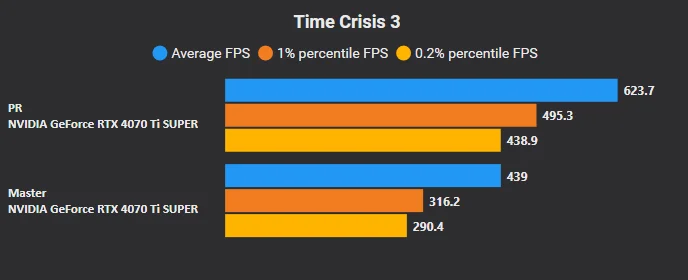
Allows the texture cache to create render targets during GS-to-GS transfers when an offset is used, provided the offset and widths match.
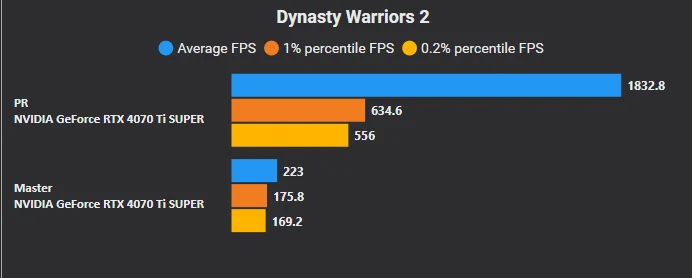
Previously, these transfers failed to match a target and triggered slow GPU-to-CPU readbacks. Handling them directly in the texture cache allows menus in Dynasty Warriors 2 to upscale properly, while giving Time Crisis 3 roughly a 30% speedup by avoiding readbacks.
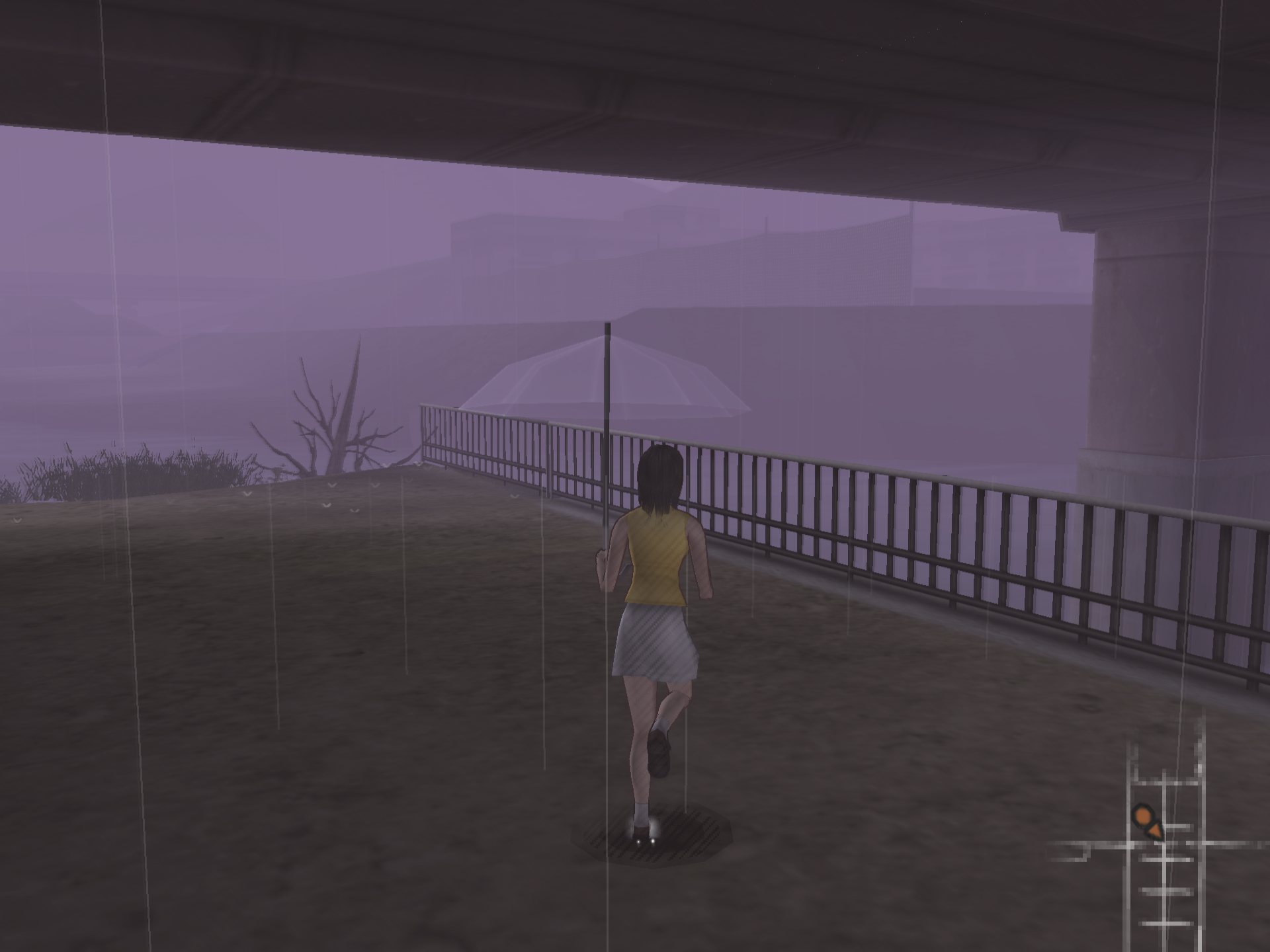
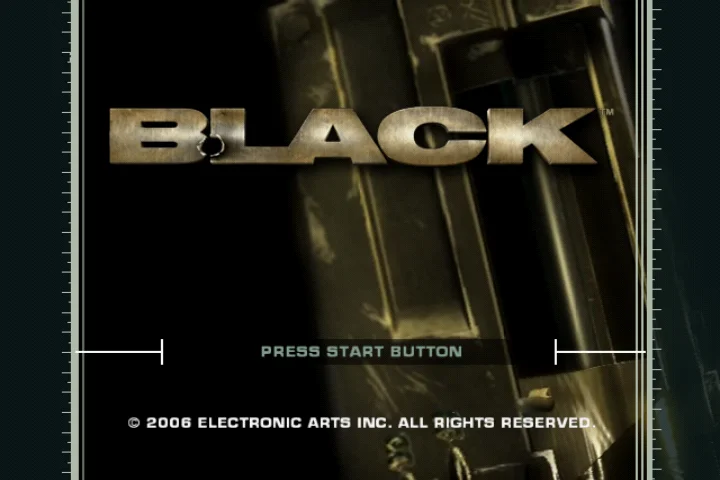
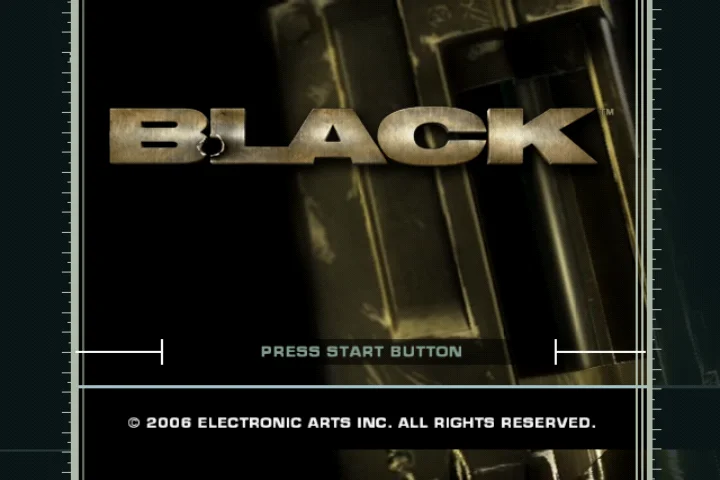
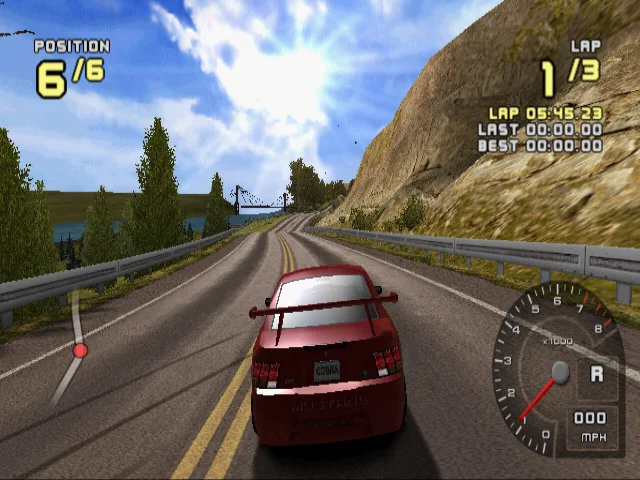
Improves GS memory clear behavior when a clear isn't immediately followed by a draw, making sure unwritten areas in GS memory are properly cleared instead of being left full of garbage data. This fixes flashing shadows in Beyond Good & Evil, shadow bugs in Ford Racing 2, the menu in Black, and FMV playback in 60Hz Silent Hill 3.
Black:
Ford Racing 2:
Correctly scales up depth stencils when the render target is at a higher scale.
When Native Scaling was enabled, depth stencils were getting scaled down and then back up, but instead of resizing to the upscaled resolution, they were being copied directly, causing the depth stencil to slowly get smaller and smaller! Properly upscaling depth stencils fixes depth bugs in Xenosaga Episode III and The Nightmare Before Christmas, and stops Steambot Chronicles from erroneously turning blurry.
Makes sure depth target resizes use nearest-neighbor filtering unless the depth target is downscaled, in which case bilinear filtering is used.
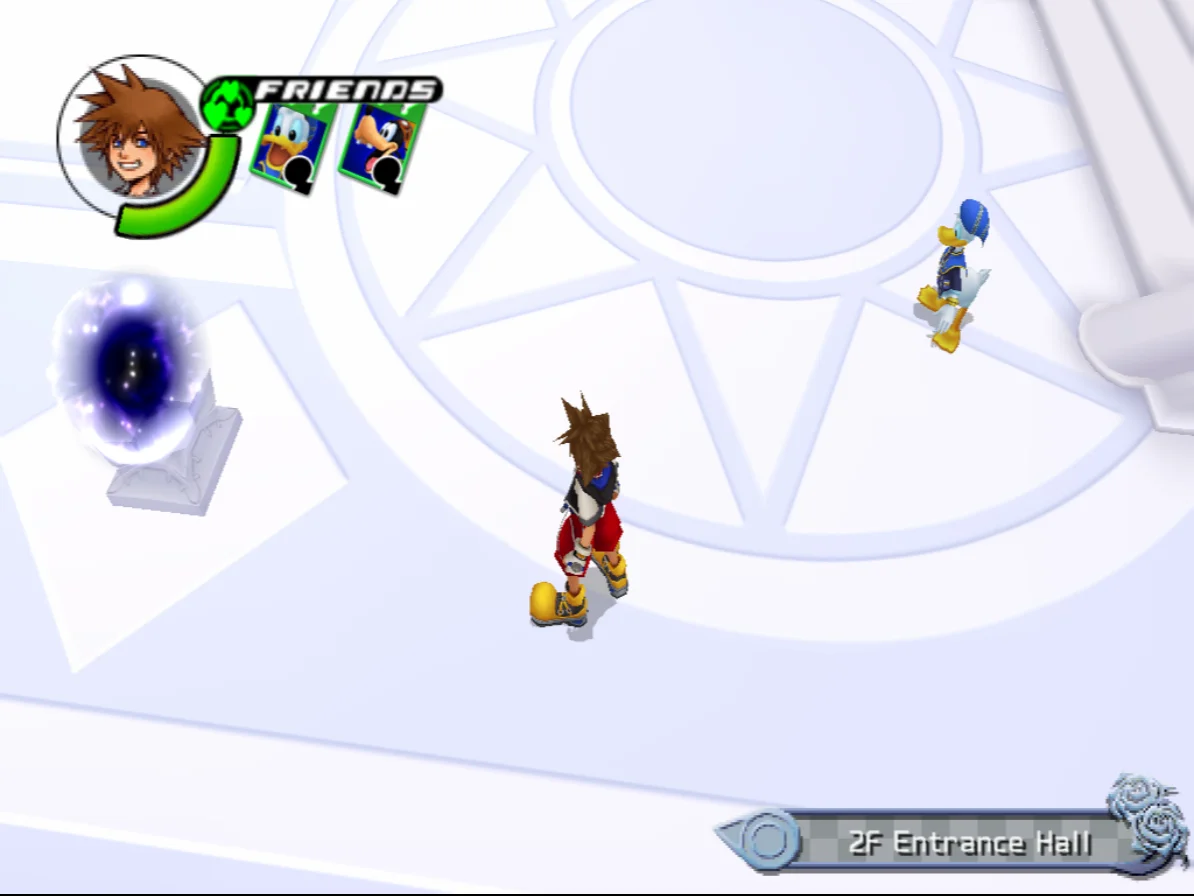
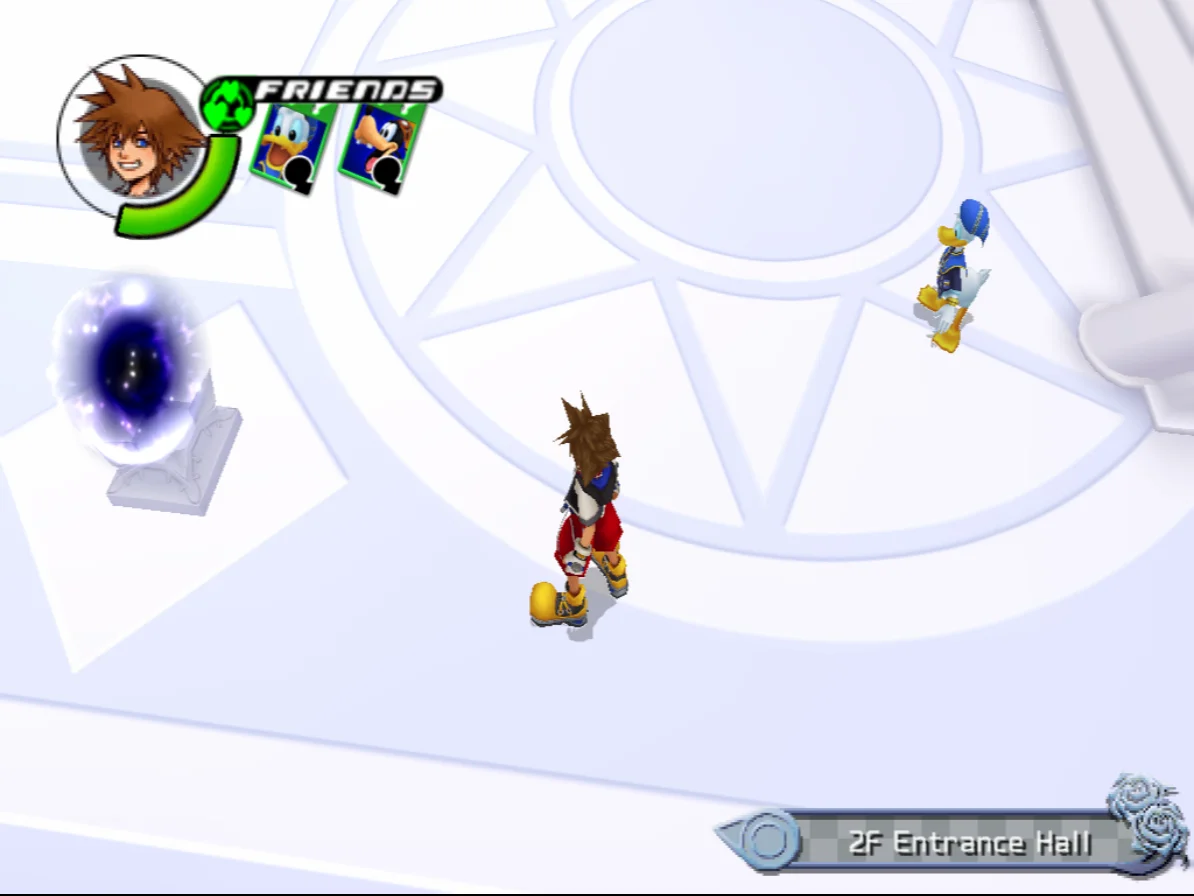
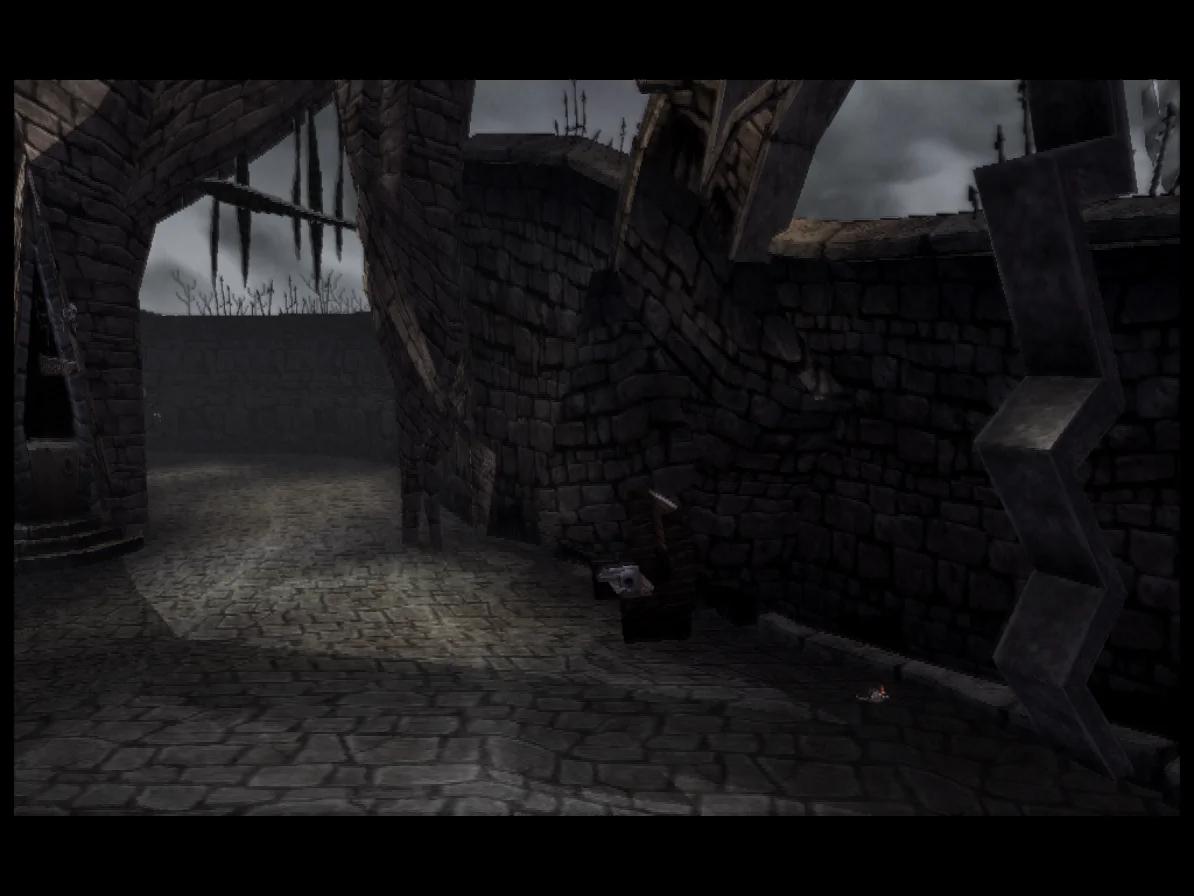
Using bilinear filtering on a depth target that isn't scaling actually corrupts depth values, resulting in ugly rendering artifacts. Restricting bilinear filtering only to downscaled depth targets fixes broken foot shadows in Kingdom Hearts and geometry glitches in The Nightmare Before Christmas.
Kingdom Hearts:
Nightmare Before Christmas:
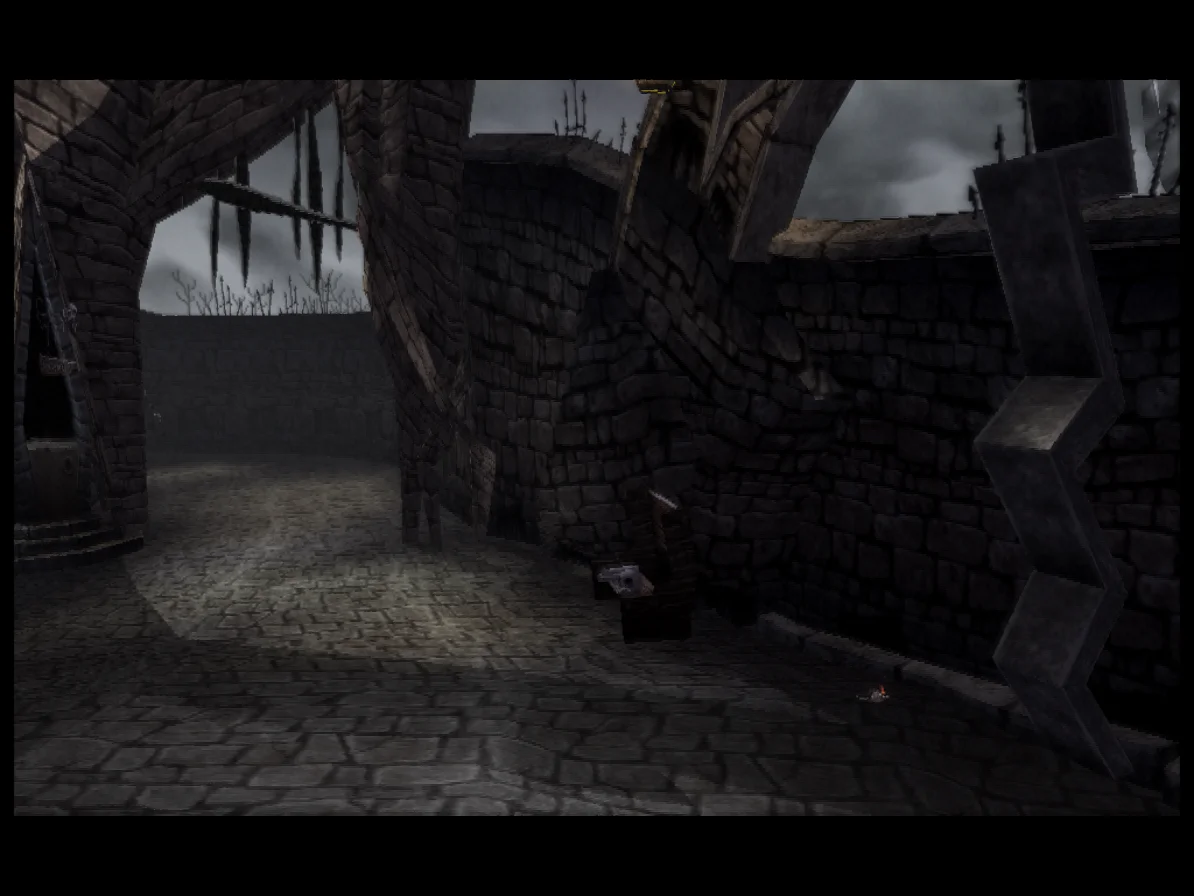
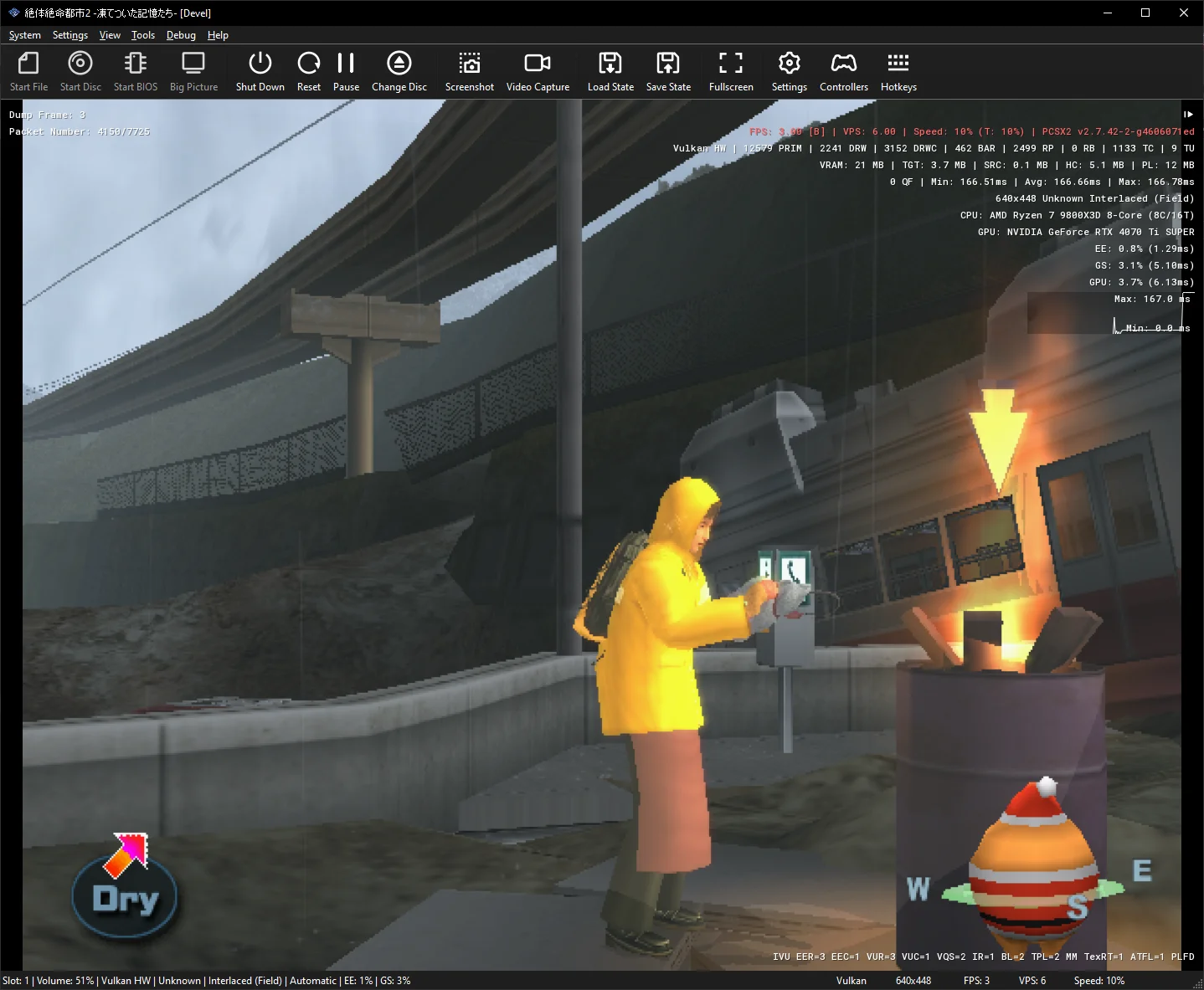
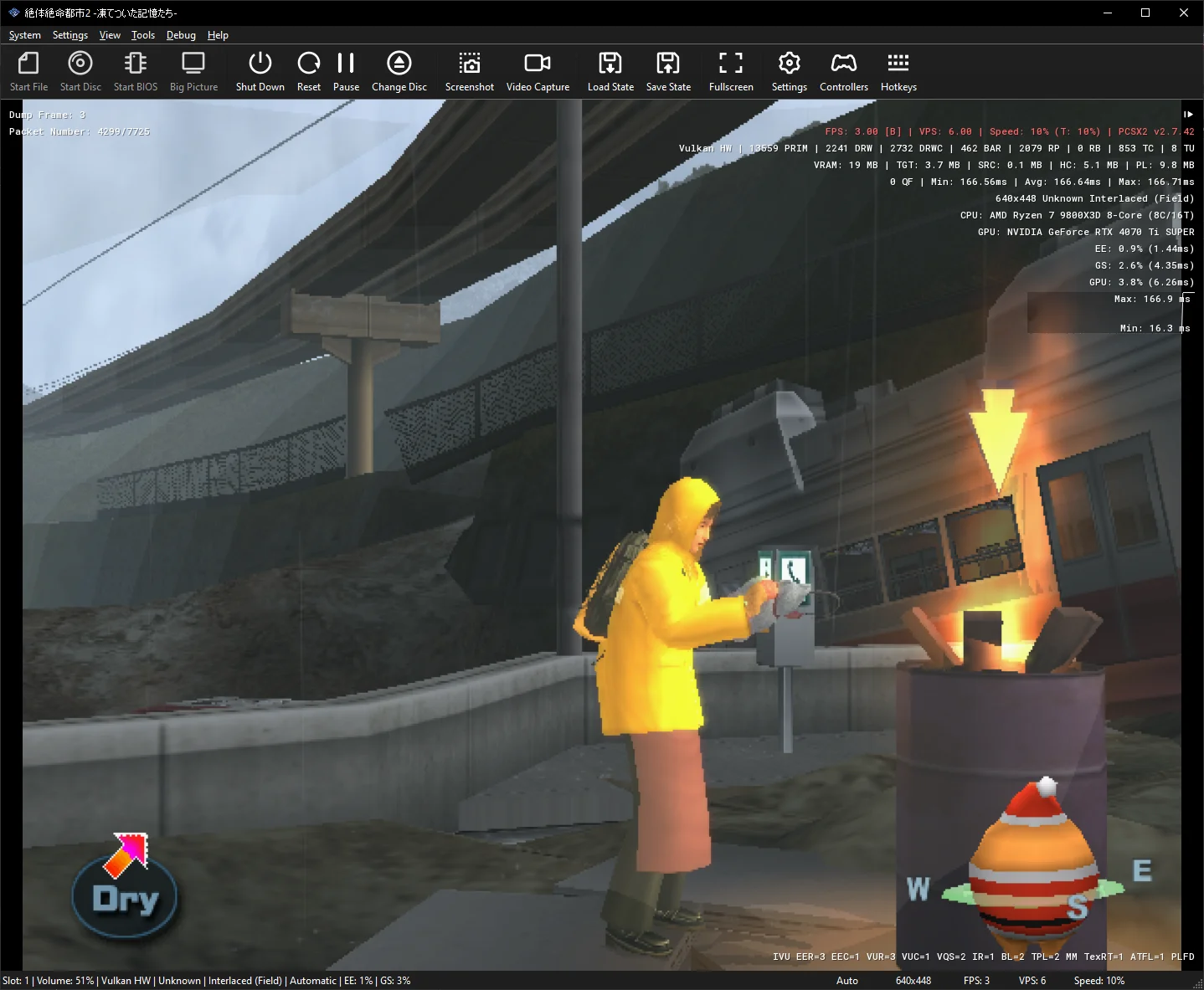
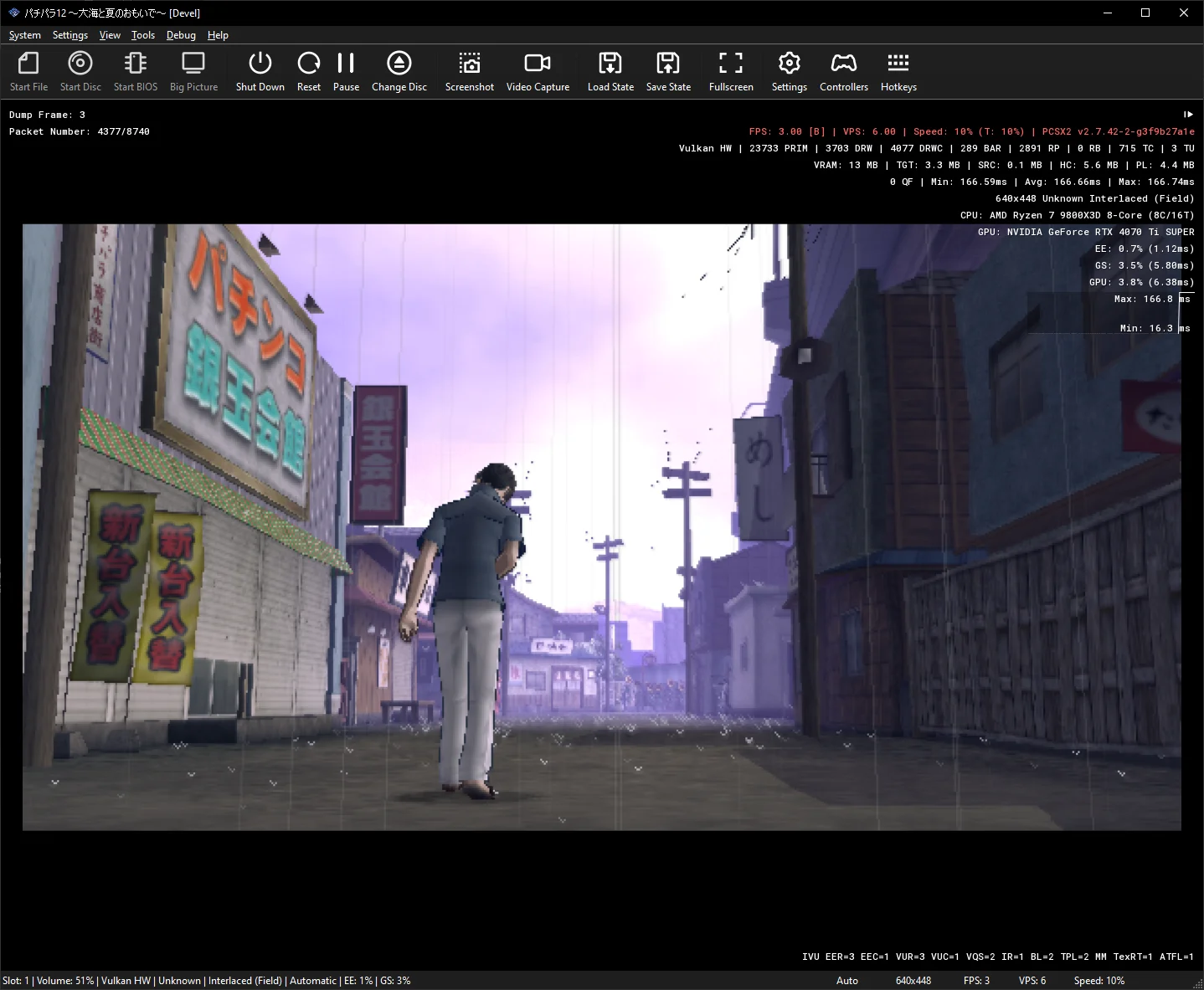
Improves the Irem CRC fix to better handle depth-channel shuffle effects.
Our game-specific hack for Irem titles was missing some of the ways these games use depth-buffer channels for post-processing. Handling these additional cases restores proper lighting, sky colours, and water effects in Raw Danger! (Zettai Zetsumei Toshi 2) and PachiPara 12.
Zettai Zetsumei Toshi 2 (Raw Danger):
Pachi Para 12:
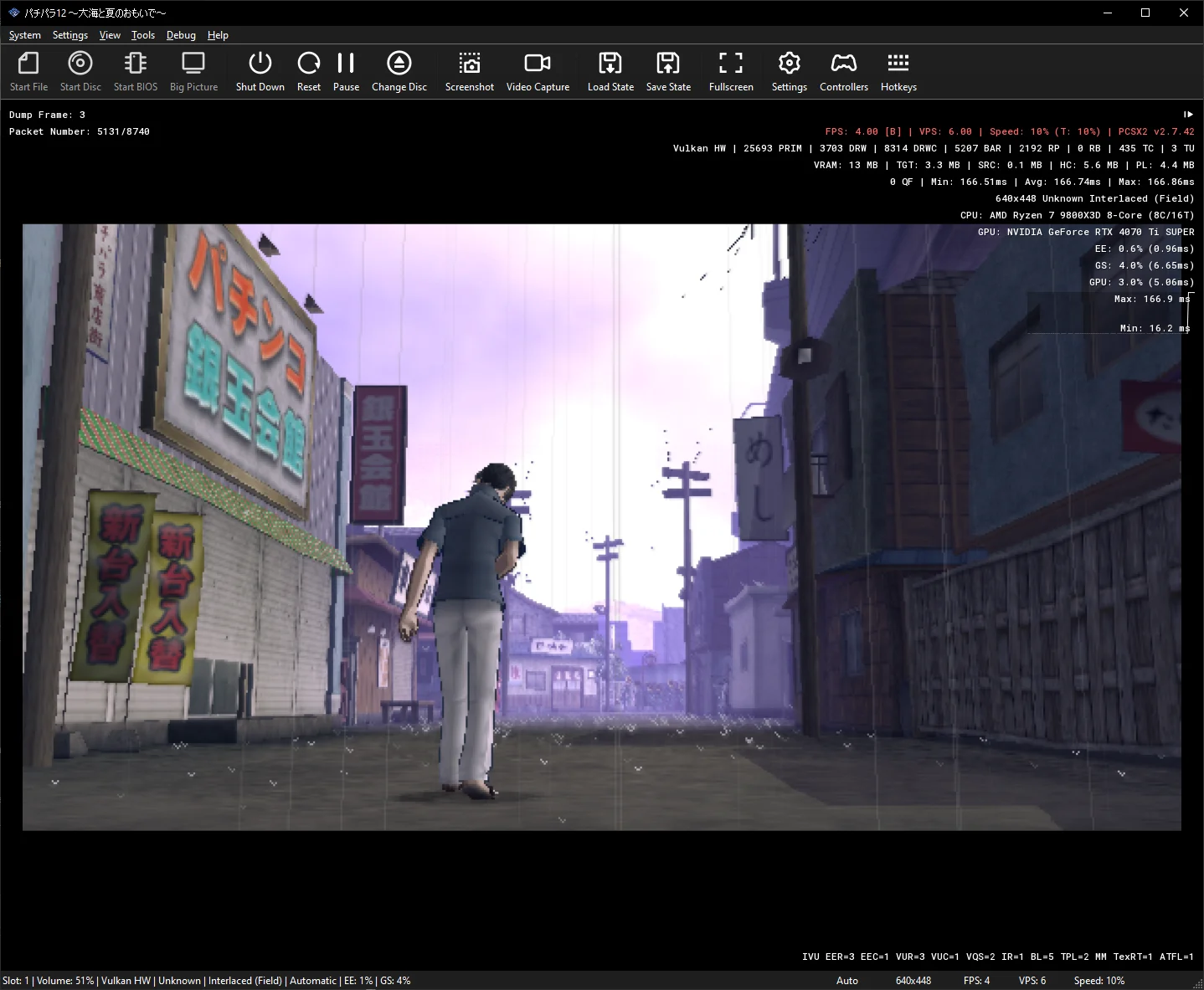
When a new texture is loaded into the texture cache (TC), some bookkeeping is required to ensure that older entries don’t overlap with it. Otherwise, the game could read stale data from an old entry. We call this process preloading.
For example, if a new texture overwrites the top half of an older texture, the TC shrinks the older entry and adjusts its starting address to cover only the remaining data.
Previously, preloading could shrink an older entry to a height of zero without deleting it. A subsequent draw could then mistakenly select that empty entry as its texture source, preventing the texture from being updated with the correct data from memory.
Deleting these zero-height entries fixes missing textures in PachiPara 13.
PachiPara 13:
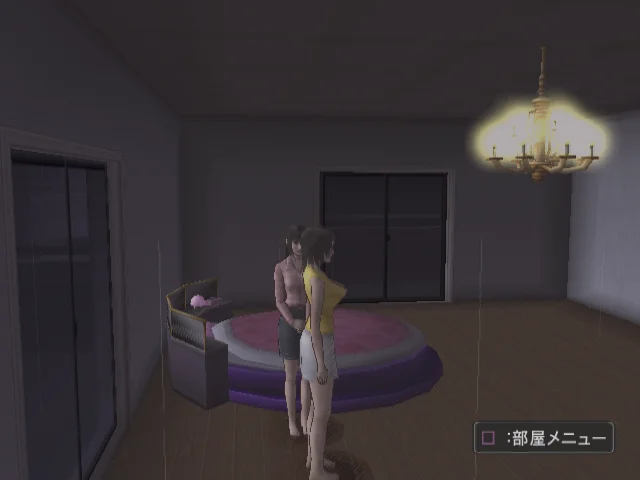
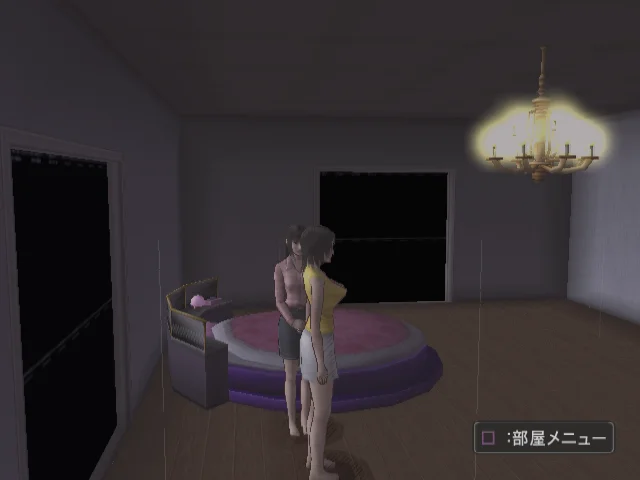
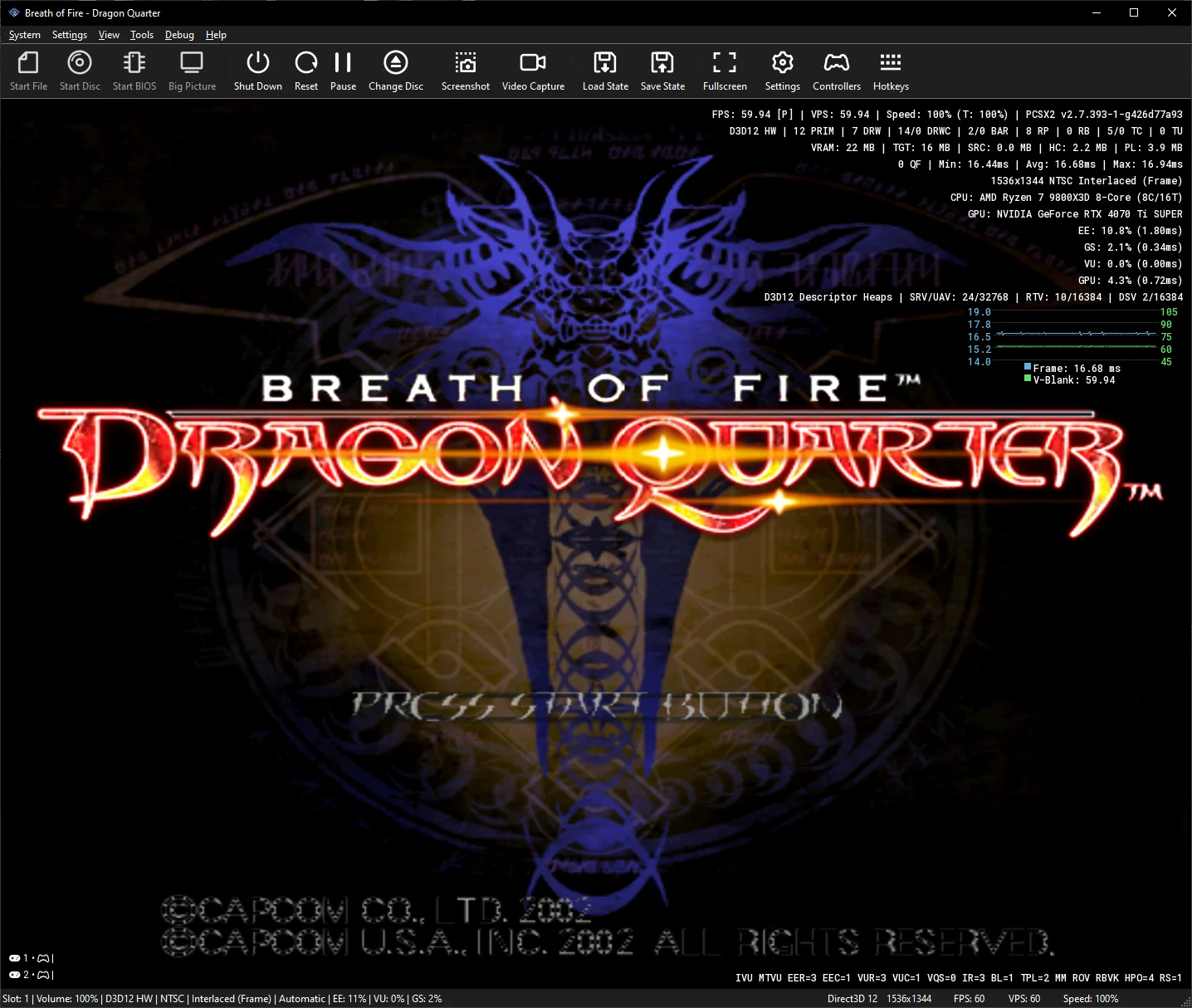
Adjusts CLUT (Color Look-Up Table) Storage Mode 2 behavior to always load palette data directly from local GS memory rather than reusing a cached buffer.
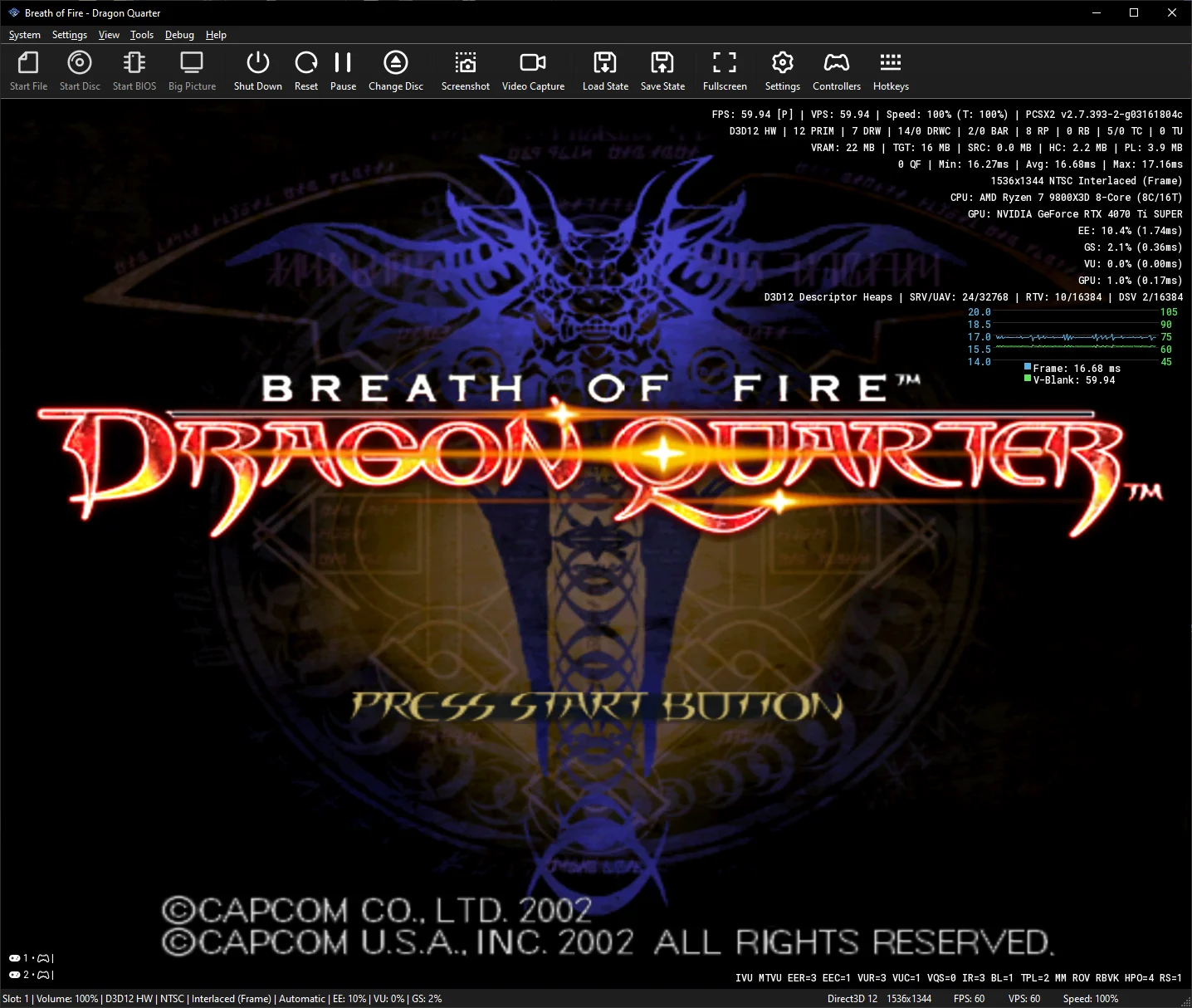
In Breath of Fire: Dragon Quarter, the game loads a palette in Storage Mode 1 (which swizzles the palette entries) and then immediately switches to Storage Mode 2 (which expects linear, sequential data). Reusing the swizzled buffer caused palette indexing errors, creating speckled black holes across dialogue and menu fonts. Reading directly from local GS memory for Storage Mode 2 restores clean, legible text.
Breath of Fire - Dragon Quarter:
Adds a new Hardware Download Mode option, Accurate (Force Full), under Advanced Graphics settings.
Some games issue multiple small, partial GPU-to-CPU readbacks per frame, which is much more cumbersome than doing a single consolidated readback. In games like SSX and Armored Core 3, forcing one full readback can provide a noticeable performance boost.

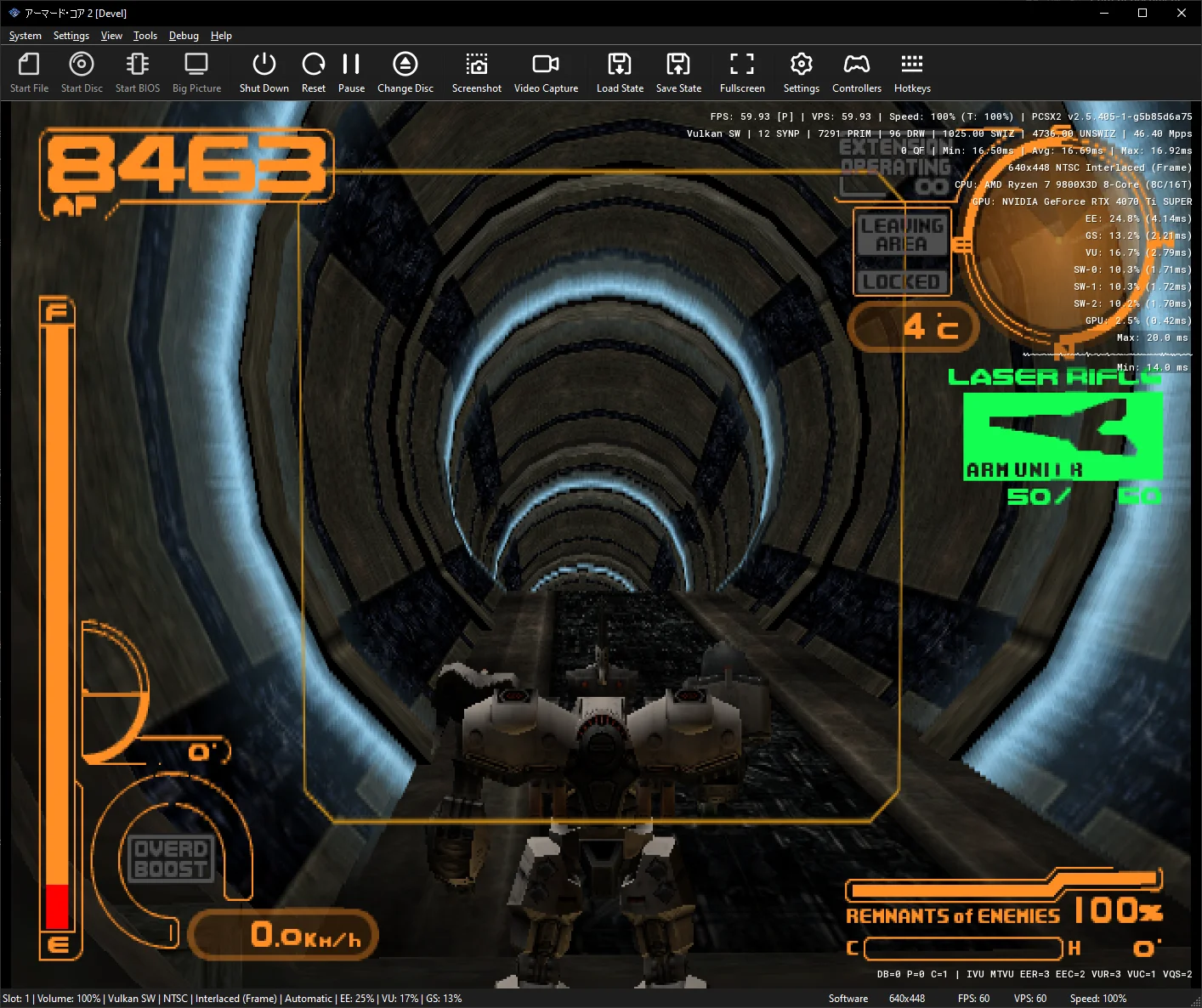
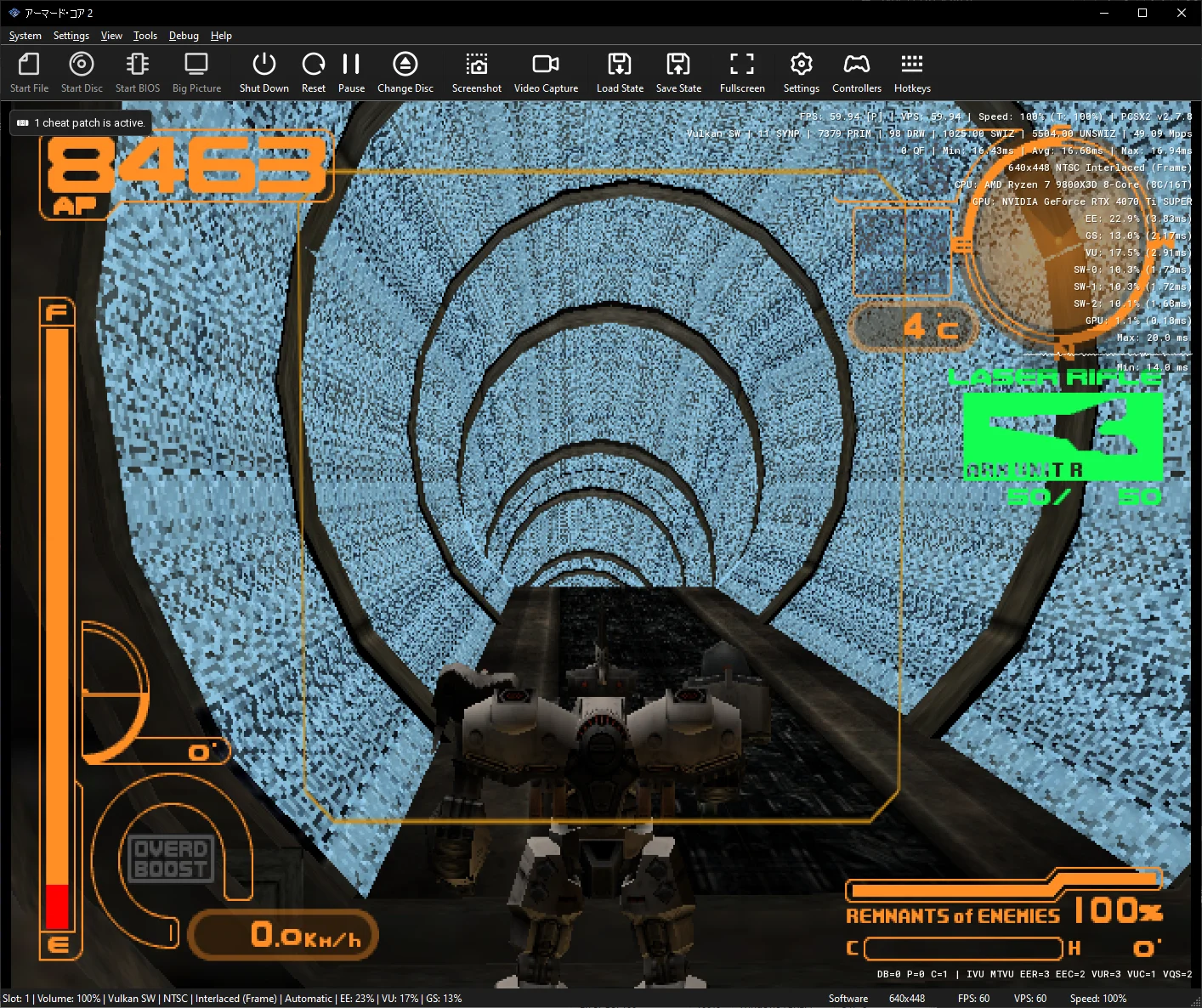
GS local-to-local transfers are essentially memory copies within VRAM. Games can reverse the horizontal or vertical copy direction, but when the source and destination overlap, this can cause PCSX2 to overwrite source data before it has been read.
Original hardware avoids this problem with its GS page cache. Because PCSX2 performs these transfers without a cache, it now overrides unsafe reversed copies with a forward copy. This fixes heavily corrupted lighting and textures in Armored Core 2.
Armored Core 2:
Adjusts page invalidation calculations when texture formats don't match between source and destination targets.
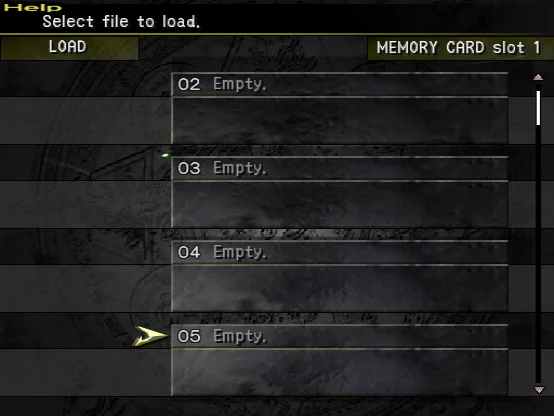
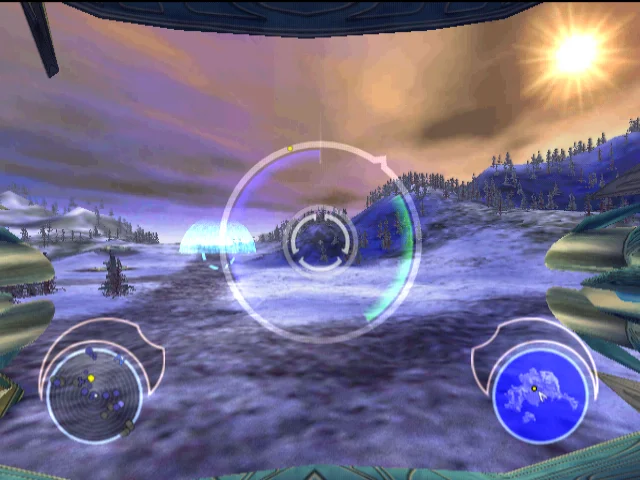
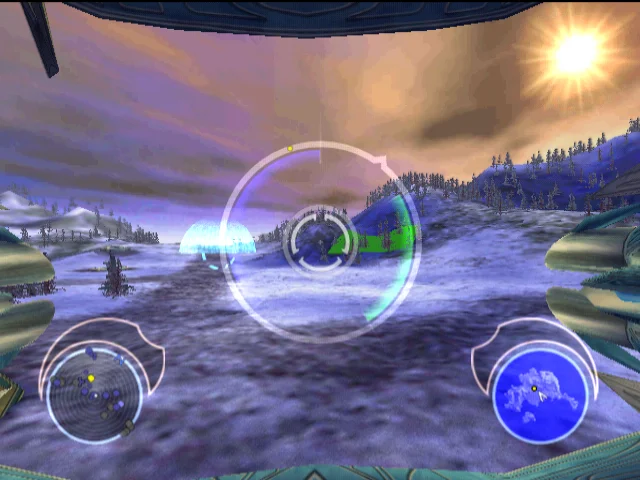
Previously, invalidation rects were calculated using destination block alignment. Because block layouts can be wildly different across formats, partial rects were misaligning and leaving stale texture data behind. When formats don't match, we now invalidate the entire page instead, fixing corrupted text in the Final Fantasy X-2 load menu and broken terrain in Battle Engine Aquila.
Final Fantasy X-2:
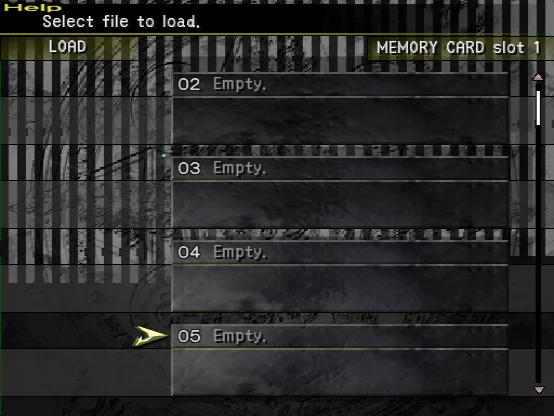
Battle Engine Aquila:
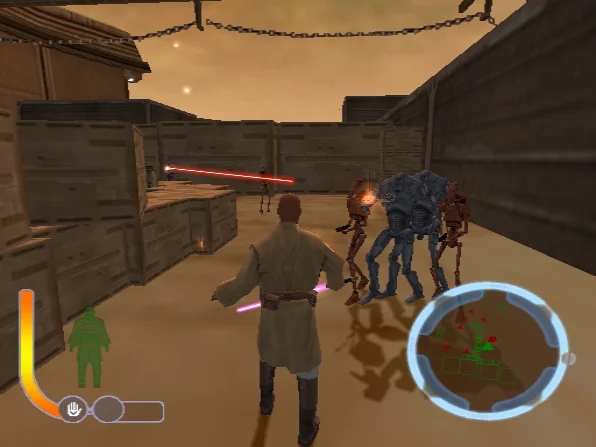
Restricts texture cache invalidation rectangles during EE-to-GS transfers to the actual data dimensions transferred rather than the declared packet size.
In Star Wars: The Clone Wars, the game declares an oversized upload rectangle (16×4096) while only transferring a small fraction (16×96). Previously, passing this declared rectangle to the texture cache erroneously invalidated active framebuffers in adjacent memory, causing the renderer to reload corrupted data. Restricting invalidation to the actual transferred area fixes character model corruption in Star Wars: The Clone Wars.
Star Wars - Clone Wars:
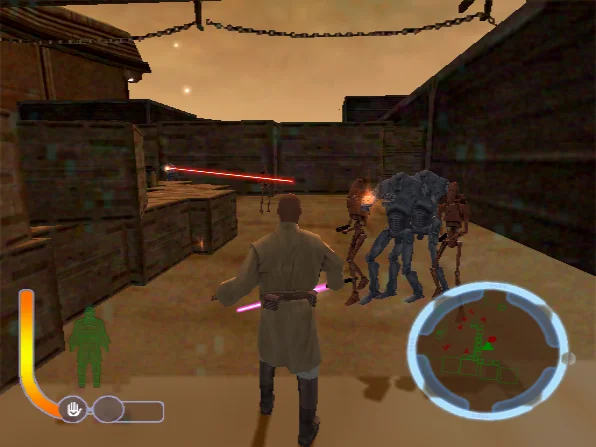
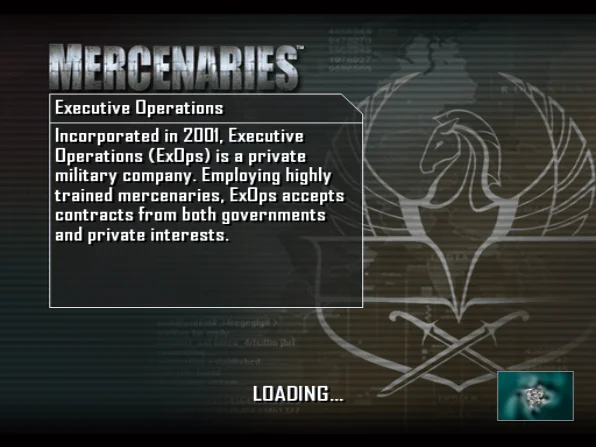
Fixes an issue when merging sequential EE-to-GS transfers targeting the same memory address, ensuring transfer bounding rectangles are properly combined rather than overwritten.
Previously, subsequent transfers to identical addresses were overwriting the stored bounding box instead of expanding it. When this rectangle was later used to determine texture target dimensions, incorrect sizes were calculated. Properly uniting these transfer regions fixes missing graphics on the loading screen in Mercenaries: Playground of Destruction.
Mercenaries:

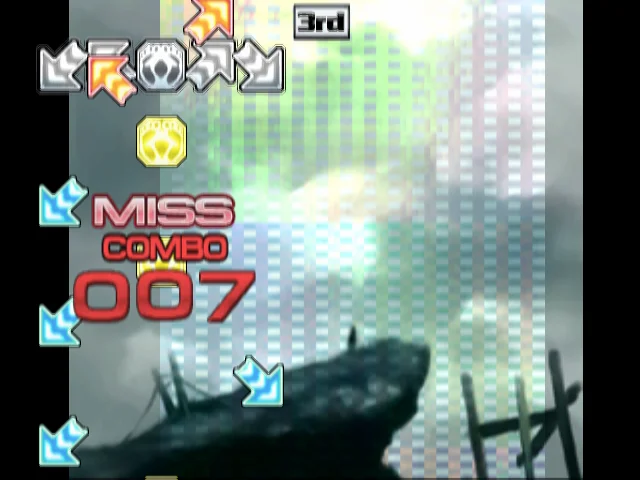
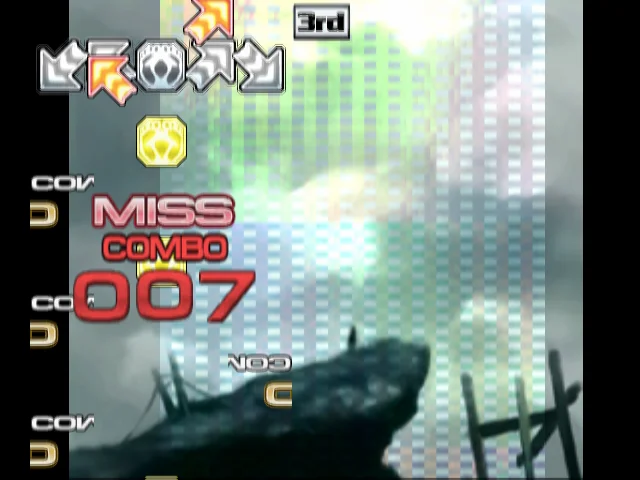
Properly update render targets when linked to an existing source that is in-use (dirty) and overlaps the requested read address in the cache.
If a source texture was updated via EE-to-GS upload (and still in use by a target), there were cases where the texture cache was not updated properly, causing old data to be used. Updating the dirty linked target fixes corrupted arrow sprites in Pump It Up: Exceed.
Pump It Up - Exceed:
Check for overlap in the draw/read area in a scenario where an exact target match is found.
If a target was drawn with an offset and a texture upload was done earlier in the target, matching purely by memory pointer caused the renderer to pick the target and sample uninitialized black pixels instead of triggering an upload. Checking that the rect overlaps the target's valid area fixes black geometry glitches in Devil May Cry.
Devil May Cry:
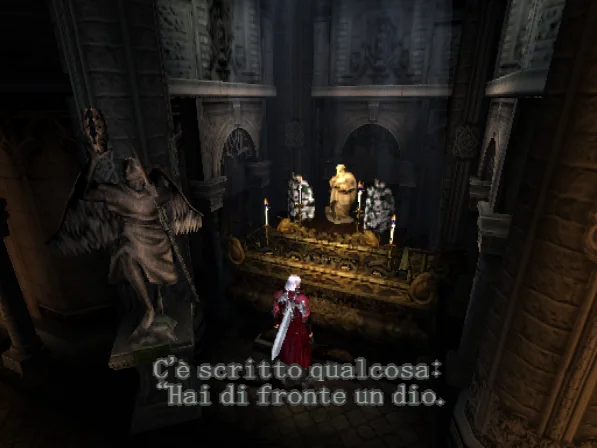
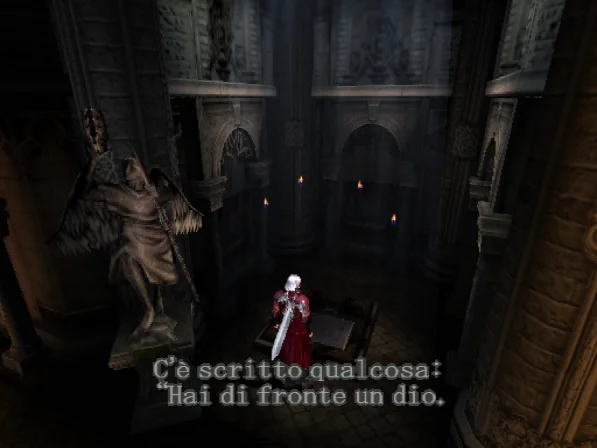
Refactors the GS texture upload handling to use the transfer type for clears instead of a separate variable.
The transfer type field was previously left uninitialized during zero-clears, causing undefined behavior depending on the build and memory state. Explicitly requiring the transfer type eliminates this redundant variable and fixes missing publisher logos during intro and loading screens in Worms 3D.
Resets DC DCT (Discrete Cosine Transform) decoding precision in the IPU during soft resets.
The Image Processing Unit (IPU) is the PS2s MPEG decoder. Primarily used for FMVs. 🤓 ☝️
When the game would send a reset command to the IPU, we were mistakenly not resetting some of the internal IPU state. In particular, the DCT (Discrete Cosine Transform) decoding precision.
Clearing this precision state on reset fixes severe screen flashing during FMV video playback in Critical Velocity.
Footnotes
Footnotes
-
Technically, there's early fragment tests, which can allow you to discard color without depth, but that prevents other things in the shader from separately discarding depth, so PCSX2 currently doesn't use it. ↩
-
D3D11 is stuck copying framebuffers around between every possibly-overlapping triangle for both color and depth due to its lack of texture barriers. This at least means that it can directly sample depth, but don't expect it to be faster than any of the other renderers when doing so. ↩
-
GPUs that support framebuffer fetch have special handling in Metal that doesn't require additional framebuffer copies. We plan to handle framebuffer fetch GPUs in OpenGL similarly, but haven't implemented it yet. ↩
-
Since there's no new Metal-supporting GPUs being produced without framebuffer fetch, we've whitelisted the GPUs that work with the Vulkan in-place style on Metal (AMD RDNA+ and Nvidia) to use it, leaving just older AMD and Intel GPUs on the color copy path. ↩
-
Strictly speaking, Anisotropic Filtering improves sampling where one screen pixel covers more texture pixels in the x axis than the y axis (or vice versa). Because of this, while oblique angled objects/floors are often the example used, Anisotropic Filtering also triggers on stretched textures. ↩